
















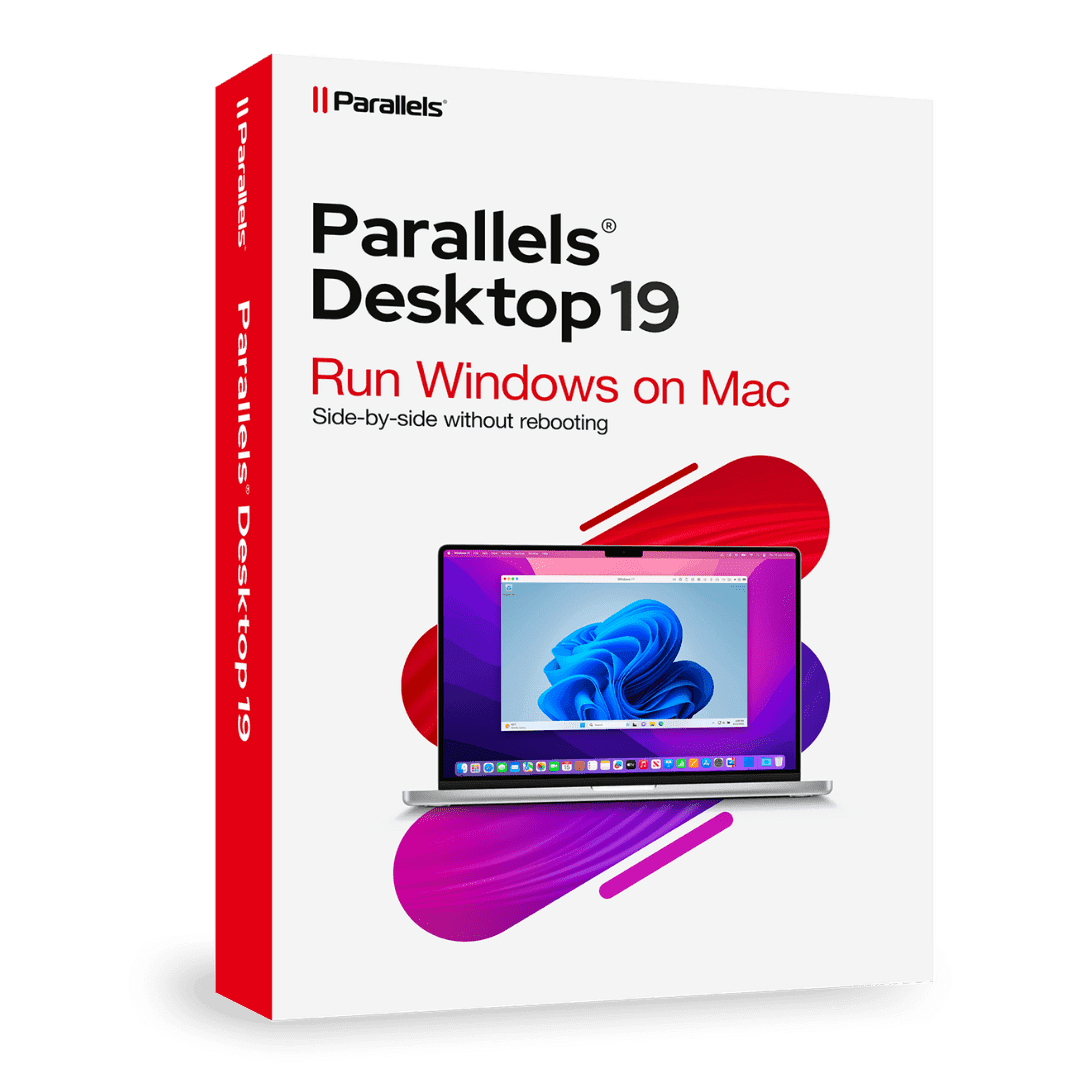

Parallels Desktop Standard 19 Mac

Trusted Shops
Buyer Protection guaranteed refund
Parallels Desktop 19 Standard Original Perpetual or Annual License for Mac
Fast Email Delivery, Official Guarantee and Free Technical Support
Licensel is an Authorised Parallels Reseller. Compatible with Macs featuring Apple Silicon (M1, M2, M3, M4) and Intel chips.
| Language | Italian, Multi-Language |
|---|---|
| License Duration | Perpetual or annual |
| Operating System | macOS |
| Users | 1 |
Parallels Desktop 19 Standard lets you run Windows on a Mac without rebooting, with Windows applications side by side with macOS ones. It is available both as a perpetual license and as an annual license, and is the choice of anyone seeking a proven version at a contained cost. The license is delivered by email with the activation code.
Why choose Parallels Desktop 19 Standard for Mac
Parallels Desktop is almost always sold on annual renewal: you pay every year and the day you stop paying the program stops opening the virtual machines. The 19 Standard is one of the two versions in the catalogue that also exist as a perpetual license, and for anyone using Windows on a Mac once a week that is the difference that counts.
The arithmetic is simple: whoever opens the business software or the bank application a few times a month pays three times over three years with the annual license; with the perpetual they pay once and the program stays installed. In exchange the 19 asks you not to chase the very latest macOS releases. Anyone wanting the perpetual on a more up-to-date Mac will find the 20 Standard, anyone on a recent macOS who accepts the renewal will find the 26.
What Parallels Desktop 19 Standard for Mac is and what it is for
Parallels Desktop 19 Standard runs Windows inside macOS without restarting the Mac: you install the program, create the virtual machine and Windows opens in a window or full screen, with its applications side by side with the Mac ones.
Folders, clipboard and printers are shared between the two systems, files are dragged from one side to the other and Windows documents can be opened with a double click from the Finder. This version is available in two forms, perpetual with no expiry and annual renewable, and the license is valid for one user on one Mac.
How files move between the two systems, with no surprises
- The Mac user folder opens from Windows
Desktop, Documents and Downloads appear in Windows as if they were its own. A file saved there by Word is immediately on the Mac, with no copying it twice. - The clipboard is shared in both directions
Text and images copied in a Mac program paste into a Windows one and the other way round. It is the function you use a hundred times a day without noticing. - Dragging a file from one window to the other works
You take an attachment from the Mac mail and drop it on the Windows desktop. Underneath it is a copy, so the file ends up taking space twice. - The Mac printers appear already set up
You install no driver inside Windows: printing goes through the Mac, which already knows how to talk to the printer. - The virtual machine's disk is a single package
The whole of Windows sits inside one item in the Parallels folder. It moves and copies like a file, but it weighs tens of gigabytes. - That package should be excluded from system backups
If Time Machine includes it, every backup redoes tens of gigabytes for one line changed in a document. It is worth checking the exclusion once and for all. - Big files are better passed through the shared folder
Using a network folder between the two systems works but is slower. The shared folder goes straight through the disk. - What does not move from one system to the other
Programs and their licenses stay where they are installed. A device that insists on its own driver has to be assigned to Windows or to the Mac, not to both at once.
Feature overview of Parallels Desktop 19 Standard for Mac
| Feature | Included |
|---|---|
| Step by step guided Windows installation | ✔ |
| Automatic tuning based on the stated use | ✔ |
| Sound and microphone passed to the guest machine | ✔ |
| USB devices assigned on the fly | ✔ |
| Closing that saves the state instead of shutting down | ✔ |
| Screen resolution adapted by itself | ✔ |
| Program updates without redoing the guest system | ✔ |
| Linux chosen from a list and installed automatically | ✔ |
Comparison: perpetual license and annual license of Parallels Desktop
| Aspect | Perpetual | Annual |
|---|---|---|
| How many times you pay | Once only | Every year |
| What happens if you do not renew | Nothing, it stays yours | The virtual machines no longer open |
| Spend over three years | Lower | Higher |
| Upgrades to the next version | ✘ | ✔ |
| Windows inside macOS without restarting | ✔ | ✔ |
| Shared folders, clipboard and printers | ✔ | ✔ |
| Who it is meant for | Occasional use, stable Mac | Daily use, always updated Mac |
System requirements
Parallels Desktop 19 Standard for Mac is compatible with macOS on Macs with Apple Silicon and Intel chips. For compatibility with your macOS version and the detailed requirements, see the "Requirements" tab on the product page.
Why are licenses priced so low?
As these are retail licenses previously owned and decommissioned by the former holder in accordance with EU Court ruling C-128/2011, they can be purchased at a more affordable price. These official licenses are fully compliant and guaranteed at the best price on the market.
What do I receive after purchase?
By purchasing this product you will receive the official download of the software from the Parallels website, the license for activation and complete instructions for a correct installation.
Advantages of the Licensel License
- Fast delivery by email
You receive the license and the download link within a few minutes of your order. - Always free support
Our technicians assist you via Live Chat and email, at no additional cost. - Invoice included
The invoice is issued automatically once the purchase is complete. - Purchase protected by Trusted Shops
As a Trusted Shops partner shop, your order is protected by the official buyer guarantee.
How to buy and activate
- Choose your edition
Select the version you need and complete your order in a few clicks. - Receive the license by email
Within a few minutes you receive the official download link and the license for activation. - Install and activate
Download the software from the manufacturer's official website and enter the license to complete activation. - Support included
For any question our technicians are available via Live Chat and email.
How to download and install Parallels Desktop 19 Standard for Mac
After purchase you receive the activation code and the official download link by email. Download Parallels Desktop from parallels.com, install it on macOS and enter the code you received: on first launch the wizard offers to download Windows or import an existing virtual machine. Within minutes the system is ready to use. If you prefer to be guided step by step, our technicians can assist you during installation.
Need help with installation?
No problem: our technicians are available via the Live Chat at the bottom right of the website to assist you in real time.
Frequently asked questions
What is the difference from versions 20 and 26?
Is a perpetual license available?
Can I run Linux too?
Do I need a separate Windows license?
Does it work on Macs with Apple Silicon?
DIGITAL Delivery
Guaranteed instant delivery
Customer Support
Always available.
Money-back guarantee
Total satisfaction guarantee.
TrustedShops
Buy with certified confidence.