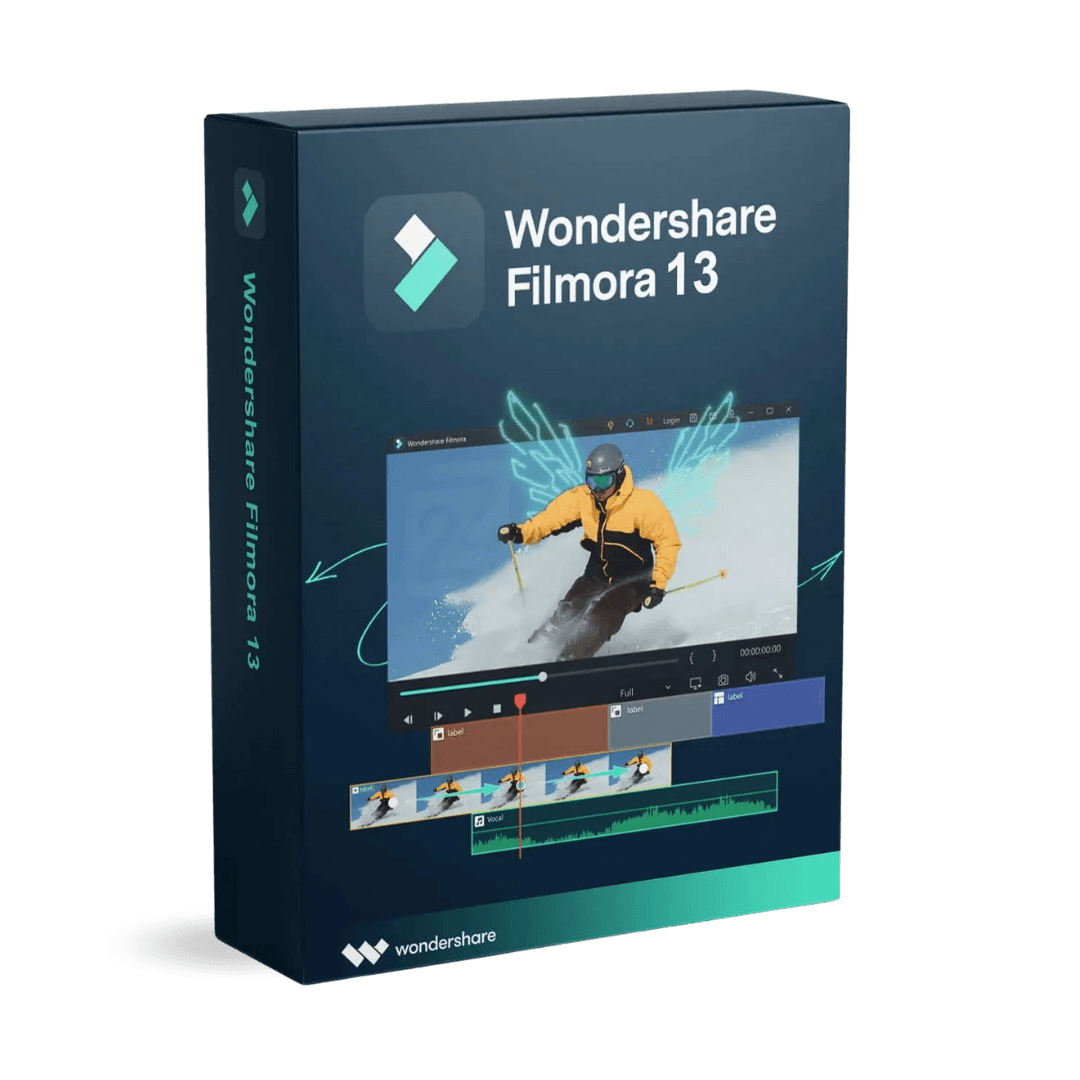
Wondershare Filmora 13

Trusted Shops
Buyer Protection guaranteed refund
Wondershare Filmora 13 Original Perpetual License for Windows and Mac
Best Price Guaranteed by Licensel.com, Invoice Included and Always Free Support
| Language | Italian, Multi-Language |
|---|---|
| License Duration | Perpetual (no expiry) |
| Operating System | Windows and macOS, depending on the variant |
| Users | 1 |
Wondershare Filmora 13 is the version with the broadest set of artificial intelligence tools: it automatically generates subtitles from speech, removes the background without a green screen and speeds up the most repetitive editing operations. It is the choice of creators and small businesses publishing videos regularly. The license is perpetual and is delivered with its product key.
Why choose Wondershare Filmora 13
The slow part of editing is not the cutting: it is the subtitles to type by hand, the background to cut out frame by frame and the music to find. The 13 goes straight at those steps, and for anyone producing videos regularly that is where the hours are recovered.
Subtitles are generated from the speech and then corrected, the background is removed without a green screen, a subject is isolated with automatic masking and a music track is generated at the length needed. Anyone editing a few videos a year will not notice the difference and can take the 12, which costs less; anyone editing one a week pays it back in the first month. The license is perpetual for one device.
What Wondershare Filmora 13 is and what it is for
Filmora 13 keeps the range's simple approach, with a multi-track timeline and effects dragged onto the clip, and adds a set of automatic tools that tackle the slowest editing operations.
Subtitles are generated from speech and synchronised with the video, ready to correct if needed. Background removal works without a green screen, useful for talking-head videos meant for social media. Under the new functions there is still a complete ordinary editor, and that is what you use most of the time: the automatic part saves you the tedious steps, not the cutting work.
How to keep editing fluid on an ordinary computer
- The problem is hardly ever the program
Very high definition footage straight out of the camera has to be decompressed in real time at every move. It is the format of the files, not the software, that makes the preview stutter. - Light copies solve ninety per cent of the stuttering
The program creates reduced versions of the clips and you edit on those, then it uses the originals only for the final export. It is the function that changes your day. - The preview does not have to run at full quality
Lowering it to a half or a quarter makes editing smooth and does not touch the final result in any way. - The graphics card does much of the work
If acceleration is off, the whole weight falls on the processor. It is the first setting to check on a computer that struggles. - Effects are added after the edit is closed
Stabilisation, colour correction and transitions have to be calculated. Putting them in at the start means dragging them along at every change to the cut. - Files are worked from the internal disk, not from the card
Editing straight from the memory card or from a disk connected to the network is the commonest cause of sudden freezes. - The temporary copies folder has to be emptied now and then
It grows quietly and reaches tens of gigabytes. It is emptied with the project closed, not in the middle. - What settings do not solve
With eight gigabytes of memory and a mechanical disk, a long project in very high definition will stay hard work. There the answer is the machine, not the program.
Feature overview of Wondershare Filmora 13
| Feature | Included |
|---|---|
| Recording of the screen and the webcam together | ✔ |
| Automatic splitting of the scenes of a long clip | ✔ |
| Masks and keyframes on individual elements | ✔ |
| Speed adjustable with custom curves | ✔ |
| Library of music and sounds usable in the projects | ✔ |
| Reduced quality preview on less powerful computers | ✔ |
| Direct export to the video platforms | ✔ |
| Projects transferable between Windows and Mac | ✔ |
Comparison: Filmora 12 vs Filmora 13
| Feature | Filmora 12 | Filmora 13 |
|---|---|---|
| Multi-track timeline editing | ✔ | ✔ |
| Included transitions, titles and effects | ✔ | ✔ |
| Colour correction and stabilisation | ✔ | ✔ |
| Automatic background removal | ✔ | ✔ |
| Tools based on artificial intelligence | Basic | Extended |
| Automatic subtitle generation | ✘ | ✔ |
| Export up to 4K | ✔ | ✔ |
| License type | Perpetual | Perpetual |
System requirements
Wondershare Filmora 13 is compatible with Windows 10, Windows 11 and macOS. For compatibility with your macOS version and the detailed requirements, see the "Requirements" tab on the product page.
Why are licenses priced so low?
As these are retail licenses previously owned and decommissioned by the former holder in accordance with EU Court ruling C-128/2011, they can be purchased at a more affordable price. These official licenses are fully compliant and guaranteed at the best price on the market.
What do I receive after purchase?
By purchasing this product you will receive the official download of the software from the Wondershare website, the license for activation and complete instructions for a correct installation.
Advantages of the Licensel License
- Fast delivery by email
You receive the license and the download link within a few minutes of your order. - Always free support
Our technicians assist you via Live Chat and email, at no additional cost. - Invoice included
The invoice is issued automatically once the purchase is complete. - Trusted Shops guarantee
Licensel is a Trusted Shops partner shop: every order is covered by the official buyer guarantee.
How to buy and activate
- Choose your edition
Select the version you need and complete your order in a few clicks. - Receive the license by email
Within a few minutes you receive the official download link and the license for activation. - Install and activate
Download the software from the manufacturer's official website and enter the license to complete activation. - Support included
For any question our technicians are available via Live Chat and email.
How to download and install Wondershare Filmora 13
The download takes place from the official Wondershare website through the link you receive by email. Download the installer, run it and enter the license you received to complete activation. The operation takes a few minutes and requires no special configuration. If you prefer to be guided step by step, our technicians can assist you during installation.
Need help with installation?
No problem: our technicians are available via the Live Chat at the bottom right of the website to assist you in real time.
Frequently asked questions
What is the difference from Filmora 12?
Are automatic subtitles reliable?
Is the license perpetual?
Do I need editing experience?
Does it work on Mac?
DIGITAL Delivery
Guaranteed instant delivery
Customer Support
Always available.
Money-back guarantee
Total satisfaction guarantee.
TrustedShops
Buy with certified confidence.