










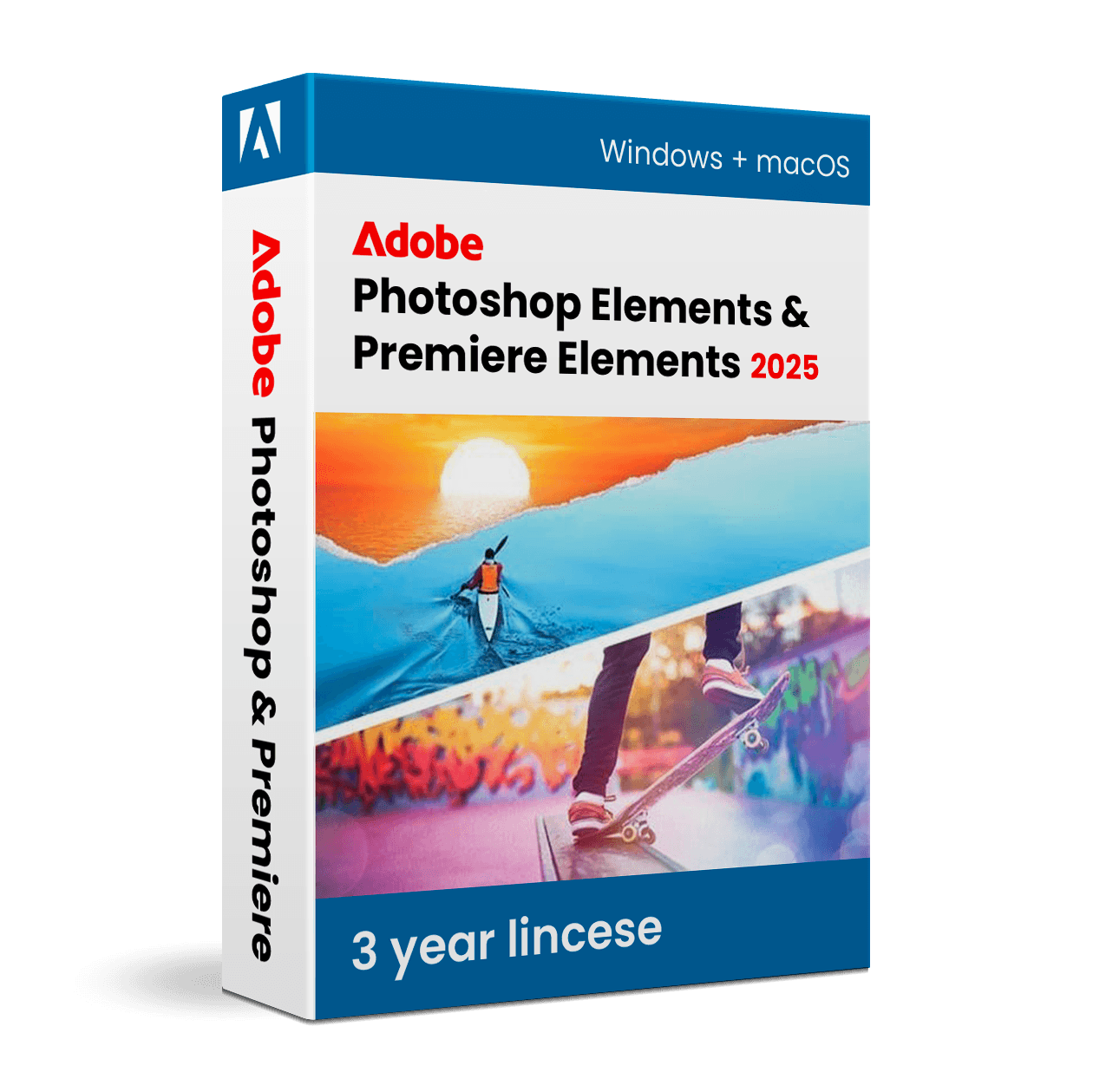

Adobe Photoshop Elements + Premiere Elements 2025

Trusted Shops
Buyer Protection guaranteed refund
Adobe Photoshop Elements + Premiere Elements 2025 Original Three-Year License
Trusted Shops Guarantee, Fast Email Delivery and Technical Support Included
Bundle made up of Photoshop Elements and Premiere Elements: a single code activates both programs, with a three-year license.
| Language | Italian, Multi-Language |
|---|---|
| License Duration | 3 years |
| Operating System | Windows and macOS |
| Users | 1 user, 2 devices |
Adobe Photoshop Elements + Premiere Elements 2025 is the bundle that combines photo editing and video editing in a single solution, with a shared Organizer cataloguing photos and footage in the same archive. It is designed for families, enthusiasts and small businesses that document events, trips and projects and want to move smoothly from a single image to a finished video. The license runs for three years and is delivered with a single product key valid for both programs.
Why choose Adobe Photoshop Elements + Premiere Elements 2025
Photos and videos almost always come from the same event: a wedding, a holiday, a shop opening. Keeping them in separate programs and different archives complicates life, because still images often end up inside the video edit and frames extracted from footage become photographs to correct. The bundle solves this with a single archive and two editors that talk to each other.
Cost is the other reason: bought together, the two programs cost less than they would separately. It is the natural choice for anyone who already knows they need both, while those working only with photography or only with video can go for the individual product.
What Adobe Photoshop Elements + Premiere Elements 2025 is and what it is for
The bundle includes two distinct applications sharing the Organizer, the archive that automatically recognises faces, places and events and gathers both photographs and footage. Photoshop Elements works on images with guided edits, automatic subject selection and removal of unwanted elements. Premiere Elements works on video with a multi-track timeline, transitions, titles, colour correction and stabilisation.
In practice the flow is continuous: you import a day's material, select and correct the best photos, edit the film adding the already adjusted still images, add a soundtrack and export the result for the web, for social media or for high quality preservation. Both programs offer guided modes for beginners and expert modes for anyone wanting full control.
Photos inside video and frames inside photos: what works
- A still photo in a video needs movement
An image standing still for five seconds stops the story. A slow push in or a pan keeps it alive, which is why this effect has always existed. - To move inside a photo it has to be bigger than the screen
If the image is exactly the size of the video, enlarging breaks it up. With a generous photo the movement stays sharp to the end. - Vertical photos in a horizontal video have to be handled
Filling the sides with a blurred version of the same image is the cleanest solution. Distorting them to make them fit always shows. - A frame extracted from video is not a photograph
It has the resolution of the video and the blur of the movement. It is fine for a preview or for the web, not for a print. - Better to take photographs while filming
Almost all cameras take stills during recording. Thirty seconds of extra attention are worth more than any recovery done afterwards. - Corrections made on the photos have to be repeated on the video
The two programs do not share the adjustments. If the photos have been warmed and the video has not, the montage leaps out at you. - It is better to export the photos already at the video's size
Preparing the images in the right format and size before taking them into the edit avoids slow recalculations at every preview. - What cannot be done in either of them
Turning shaky video into sharp photographs. The sharpness that was not recorded is not added afterwards.
Feature overview of Adobe Photoshop Elements + Premiere Elements 2025
| Feature | Included |
|---|---|
| Searching the photos by face and by place | ✔ |
| Automatic recognition of duplicate shots | ✔ |
| Collections and reminders created by event | ✔ |
| Direct sending to the printing services | ✔ |
| Slideshows with music generated automatically | ✔ |
| Correction of the perspective in photos of buildings | ✔ |
| Removal of unwanted objects from the background | ✔ |
| The same license valid on Windows and on Mac | ✔ |
Comparison: Photoshop Elements vs Premiere Elements
| Area | Photoshop Elements | Premiere Elements |
|---|---|---|
| Photo retouching and image correction | ✔ | ✘ |
| Video editing and transitions | ✘ | ✔ |
| Shared Organizer for photos and videos | ✔ | ✔ |
| Step-by-step guided edits | ✔ | ✔ |
| Automatic AI tools | ✔ | ✔ |
| Collages, compositions and prints | ✔ | ✘ |
| Audio correction and soundtrack | ✘ | ✔ |
| License | 3 years | 3 years |
System requirements
Adobe Photoshop Elements + Premiere Elements 2025 is compatible with Windows 10, Windows 11 and macOS. For compatibility with your macOS version and the detailed requirements, see the "Requirements" tab on the product page.
Why are licenses priced so low?
As these are retail licenses previously owned and decommissioned by the former holder in accordance with EU Court ruling C-128/2011, they can be purchased at a more affordable price. These official licenses are fully compliant and guaranteed at the best price on the market.
What do I receive after purchase?
By purchasing this product you will receive the official download of the software from the Adobe website, the license for activation and complete instructions for a correct installation.
Advantages of the Licensel License
- Fast delivery by email
You receive the license and the download link within a few minutes of your order. - Always free support
Our technicians assist you via Live Chat and email, at no additional cost. - Invoice included
The invoice is issued automatically once the purchase is complete. - Trusted Shops partner shop
The official Trusted Shops guarantee protects every purchase made on Licensel.
How to buy and activate
- Choose your edition
Select the version you need and complete your order in a few clicks. - Receive the license by email
Within a few minutes you receive the official download link and the license for activation. - Install and activate
Download the software from the manufacturer's official website and enter the license to complete activation. - Support included
For any question our technicians are available via Live Chat and email.
How to download and install Adobe Photoshop Elements + Premiere Elements 2025
The download takes place from the official Adobe website through the link you receive by email. Download the package for your operating system, start the installation and follow the wizard: on first launch the program asks for the license you received to complete activation. The operation takes a few minutes. If you prefer to be guided step by step, our technicians can assist you during installation.
Need help with installation?
No problem: our technicians are available via the Live Chat at the bottom right of the website to assist you in real time.
Frequently asked questions
What exactly does the bundle include?
Do I need a different code for each program?
Is it cheaper than buying them separately?
Are photos and videos managed in the same archive?
Do I need experience to use them?
DIGITAL Delivery
Guaranteed instant delivery
Customer Support
Always available.
Money-back guarantee
Total satisfaction guarantee.
TrustedShops
Buy with certified confidence.





















