












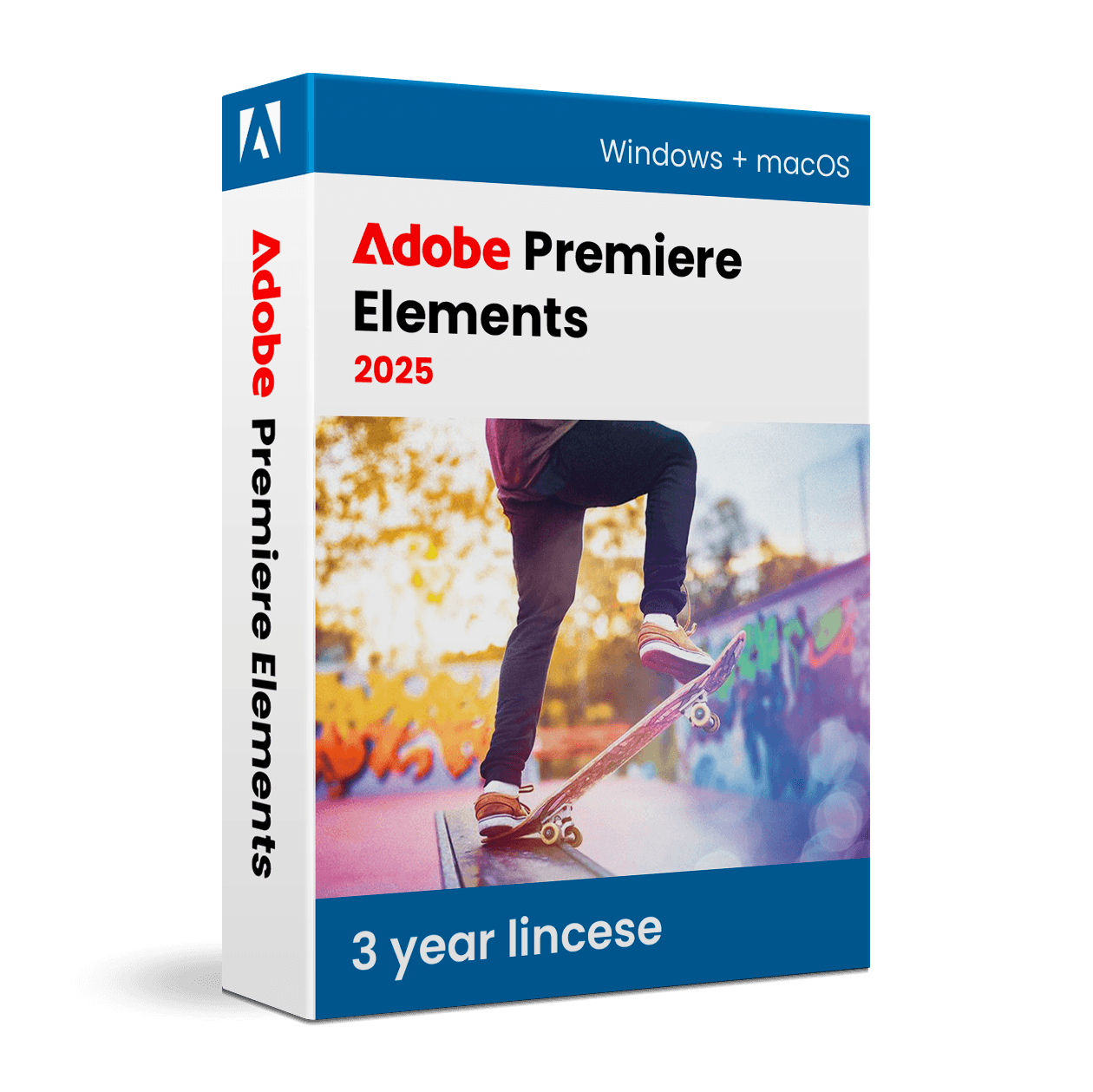
Adobe Premiere Elements 2025

Trusted Shops
Buyer Protection guaranteed refund
Adobe Premiere Elements 2025 Original Three-Year License for Windows and Mac
Trusted Shops Guarantee, Fast Email Delivery and Technical Support Included
| Language | Italian, Multi-Language |
|---|---|
| License Duration | 3 years |
| Operating System | Windows and macOS |
| Users | 1 user, 2 devices |
Adobe Premiere Elements 2025 is the video editing software for anyone who wants polished films without being a professional editor. The guided edits explain step by step how to achieve an effect or fix a problem, while the automatic tools sort out colour, audio and stabilisation. It is the choice of families, beginner creators and small businesses producing videos for social media and presentations. The three-year license is delivered with its product key.
Why choose Adobe Premiere Elements 2025
Video editing intimidates more than photo retouching, because on top of cuts come audio, transitions, titles and export. Premiere Elements tackles the problem by reducing decisions: guided procedures take you from raw material to finished film explaining every step, and the trickiest technical corrections, such as balancing colour between different takes or stabilising handheld footage, are solved with a single command.
Compared with Premiere Pro, which is the tool of professional productions, Elements costs far less, comes with a three-year license and has an interface requiring no training. It does not handle complex workflows, advanced colour grading or collaboration between several editors, but for family videos, social content and company presentations it covers everything needed.
What Adobe Premiere Elements 2025 is and what it is for
Premiere Elements 2025 gathers video material in the Organizer, the same archive shared with Photoshop Elements, and brings it into the Editor where you work on a multi-track timeline. You cut clips, add transitions, titles and music, correct colour and audio and export in the format required by the final destination.
The three editing modes suit different levels of experience: quick mode assembles a film in a few steps, guided mode teaches how to create specific effects such as slow motion or background replacement, while expert mode leaves full control over tracks, transitions and audio levels. Export goes up to 4K, with presets ready for the main social platforms.
How to tell a holiday in three minutes instead of forty
- Nobody watches forty minutes, not even the people who were there
The first cut to make is mental: you decide the length before opening the program. Three minutes are watched to the end and watched again. - You choose a story, you do not just put everything in date order
The day of the trip, the arrival, the dinner: a thread holds the edit together. A chronological row of clips is a list, not a tale. - Every shot lasts less than it seems
On a static piece three seconds are enough, on a movement five. Whoever keeps the clips long loses the viewer without noticing. - The first cut is made by removing, not adding
You start from the good footage and take away until every piece serves a purpose. If a clip can be removed with nothing missing, it has to go. - Cutaway shots save every transition
A detail, a landscape, hands doing something: they cover the cuts and give room to breathe. It is worth filming two minutes of them on purpose every day of the trip. - The music sets the rhythm, so it is chosen first
Editing over a track already decided makes the cuts fall in the right place almost by themselves. Adding it at the end forces you to redo the edit. - The ending is decided before the rest
Knowing which image closes it changes the order of everything that comes before. A video that ends because the footage ran out can be heard. - What adding effects does not improve
Elaborate transitions and animated text do not save a long edit with no rhythm. If anything they make it longer.
Feature overview of Adobe Premiere Elements 2025
| Feature | Included |
|---|---|
| Effects applicable by dragging them onto the clip | ✔ |
| Animated titles chosen from a ready collection | ✔ |
| Music that fits itself to the length of the edit | ✔ |
| Slow motion playback of a chosen stretch | ✔ |
| Vertical clips fitted to the horizontal screen | ✔ |
| Colour correction with a side by side preview | ✔ |
| Direct sharing of the finished video | ✔ |
| Projects openable on the other platform too | ✔ |
Comparison: Photoshop Elements vs Premiere Elements
| Area | Photoshop Elements | Premiere Elements |
|---|---|---|
| Photo retouching and image correction | ✔ | ✘ |
| Video editing and transitions | ✘ | ✔ |
| Shared Organizer for photos and videos | ✔ | ✔ |
| Step-by-step guided edits | ✔ | ✔ |
| Automatic AI tools | ✔ | ✔ |
| Collages, compositions and prints | ✔ | ✘ |
| Audio correction and soundtrack | ✘ | ✔ |
| License | 3 years | 3 years |
System requirements
Adobe Premiere Elements 2025 is compatible with Windows 10, Windows 11 and macOS. For compatibility with your macOS version and the detailed requirements, see the "Requirements" tab on the product page.
Why are licenses priced so low?
As these are retail licenses previously owned and decommissioned by the former holder in accordance with EU Court ruling C-128/2011, they can be purchased at a more affordable price. These official licenses are fully compliant and guaranteed at the best price on the market.
What do I receive after purchase?
By purchasing this product you will receive the official download of the software from the Adobe website, the license for activation and complete instructions for a correct installation.
Advantages of the Licensel License
- Fast delivery by email
You receive the license and the download link within a few minutes of your order. - Always free support
Our technicians assist you via Live Chat and email, at no additional cost. - Invoice included
The invoice is issued automatically once the purchase is complete. - Trusted Shops partner shop
The official Trusted Shops guarantee protects every purchase made on Licensel.
How to buy and activate
- Choose your edition
Select the version you need and complete your order in a few clicks. - Receive the license by email
Within a few minutes you receive the official download link and the license for activation. - Install and activate
Download the software from the manufacturer's official website and enter the license to complete activation. - Support included
For any question our technicians are available via Live Chat and email.
How to download and install Adobe Premiere Elements 2025
The download takes place from the official Adobe website through the link you receive by email. Download the package for your operating system, start the installation and follow the wizard: on first launch the program asks for the license you received to complete activation. The operation takes a few minutes. If you prefer to be guided step by step, our technicians can assist you during installation.
Need help with installation?
No problem: our technicians are available via the Live Chat at the bottom right of the website to assist you in real time.
Frequently asked questions
What is the difference between Premiere Elements and Premiere Pro?
Is the license perpetual or time limited?
Which video formats can I import and export?
Where do I find the product key?
Do I need a powerful computer?
DIGITAL Delivery
Guaranteed instant delivery
Customer Support
Always available.
Money-back guarantee
Total satisfaction guarantee.
TrustedShops
Buy with certified confidence.