
















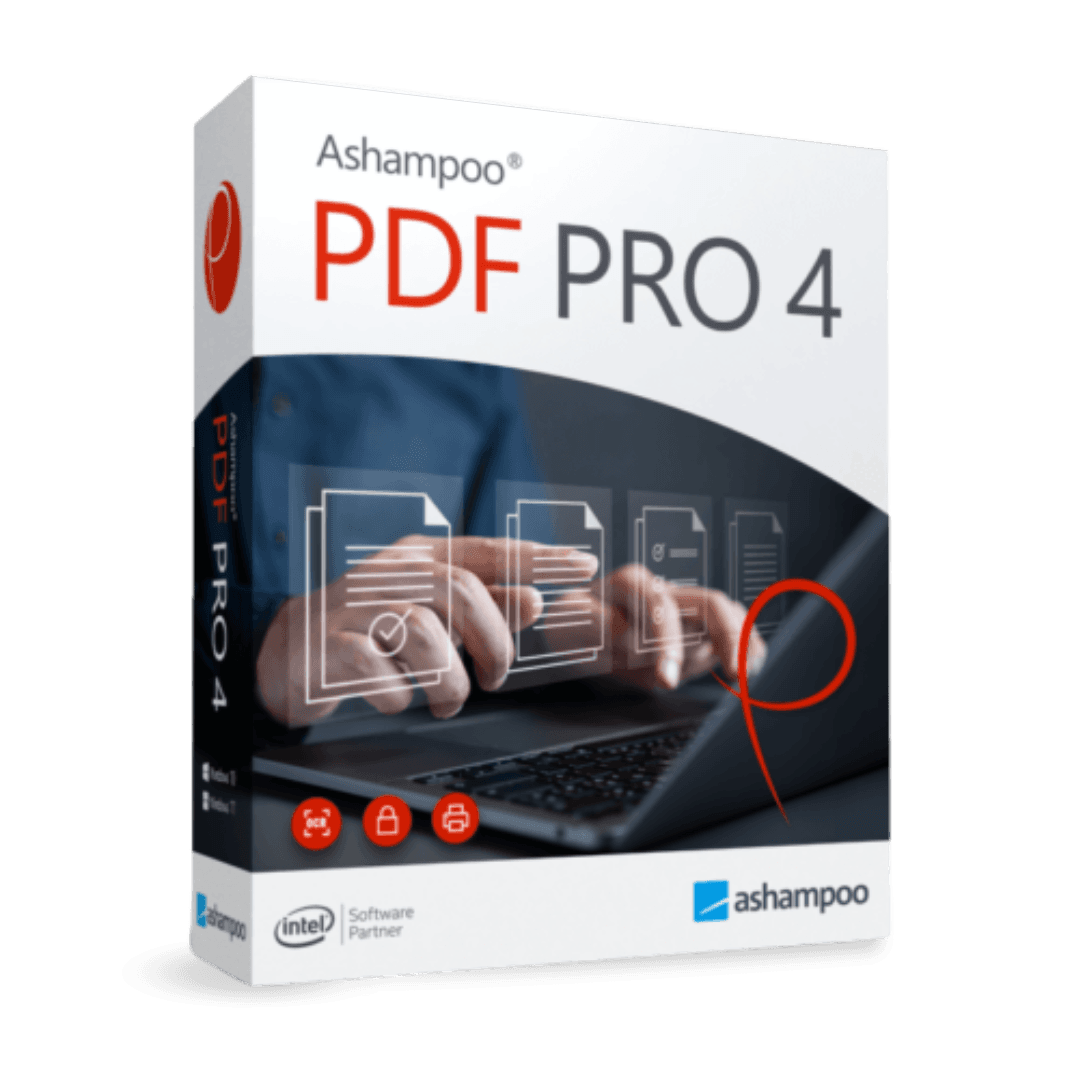

Ashampoo PDF Pro 4

Trusted Shops
Buyer Protection guaranteed refund
Ashampoo Pdf Pro 4 Original Perpetual License for Windows
Trusted Shops Guarantee, Fast Email Delivery and Technical Support Included
| Language | Italian, Multi-Language |
|---|---|
| License Duration | Perpetual (no expiry) |
| Operating System | Windows |
| Users | 1 |
Ashampoo PDF Pro 4 is the complete solution for creating, editing and managing PDF documents as naturally as working on a text file. Designed for offices, professional practices, administrative staff and freelancers, it brings editor, converter, OCR, forms and protection tools together in a single program. This is version 4, with a revised interface, improved performance and comparison between two documents. The license is perpetual and is delivered with its product key.
Why choose Ashampoo Pdf Pro 4
A PDF almost always comes from somebody else, and almost always needs changing: correcting a figure in a quote, turning a scanned page that came out upside down, removing an attachment too many, signing and sending it back. Without an editor you end up reprinting, retyping and rescanning, and that half hour is lost every time.
Ashampoo PDF Pro 4 is the generation before Pro 5 and costs less in the catalogue. It is the right choice for anyone working on documents of normal size who does not need the book view or the 64-bit program, which arrive with Pro 5.
What Ashampoo Pdf Pro 4 is and what it is for
Ashampoo PDF Pro 4 covers the entire PDF document cycle: creation from any program through a virtual printer, direct editing of text and images, page reorganisation, filling in and creating forms, password protection and conversion to Office formats.
Optical character recognition turns scans into selectable, searchable text, recovering paper archives that could otherwise only be read page by page. The compression functions reduce file size while keeping documents readable, useful when a document must be emailed or uploaded to a portal with size limits.
Why a PDF weighs twenty times more than it needs to
- Images are almost always the cause
A phone photo slipped into a page brings with it twelve megapixels nobody will ever see. Reduced to the size at which it appears, it weighs a twentieth. - Scanning at 600 points per inch is not needed for reading
For a text document 200 or 300 points are enough. Double the resolution makes four times the weight and adds nothing to the eye. - Black and white weighs as much as colour, if scanned in colour
A written page scanned in greyscale or in black and white drops drastically. It is the commonest wrong setting in offices. - Fully embedded fonts can be reduced
If fifty letters of the font are needed, there is no point carrying the alphabet of three languages. Partial embedding cuts without changing the look. - The same logo repeated thirty times can sit in the file once
Many documents produced by management programs repeat the same images on every page. Optimisation unifies them. - Text recognition adds little weight and much value
It adds an invisible layer of text over the image. It costs a few tens of kilobytes and makes a whole archive searchable. - The choice is made by looking at the destination
A file to send by email and one to send to the printer have opposite needs: compressing the second ruins the job. - What compressing does not give back
Once the images are reduced there is no going back. You work on a copy and keep the original, always.
Feature overview of Ashampoo Pdf Pro 4
| Feature | Included |
|---|---|
| Merging documents by dragging them into the window | ✔ |
| Automatic numbering of the merged pages | ✔ |
| Extraction of a range of pages into a new file | ✔ |
| Replacement of one page with another | ✔ |
| Weight reduced by choosing the image quality | ✔ |
| Watermark with text or image on the document | ✔ |
| Two files side by side in the same window | ✔ |
| The whole document exportable as images | ✔ |
Comparison: Ashampoo PDF Pro 3 vs PDF Pro 4
| Feature | PDF Pro 3 | PDF Pro 4 |
|---|---|---|
| PDF creation and editing | ✔ | ✔ |
| Conversion to Word, Excel and images | ✔ | ✔ |
| OCR on scanned documents | ✔ | ✔ |
| Fillable forms and digital signature | ✔ | ✔ |
| Password and permission protection | ✔ | ✔ |
| Updated interface and performance | ✘ | ✔ |
| Comparison between two documents | ✘ | ✔ |
| License | Perpetual | Perpetual |
System requirements
Ashampoo Pdf Pro 4 is compatible with Windows 10 and Windows 11. For detailed requirements see the "Requirements" tab on the product page.
Why are licenses priced so low?
As these are retail licenses previously owned and decommissioned by the former holder in accordance with EU Court ruling C-128/2011, they can be purchased at a more affordable price. These official licenses are fully compliant and guaranteed at the best price on the market.
What do I receive after purchase?
By purchasing this product you will receive the official download of the software from the Ashampoo website, the license for activation and complete instructions for a correct installation.
Advantages of the Licensel License
- Fast delivery by email
You receive the license and the download link within a few minutes of your order. - Always free support
Our technicians assist you via Live Chat and email, at no additional cost. - Invoice included
The invoice is issued automatically once the purchase is complete. - Trusted Shops: guaranteed purchase
Licensel is part of Trusted Shops, which protects your purchase with the official buyer guarantee.
How to buy and activate
- Choose your edition
Select the version you need and complete your order in a few clicks. - Receive the license by email
Within a few minutes you receive the official download link and the license for activation. - Install and activate
Download the software from the manufacturer's official website and enter the license to complete activation. - Support included
For any question our technicians are available via Live Chat and email.
How to download and install Ashampoo Pdf Pro 4
The download takes place from the official Ashampoo website through the link you receive by email. Download the installer, run it and follow the wizard: at the end the software asks for the license you received to complete activation. The license is tied to the device on which it is activated. If you prefer to be guided step by step, our technicians can assist you during installation.
Need help with installation?
No problem: our technicians are available via the Live Chat at the bottom right of the website to assist you in real time.
Frequently asked questions
What is the difference between PDF Pro 3 and PDF Pro 4?
Is the license perpetual?
Can I edit a PDF whose original file I do not have?
Where do I find the product key?
Does it work on Mac?
DIGITAL Delivery
Guaranteed instant delivery
Customer Support
Always available.
Money-back guarantee
Total satisfaction guarantee.
TrustedShops
Buy with certified confidence.