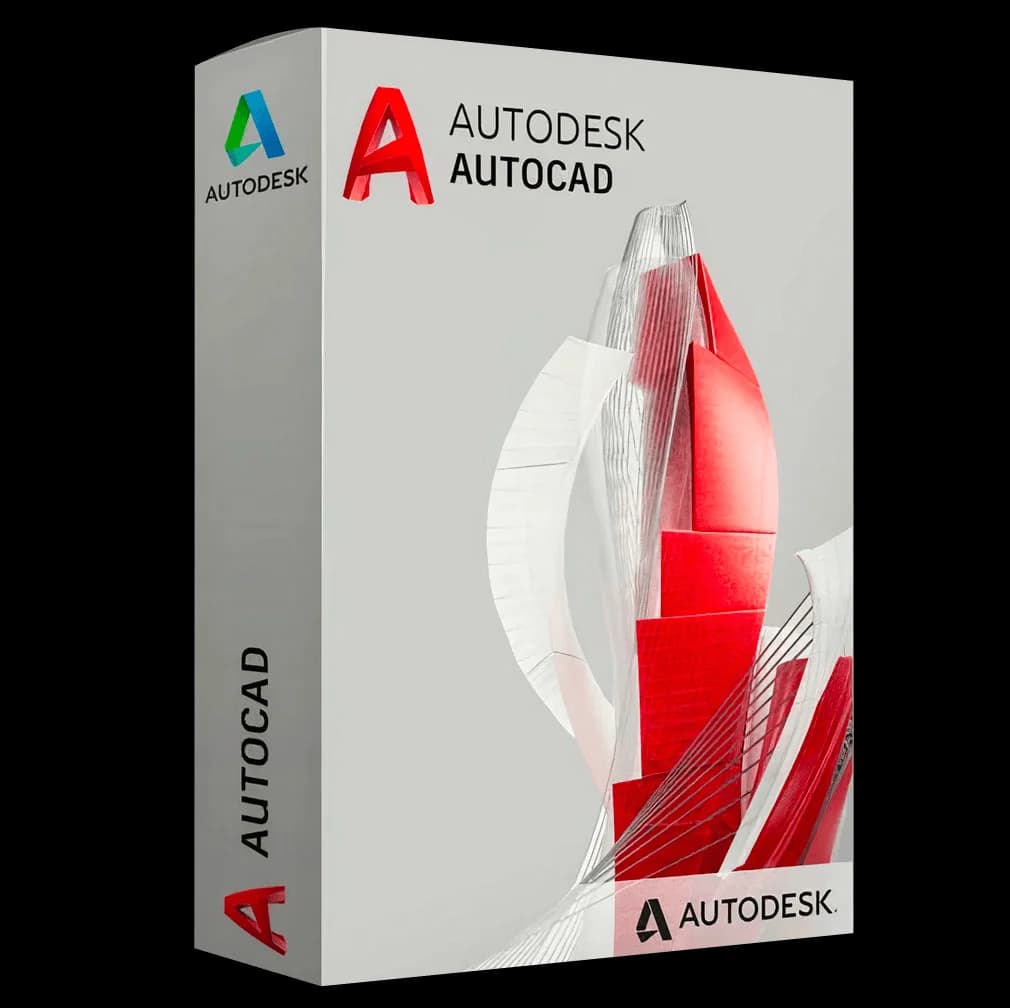

Autodesk AutoCAD Mac

Trusted Shops
Buyer Protection guaranteed refund
Autodesk AutoCAD Mac Original Education License 1 or 3 Years
Trusted Shops Guarantee, Fast Email Delivery and Technical Support Included
License in the Education version, complete with every feature, usable for personal purposes and for learning and training. It carries no watermark and no reference to the Education version in printed files.
| Language | Multi-Language |
|---|---|
| License Duration | Annual and three-year |
| Operating System | macOS |
| Users | 1 |
Autodesk AutoCAD Mac is the AutoCAD version developed for macOS: precise 2D drafting, 3D modelling and the DWG format identical to the Windows version, with a native Mac interface and support for Apple Silicon processors. The specialised toolsets are available on Windows only. The license is in the Education version and is linked to an Autodesk account, with no codes to enter.
Why choose Autodesk AutoCAD Mac
Anyone working on a Mac who has to draw has asked the question at least once: is AutoCAD on macOS the real program or a makeshift port? The answer is that it is a version developed on purpose, with the interface built on Mac conventions rather than on the Windows ribbon.
The point that really matters is the format: the DWG is exactly the same bit for bit, so a drawing moves back and forth between a Mac and a PC with no conversion and without anyone noticing. One difference remains, and it should be known before buying: the specialised toolsets for architecture, mechanical and electrical exist only in the Windows version.
What Autodesk AutoCAD Mac is and what it is for
AutoCAD for Mac has the same drawing engine as the Windows version: coordinates, layers, blocks, external references, associative dimensions and solid and surface modelling. What changes is how you get there, because the interface follows macOS conventions, with the tool palette instead of the ribbon and support for gestures and trackpad.
AutoCAD web and the mobile app are included, so the same drawing opens from the browser or the phone. What stays out are the specialised toolsets, namely Architecture, Mechanical, Electrical, MEP, Map 3D, Plant 3D and Raster Design: anyone who needs them has to work on the Windows version, which is in the catalogue.
What changes compared with the Windows version
- The keyboard shortcuts change
The Command key takes the place of Control and some combinations are different. The program publishes a mapping table: printing it on day one saves a week of hesitation. - Drafting and modelling are the same
Drawing, dimensioning, layers, external references, solids and surfaces work as on the other platform: the file you produce is indistinguishable. - The interface follows Mac conventions
Menus at the top, trackpad gestures, shortcuts with the Command key. Anyone coming from Windows spends a few days retraining their fingers, not relearning the program. - The add-on catalogue is narrower
Many third-party extensions are written for Windows. If the practice depends on a specific plug-in, check that it exists for macOS before moving the workstation. - Where the autosaves end up
On macOS the recovery files sit in a hidden folder of the user library. Knowing where to look, before you need to, is the difference between recovering two hours of work and redoing them. - It runs natively on Apple Silicon
On the M processors the recent version works without translation layers, and the difference shows on heavy files. - The license here is for macOS
This variant activates the program on the Mac. Anyone working on both systems has to count two licenses or pick the right variant when ordering. - The list of differences changes with every release
Autodesk moves features between the two versions from one year to the next. Before deciding, the official comparison page for the release you are interested in is the source to look at.
Feature overview of Autodesk AutoCAD Mac
| Feature | Included |
|---|---|
| Trackpad gestures for moving around the drawing | ✔ |
| Automatic saving into the folder you indicate | ✔ |
| Palettes dockable at the sides of the window | ✔ |
| Printing from the system's own dialogs | ✔ |
| Dark appearance following the Mac's settings | ✔ |
| System fonts usable in the drawings | ✔ |
| Command search with a keyboard shortcut | ✔ |
| Settings transferable from one version to another | ✔ |
Comparison: AutoCAD for Mac and AutoCAD for Windows
| Feature | For Mac | For Windows |
|---|---|---|
| Precise 2D drafting | ✔ | ✔ |
| 3D solid, surface and mesh modelling | ✔ | ✔ |
| Native DWG format, identical in both versions | ✔ | ✔ |
| File exchange between Mac and PC with no conversion | ✔ | ✔ |
| Architecture, Mechanical, Electrical and MEP toolsets | ✘ | ✔ |
| Interface | Native macOS | Native Windows |
| AutoCAD web and mobile app included | ✔ | ✔ |
| Education license, annual or three-year | ✔ | ✔ |
System requirements
Autodesk AutoCAD Mac is compatible with macOS on Macs with Apple Silicon and Intel chips. It requires several GB of disk space. For compatibility with your macOS version and the detailed requirements see the "Requirements" tab on the product page.
Why are licenses priced so low?
As these are retail licenses previously owned and decommissioned by the former holder in accordance with EU Court ruling C-128/2011, they can be purchased at a more affordable price. These official licenses are fully compliant and guaranteed at the best price on the market.
What do I receive after purchase?
By purchasing this product you will receive the Autodesk account credentials the license is linked to, the official download from the Autodesk website and complete instructions for a correct installation.
Advantages of the Licensel License
- Fast delivery by email
You receive the license and the download link within a few minutes of your order. - Always free support
Our technicians assist you via Live Chat and email, at no additional cost. - Invoice included
The invoice is issued automatically once the purchase is complete. - Trusted Shops partner shop
The official Trusted Shops guarantee protects every purchase made on Licensel.
How to buy and activate
- Choose your edition
Select the version you need and complete your order in a few clicks. - Receive the license by email
Within a few minutes you receive the official download link and the license for activation. - Sign in and install
Go to autodesk.com with the credentials you received and download the program from the official channel: activation happens by recognising the account. - Support included
For any question our technicians are available via Live Chat and email.
How to download and install Autodesk AutoCAD Mac
After purchase you receive by email the Autodesk account credentials and the instructions. Sign in at autodesk.com, open the section with the products linked to your account and download Autodesk AutoCAD Mac from the official Autodesk channel. About 12 GB of free disk space is needed. At first start the program activates by recognising the account, with no codes to type.
Need help with installation?
No problem: our technicians are available via the Live Chat at the bottom right of the website to assist you in real time.
Frequently asked questions
Are the specialised toolsets available on Mac too?
Do files exchange with people working on Windows?
Does it work on Macs with Apple Silicon processors?
Is the interface the same as on Windows?
How is the license delivered?
DIGITAL Delivery
Guaranteed instant delivery
Customer Support
Always available.
Money-back guarantee
Total satisfaction guarantee.
TrustedShops
Buy with certified confidence.