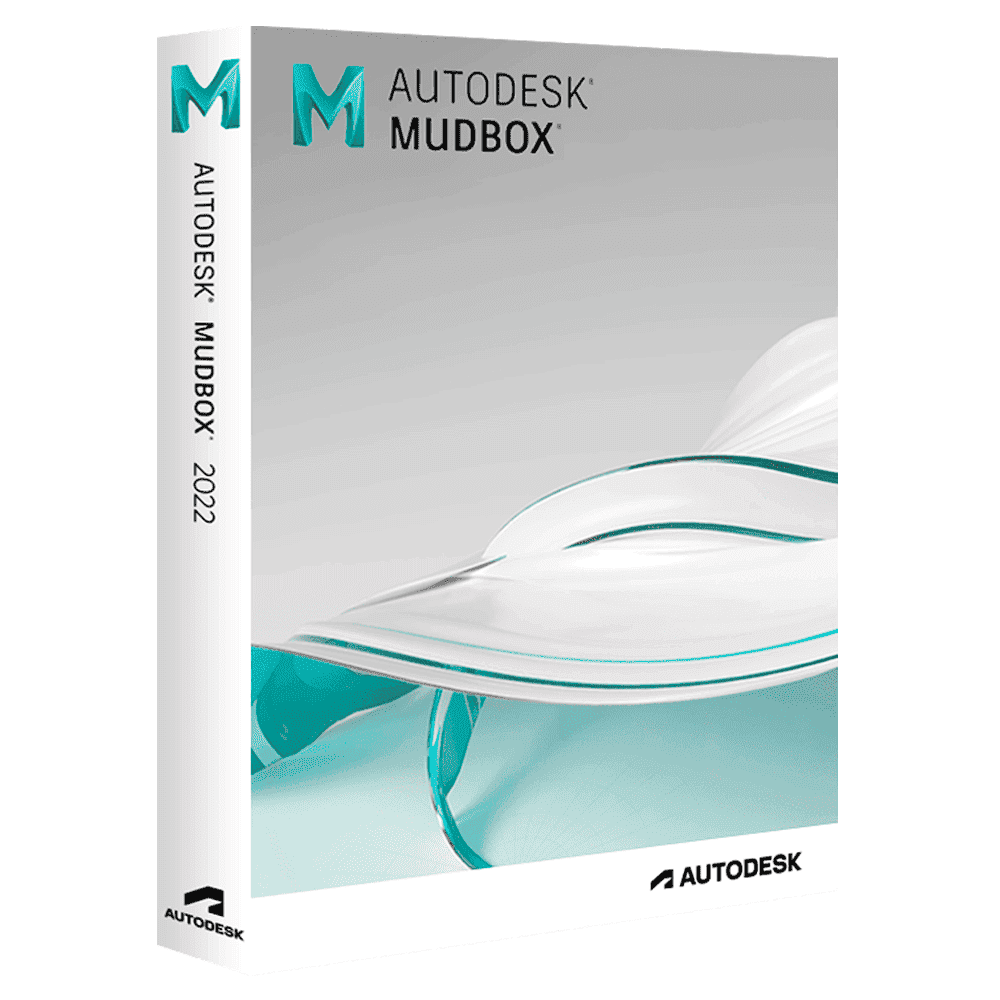

Autodesk Mudbox

Trusted Shops
Buyer Protection guaranteed refund
Autodesk Mudbox Original Education License for Windows and Mac, 1 or 3 Years
Trusted Shops Guarantee, Fast Email Delivery and Technical Support Included
License in the Education version, complete with every feature, usable for personal purposes and for learning and training. It carries no watermark and no reference to the Education version in printed files.
| Language | Multi-Language |
|---|---|
| License Duration | Annual and three-year |
| Operating System | Windows and macOS |
| Users | 1 |
Autodesk Mudbox is Autodesk's 3D digital sculpting and texture painting software, the one you use to finish by hand a model that arrives already roughed out from another program. Complementing Maya and 3ds Max, Mudbox enables sculpting ultra-high-resolution models with intuitive brushes and painting textures directly on the 3D model, generating normal maps and displacement maps for use in rendering and game engines.
Why choose Autodesk Mudbox
A 3D model built for animation has tidy, light geometry, which is what makes it move. The details that make it believable, such as pores, wrinkles, wear and textures, need the opposite: millions of polygons an animation mesh cannot carry.
Mudbox resolves the contradiction by working on two levels. You sculpt the model at very high resolution, then the maps generated from that sculpt are applied to the light version: the eye sees the detail, the animation program moves geometry that stays manageable.
What Autodesk Mudbox is and what it is for
Mudbox is Autodesk's organic detail tool: after building a base model in Maya or 3ds Max, it is imported into Mudbox to add wrinkles, pores, organic textures and high-frequency details with intuitive brushes similar to traditional sculpting. The typical workflow is: base model in Maya → sculpting in Mudbox → baking in Maya/3ds Max.
The brushes reproduce the gestures of traditional sculpting (push, smooth, pinch, carve) and each is adjustable in size, strength and falloff. Texture painting happens directly on the model, on several independent layers, so the colour is seen on the form straight away instead of on a flat map you have to imagine.
How Mudbox work comes back into the other programs
- UV mapping is prepared before sculpting
Mudbox is not where UVs get unwrapped. The model arrives already mapped from the modelling program, otherwise the painted textures cannot be brought back. - You sculpt going up the levels, not starting at the top
You begin on the large form at the lowest level and go up only when the silhouette is right. Starting from fine detail means redoing it at every correction of the shape. - Fine detail comes back as a map, not as geometry
The millions of polygons of the sculpt do not fit in a scene: they are baked into a normal or displacement map that simulates them on a light model. - Normal or displacement changes the result
The normal map simulates relief on the surface and does not change the outline. The displacement one really moves the geometry at render time, costs more and shows on the profile. - The low resolution model has to be well prepared
The quality of the map depends on how closely the light model follows the sculpted one. A badly made cage produces burns and seams that cannot be fixed afterwards. - Painting comes out as separate channels
Colour, roughness and metalness are painted on distinct layers and come out as separate images, ready to be connected to the material in the render program. - Exchange goes through OBJ and FBX
The round trip with Maya or 3ds Max is done with these two formats: geometry and UVs cross intact, the sculpt layers stay inside Mudbox. - What it does not do
It does not model from scratch with precision, it does not animate and it does not render. It is a sculpting and painting tool that sits in the middle of a chain, not in place of the whole chain.
Feature overview of Autodesk Mudbox
| Feature | Included |
|---|---|
| Sculpt layers that can be switched on and off | ✔ |
| Symmetry applied while sculpting | ✔ |
| Stencils and masks for repeated details | ✔ |
| Subdivision levels adjustable at will | ✔ |
| Painting on several channels at the same time | ✔ |
| Material preview while working | ✔ |
| Models importable from the modelling programs | ✔ |
| Maps exportable at the chosen resolution | ✔ |
Comparison: Mudbox, Maya and 3ds Max
| Activity | Mudbox | Maya and 3ds Max |
|---|---|---|
| High-resolution digital sculpting | ✔ | Limited |
| Painting textures on the 3D model | ✔ | Limited |
| Generating normal and displacement maps | ✔ | Partial |
| Polygon modelling and animation | ✘ | ✔ |
| Final rendering of the scene | ✘ | ✔ |
| Model retopology | ✔ | ✔ |
| Exchange in OBJ and FBX format | ✔ | ✔ |
| Photo-editing style brushes | ✔ | ✘ |
System requirements
Autodesk Mudbox is compatible with Windows 10, Windows 11 and macOS (Apple Silicon and Intel). For compatibility with your macOS version and the detailed requirements see the "Requirements" tab on the product page.
Why are licenses priced so low?
As these are retail licenses previously owned and decommissioned by the former holder in accordance with EU Court ruling C-128/2011, they can be purchased at a more affordable price. These official licenses are fully compliant and guaranteed at the best price on the market.
What do I receive after purchase?
By purchasing this product you will receive the Autodesk account credentials the license is linked to, the official download from the Autodesk website and complete instructions for a correct installation.
Advantages of the Licensel License
- Fast delivery by email
You receive the license and the download link within a few minutes of your order. - Always free support
Our technicians assist you via Live Chat and email, at no additional cost. - Invoice included
The invoice is issued automatically once the purchase is complete. - Trusted Shops: guaranteed purchase
Licensel is part of Trusted Shops, which protects your purchase with the official buyer guarantee.
How to buy and activate
- Choose your edition
Select the version you need and complete your order in a few clicks. - Receive the license by email
Within a few minutes you receive the official download link and the license for activation. - Sign in and install
Go to autodesk.com with the credentials you received and download the program from the official channel: activation happens by recognising the account. - Support included
For any question our technicians are available via Live Chat and email.
How to download and install Autodesk Mudbox
After purchase you receive by email the Autodesk account credentials and the instructions. Sign in at autodesk.com, open the section with the products linked to your account and download Autodesk Mudbox from the official Autodesk channel. About 3 GB of free disk space is needed. At first start the program activates by recognising the account, with no codes to type.
Need help with installation?
No problem: our technicians are available via the Live Chat at the bottom right of the website to assist you in real time.
Frequently asked questions
Is Mudbox suitable for beginners?
What is it for compared with Maya?
Are the files compatible with Maya and 3ds Max?
Does it generate normal and displacement maps?
How long does the license last?
DIGITAL Delivery
Guaranteed instant delivery
Customer Support
Always available.
Money-back guarantee
Total satisfaction guarantee.
TrustedShops
Buy with certified confidence.