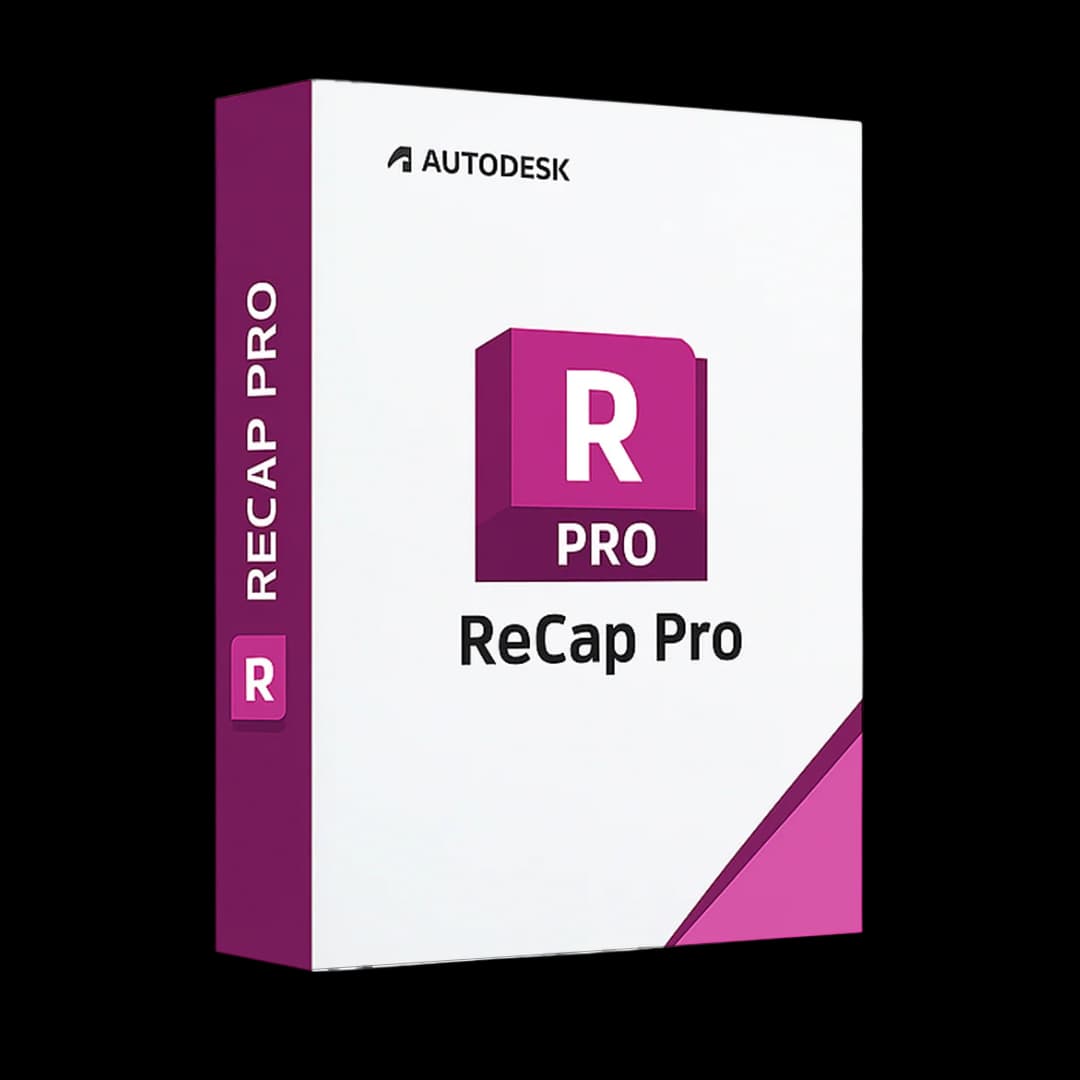

Autodesk ReCap Pro

Trusted Shops
Buyer Protection guaranteed refund
Autodesk ReCap Pro Original Education License for Windows, 1 or 3 Years
Fast Email Delivery, Official Guarantee and Free Technical Support
License in the Education version, complete with every feature, usable for personal purposes and for learning and training. It carries no watermark and no reference to the Education version in printed files.
| Language | Multi-Language |
|---|---|
| License Duration | Annual and three-year |
| Operating System | Windows |
| Users | 1 |
Autodesk ReCap Pro is Autodesk's software for managing and processing 3D point clouds from laser scanners and drone photogrammetry. It transforms scans into accurate, measurable digital models integrable with AutoCAD, Revit and Navisworks for BIM as-built workflows.
Why choose Autodesk ReCap Pro
Designing on an existing building always starts with the same question: what is it actually like. Archive drawings tell you the design, not what was built, and the differences are discovered on site when it is late to put them right at no cost.
ReCap Pro turns the survey into usable data: laser scans and drone footage become a measurable point cloud, which enters AutoCAD, Revit and Civil 3D as a reference. You design on what is there, not on what ought to be there.
What Autodesk ReCap Pro is and what it is for
ReCap Pro is the entry point for the scan-to-BIM workflow: point clouds from 3D terrestrial scanners (Leica, FARO, Trimble) or aerial/drone photogrammetry are imported, aligned and managed in ReCap, then used as a reference base for modelling in Revit or as technical documentation in AutoCAD.
The Autodesk ReCap Photo module creates 3D models from photographic sequences taken with drones or cameras using advanced photogrammetry algorithms. The results can be exported in RCP/RCS format for use in AutoCAD and Revit.
How a laser survey gets into a project
- The scans are aligned before anything else
Every scanner station produces its own cloud. Until they are registered onto each other, the survey is a heap of badly overlapping clouds and nothing can be dimensioned. - Alignment works better if the survey was done well
Targets visible from two stations, overlap between the scans, no rooms captured from a single point. Anyone going out without this scheme loses in the office the time they saved on site. - The raw cloud has to be cleaned
People walking past, reflections on glass, the scanner's own tripod: everything ends up inside. Removing the noise before exporting avoids chasing ghost points inside the project. - The coordinate system is decided straight away
If the survey has to match an existing model or the land registry coordinates, the georeferencing is set here. Redoing it later means redoing the alignment. - The cloud does not go inside the project, it is linked
In AutoCAD, Revit and Navisworks the cloud stays an attached external file. Move or rename that file and the project opens empty: it belongs with the references, not on the desktop. - The weight is governed with crop boxes
A complete survey weighs tens of gigabytes. You crop the part needed for the floor you are working on, instead of loading the whole building at every opening. - The mesh is for something else
Turning the cloud into a closed surface is for 3D printing or for graphics, not for designing: to dimension and model you work on the points. - What to hand to the designer
The cloud project file, the coordinate system used, the date of the survey and a note on what was not captured. The last one is what avoids the surprise on site.
Feature overview of Autodesk ReCap Pro
| Feature | Included |
|---|---|
| 3D point cloud processing | ✔ |
| Import from 3D scanners (Leica, FARO, Trimble) | ✔ |
| Photogrammetry (aerial/drone photo processing) | ✔ |
| 3D measurement from point cloud | ✔ |
| Export to AutoCAD, Revit, Navisworks | ✔ |
| 3D mesh from point cloud | ✔ |
Comparison: ReCap Pro in the survey workflow
- Importing laser scansReads the formats of the main scanners on the market
- Importing drone photosGenerates the point cloud from the images
- Registering the scansAligns several scans into a single coherent survey
- Cleaning the cloudRemoves stray points and the areas that are not needed
- Measurements and annotationsDistances, dimensions and notes taken directly on the cloud
- Exporting RCP and RCSFormats read by AutoCAD, Revit and Civil 3D
- Sharing the surveyCompact files to send to the design team
System requirements
Autodesk ReCap Pro is compatible with 64-bit Windows 10 and Windows 11. It requires a dedicated graphics card and several GB of disk space. For detailed requirements see the "Requirements" tab on the product page.
Why are licenses priced so low?
As these are retail licenses previously owned and decommissioned by the former holder in accordance with EU Court ruling C-128/2011, they can be purchased at a more affordable price. These official licenses are fully compliant and guaranteed at the best price on the market.
What do I receive after purchase?
By purchasing this product you will receive the Autodesk account credentials the license is linked to, the official download from the Autodesk website and complete instructions for a correct installation.
Advantages of the Licensel License
- Fast delivery by email
You receive the license and the download link within a few minutes of your order. - Always free support
Our technicians assist you via Live Chat and email, at no additional cost. - Invoice included
The invoice is issued automatically once the purchase is complete. - Trusted Shops guarantee
Licensel is a Trusted Shops partner shop: every order is covered by the official buyer guarantee.
How to buy and activate
- Choose your edition
Select the version you need and complete your order in a few clicks. - Receive the license by email
Within a few minutes you receive the official download link and the license for activation. - Sign in and install
Go to autodesk.com with the credentials you received and download the program from the official channel: activation happens by recognising the account. - Support included
For any question our technicians are available via Live Chat and email.
How to download and install Autodesk ReCap Pro
After purchase you receive by email the Autodesk account credentials and the instructions. Sign in at autodesk.com, open the section with the products linked to your account and download Autodesk ReCap Pro from the official Autodesk channel. About 10 GB of free disk space is needed. At first start the program activates by recognising the account, with no codes to type.
Need help with installation?
No problem: our technicians are available via the Live Chat at the bottom right of the website to assist you in real time.
Frequently asked questions
What is ReCap Pro for?
Which formats does it export?
Can I take measurements on the cloud?
Does it work with drone photos?
How long does the license last?
DIGITAL Delivery
Guaranteed instant delivery
Customer Support
Always available.
Money-back guarantee
Total satisfaction guarantee.
TrustedShops
Buy with certified confidence.