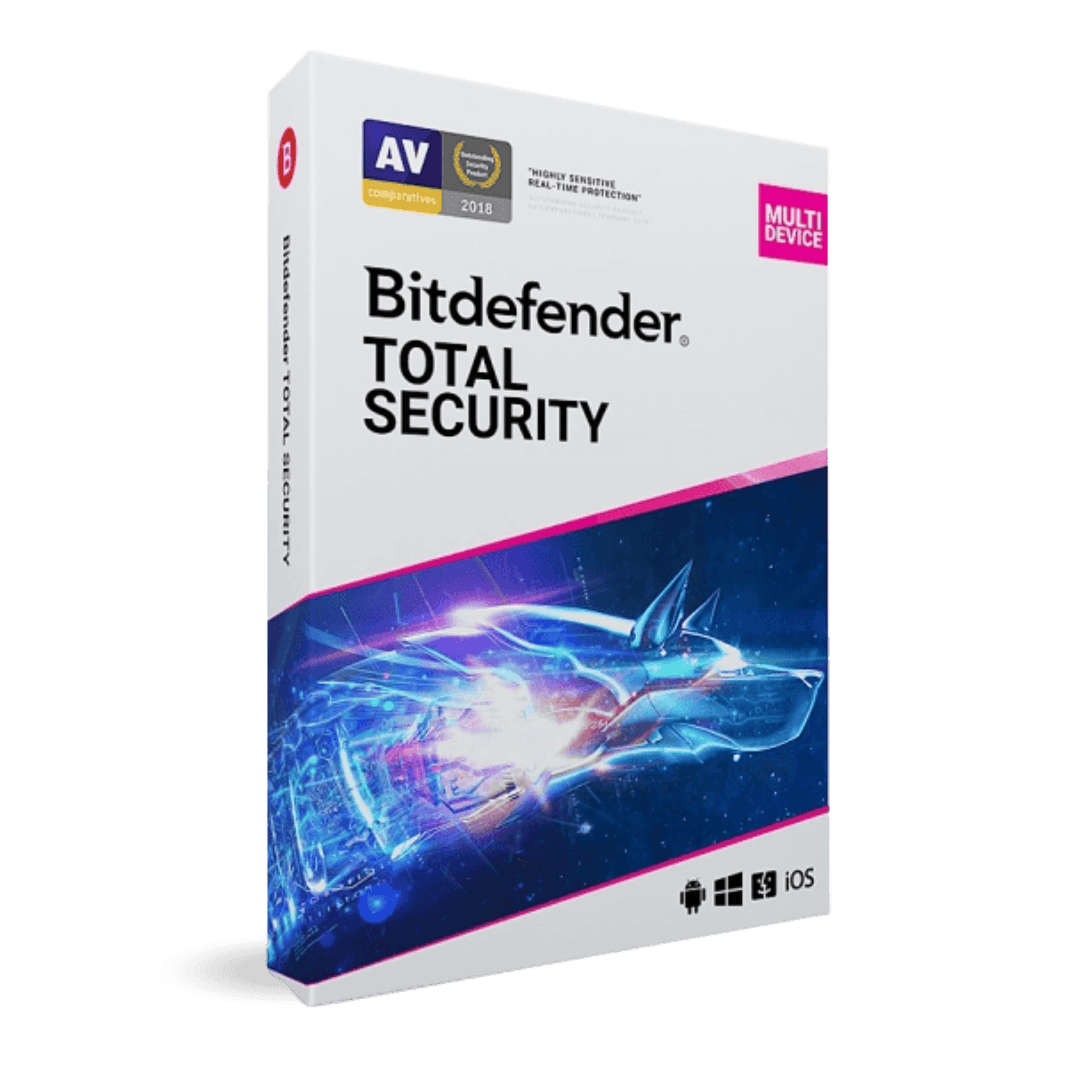
Bitdefender Total Security 2025

Trusted Shops
Buyer Protection guaranteed refund
Bitdefender Total Security 2025 Original Annual License
Best Price Guaranteed by Licensel.com, Invoice Included and Always Free Support
Available for 1, 3, 5 or more devices and in different durations: select the variant you need among those on this page.
| Language | Multi-Language |
|---|---|
| License Duration | Annual (renewable) |
| Operating System | Windows, macOS, Android and iOS |
| Users | 5 |
Bitdefender Total Security 2025 is Bitdefender's complete security suite for 5 devices, meant for a household with one computer, two phones and a tablet that would rather not manage four different products with four different expiry dates. It is the choice of families and professionals wanting broad coverage from one product. The license is annual and is delivered by email with the activation code.
Why choose Bitdefender Total Security 2025
For years Bitdefender has scored very highly in independent comparative tests of detection rates, while keeping its impact on performance contained. That is the combination that really matters: protection that is effective but heavy often ends up switched off by the user, and at that point it protects nothing at all.
This edition's coverage goes beyond antivirus. Ransomware protection works on several levels, keeping copies of documents before they are changed; webcam and microphone control prevents unauthorised access; anti-theft for mobile devices allows a lost smartphone to be located and locked. Five activations cover an entire family's equipment.
What Bitdefender Total Security 2025 is and what it is for
Bitdefender Total Security 2025 combines the antivirus engine, which compares files with known threats and observes their behaviour while running, with privacy protection and system maintenance tools.
The same license works on five devices across different systems: Windows and Mac computers, Android and iOS smartphones and tablets, each with the functions suited to the platform. On mobile it adds remote location and locking in case of theft; on desktop the optimisation tools, which identify processes slowing the system and free up space. Management happens from a single panel showing the status of every device.
How to protect a computer used by several people
- One Windows account each
It is the first step and it costs nothing: separate documents, separate history, and a program installed by mistake by one person does not land on the other's desktop. - Administrator rights stay with one person
Ordinary accounts cannot install anything. Half the unwanted programs get in exactly that way, with a distracted click on a window asking for permission. - Passwords are not left in a shared browser
On a computer used by several people, passwords saved in the browser are available to anybody who opens that session. They belong in a manager with its own master password. - Every account sees its own folders
Documents, Pictures and Downloads are already separated by user. Things to be shared go into a common folder, not into one of the two people's folders. - Parental controls are set on the account, not on the computer
Filters and limits follow the person: on the same computer a teenager has their rules and an adult has none, without switching anything off. - Webcam protection applies to every account
The program asks for permission when an application turns the camera on. On a home computer it is the function most noticed, and it should be left on. - Scheduled scans do not overlap with use
On a machine switched on all day by different people, the full scan goes overnight. Scheduling it for three in the afternoon means somebody will interrupt it. - What profiles do not solve
If the computer is old and slow, splitting it into five accounts does not improve it. Security and speed are two different problems and they are tackled separately.
Feature overview of Bitdefender Total Security 2025
| Feature | Included |
|---|---|
| Protected browser for banking operations | ✔ |
| Permanent destruction of deleted files | ✔ |
| Wallet for the saved credentials | ✔ |
| Detection of the system's vulnerabilities | ✔ |
| Automatic profiles for gaming, films and work | ✔ |
| Protection from threats arriving over the network | ✔ |
| Security advice based on how you use the computer | ✔ |
| Daily VPN traffic included in the license | ✔ |
Comparison: basic antivirus and Bitdefender Total Security
| Feature | Basic antivirus | Total Security |
|---|---|---|
| Antivirus and ransomware protection | ✔ | ✔ |
| Firewall and safe browsing | Partial | ✔ |
| Webcam and microphone protection | ✘ | ✔ |
| Performance optimisation | ✘ | ✔ |
| Parental controls | ✘ | ✔ |
| Anti-theft for mobile devices | ✘ | ✔ |
| Protection for Windows, macOS, Android and iOS | Rarely | ✔ |
| Devices covered | 1 | 5 |
System requirements
Bitdefender Total Security 2025 is compatible with Windows, macOS, Android and iOS: the license covers devices on different systems. For detailed requirements see the "Requirements" tab on the product page.
Why are licenses priced so low?
As these are retail licenses previously owned and decommissioned by the former holder in accordance with EU Court ruling C-128/2011, they can be purchased at a more affordable price. These official licenses are fully compliant and guaranteed at the best price on the market.
What do I receive after purchase?
By purchasing this product you will receive the official download of the software from the Bitdefender website, the license for activation and complete instructions for a correct installation.
Advantages of the Licensel License
- Fast delivery by email
You receive the license and the download link within a few minutes of your order. - Always free support
Our technicians assist you via Live Chat and email, at no additional cost. - Invoice included
The invoice is issued automatically once the purchase is complete. - Purchase protected by Trusted Shops
As a Trusted Shops partner shop, your order is protected by the official buyer guarantee.
How to buy and activate
- Choose your edition
Select the version you need and complete your order in a few clicks. - Receive the license by email
Within a few minutes you receive the official download link and the license for activation. - Install and activate
Download the software from the manufacturer's official website and enter the license to complete activation. - Support included
For any question our technicians are available via Live Chat and email.
How to download and install Bitdefender Total Security 2025
After purchase you receive the activation code and the official download link by email. Download Bitdefender from the bitdefender.com website, install it and enter the code you received at first launch: protection starts immediately and the program automatically downloads definition updates. To protect smartphones and tablets too, simply install the app and sign in with the same account. If you prefer to be guided step by step, our technicians can assist you during installation.
Need help with installation?
No problem: our technicians are available via the Live Chat at the bottom right of the website to assist you in real time.
Frequently asked questions
On how many devices can I use it?
Does it slow the computer down?
How does it protect against ransomware?
How is the license activated?
Can I protect smartphones and tablets too?
DIGITAL Delivery
Guaranteed instant delivery
Customer Support
Always available.
Money-back guarantee
Total satisfaction guarantee.
TrustedShops
Buy with certified confidence.