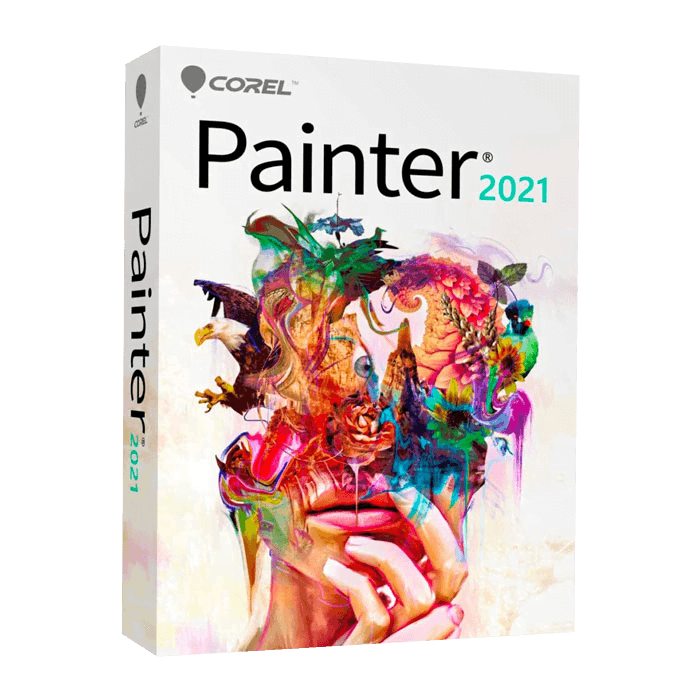

Corel Painter

Trusted Shops
Buyer Protection guaranteed refund
Corel Painter Original Perpetual License for Windows and Mac
Trusted Shops Guarantee, Fast Email Delivery and Technical Support Included
Interface in English. Available in several versions: select the one you need among the variants on this page.
| Language | Italian, Multi-Language |
|---|---|
| License Duration | Perpetual (no expiry) |
| Operating System | Windows and macOS |
| Users | 1 |
Corel Painter is the digital painting software that reproduces the behaviour of real art materials: oil mixing on the canvas, watercolour spreading on wet paper, pastel catching the grain of the surface. It is the tool of illustrators, concept artists, comic artists and painters working with a graphics tablet. The license is perpetual and is delivered with its product key.
Why choose Corel Painter
Photo editing programs have brushes, but treat them as stamps depositing colour. Painter instead simulates the physics of the material: the amount of pigment on the bristle, the way two colours blend when overlaid while still wet, the resistance of the canvas grain. For a painter this is the difference between imitating a brushstroke and actually making one.
The second element is the relationship with the graphics tablet. Painter responds to pressure, tilt and rotation of the stylus with a level of detail that lets thickness, opacity and direction vary within a single stroke, as happens with a real brush. That is why it remains the reference in digital illustration and concept art.
What Corel Painter is and what it is for
Corel Painter is a digital painting environment with hundreds of brushes organised by category: oil, acrylic, watercolour, pastel, charcoal, airbrush, ink and particle brushes with no equivalent in the real world. Every brush can be modified in its parameters and new ones can be created and saved to your own library.
Work happens on layers, as in graphics programs, but the canvas has its own consistency: you choose the surface, from rough canvas to smooth paper, and the brush reacts accordingly. Painter opens and saves the PSD format, so it fits into a workflow involving other programs, and handles large canvases for fine art printing.
The canvas: the initial choices that can no longer be changed
- Resolution is decided at the start, not at the end
Enlarging after a finished drawing blurs it. If there is any doubt that it might end up printed, you start large and reduce when needed. - Three hundred points per inch at the final size, for paper
What counts is not the number of points in absolute terms, but how many there are at the size it will be printed. A huge file at low density is no use. - For the screen the reasoning is the opposite
What counts is the number of pixels on the long side and nothing else. An illustration for the web at two thousand pixels is already generous and weighs a tenth. - The brush behaves differently on different canvases
The same stroke on a large canvas looks like a thin line, on a small one it covers half the drawing. If you change format halfway through, all the values have to be redone. - The grain of the canvas is part of the drawing
The surface chosen at the start influences how the colour settles. Changing it afterwards does not rewrite the strokes already made. - Layers should be kept separate as long as possible
Background, subject and lights on different layers let you change your mind. Merging everything to lighten the file is the decision you regret. - The working format is not the delivery format
You work and save in the program's format, which keeps the layers. Only at the end do you export a flat copy for the client or for the web. - What cannot be recovered
A canvas saved flat and closed does not give the layers back. The layered copy has to be kept even after delivery.
Feature overview of Corel Painter
| Feature | Included |
|---|---|
| Brushes customisable in every parameter | ✔ |
| Pen tilt and pressure recognised | ✔ |
| Library of papers and surfaces to load | ✔ |
| Colours mixable as on a real palette | ✔ |
| Symmetry and perspective guided while drawing | ✔ |
| Playback of the sequence of brushstrokes | ✔ |
| Working area extendable while painting | ✔ |
| Files compatible with the other graphics programs | ✔ |
Comparison: Corel Painter vs PaintShop Pro
| Area of work | Painter | PaintShop Pro |
|---|---|---|
| Digital painting with natural brushes | ✔ | ✘ |
| Photo editing and image correction | Partial | ✔ |
| Layers, masks and selections | ✔ | ✔ |
| Canvas and surface simulation | ✔ | ✘ |
| Automatic AI tools | ✔ | ✔ |
| Batch handling of multiple shots | ✘ | ✔ |
| Operating system | Windows and macOS | Windows |
| License type | Perpetual | Perpetual |
System requirements
Corel Painter is compatible with Windows 10, Windows 11 and macOS. For compatibility with your macOS version and the detailed requirements, see the "Requirements" tab on the product page.
Why are licenses priced so low?
As these are retail licenses previously owned and decommissioned by the former holder in accordance with EU Court ruling C-128/2011, they can be purchased at a more affordable price. These official licenses are fully compliant and guaranteed at the best price on the market.
What do I receive after purchase?
By purchasing this product you will receive the official download of the software from the Corel website, the license for activation and complete instructions for a correct installation.
Advantages of the Licensel License
- Fast delivery by email
You receive the license and the download link within a few minutes of your order. - Always free support
Our technicians assist you via Live Chat and email, at no additional cost. - Invoice included
The invoice is issued automatically once the purchase is complete. - Trusted Shops guarantee
Licensel is a Trusted Shops partner shop: every order is covered by the official buyer guarantee.
How to buy and activate
- Choose your edition
Select the version you need and complete your order in a few clicks. - Receive the license by email
Within a few minutes you receive the official download link and the license for activation. - Install and activate
Download the software from the manufacturer's official website and enter the license to complete activation. - Support included
For any question our technicians are available via Live Chat and email.
How to download and install Corel Painter
The download takes place from the official Corel website through the link you receive by email. Download the installer, run it and follow the wizard: during installation the software asks for the license you received to complete activation. The license is tied to the device on which it is activated. If you prefer to be guided step by step, our technicians can assist you during installation.
Need help with installation?
No problem: our technicians are available via the Live Chat at the bottom right of the website to assist you in real time.
Frequently asked questions
Do I need a graphics tablet?
What is the difference from PaintShop Pro?
Is it compatible with Photoshop files?
Is the license perpetual?
Does it run on Mac?
DIGITAL Delivery
Guaranteed instant delivery
Customer Support
Always available.
Money-back guarantee
Total satisfaction guarantee.
TrustedShops
Buy with certified confidence.