
















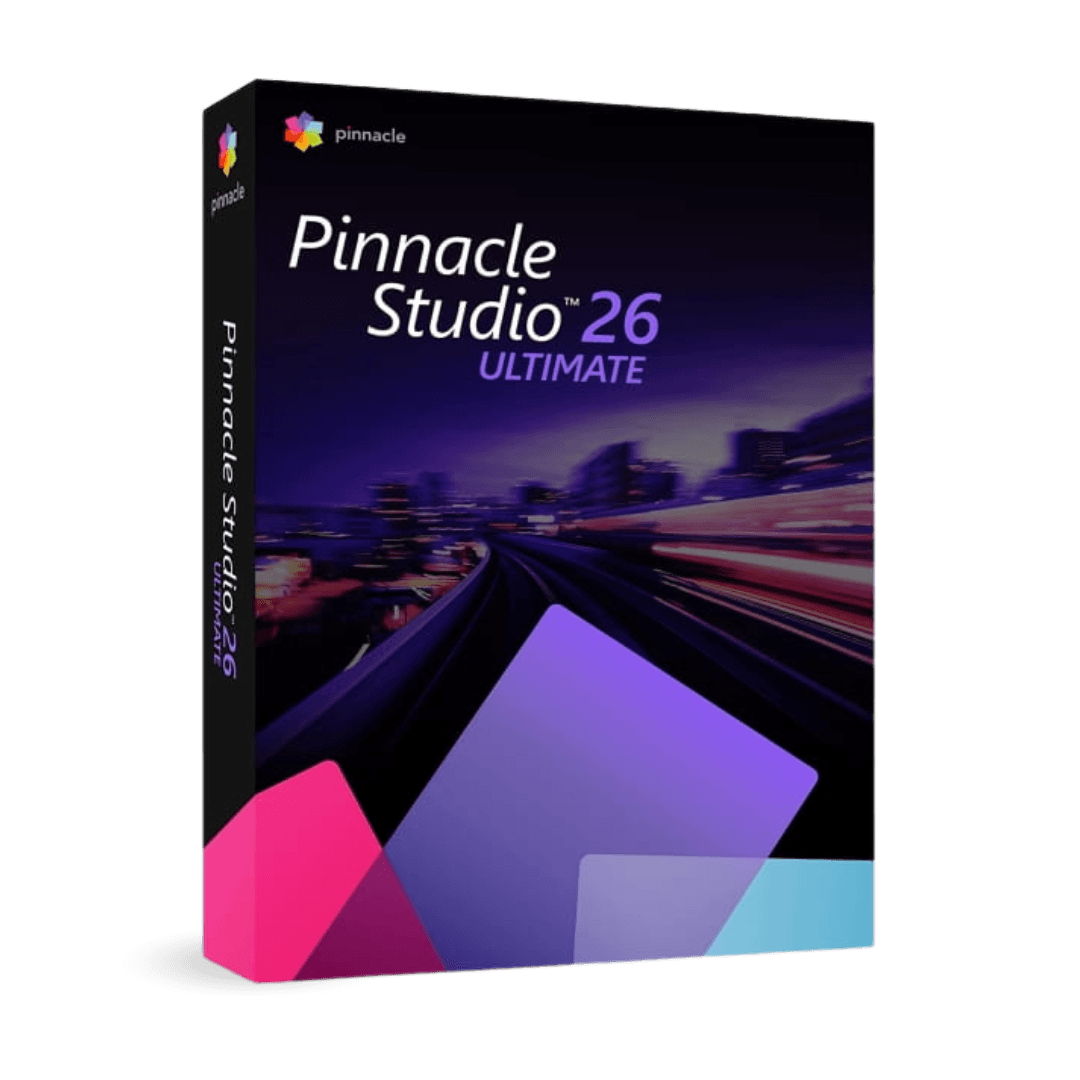
Corel Pinnacle Studio Ultimate 26

Trusted Shops
Buyer Protection guaranteed refund
Pinnacle Studio Ultimate 26 Original Perpetual License for Windows
Fast Email Delivery, Official Guarantee and Free Technical Support
Available in several versions: select the one you need among the variants on this page.
| Language | Italian, Multi-Language |
|---|---|
| License Duration | Perpetual (no expiry) |
| Operating System | Windows |
| Users | 1 |
Pinnacle Studio Ultimate 26 is Corel's advanced video editing program: unlimited timeline, professional colour grading, masking with motion tracking and multi-camera editing. It is designed for video makers, creators and small productions needing serious tools without moving to a professional subscription. The license is perpetual and is delivered with its product key.
Why choose Pinnacle Studio Ultimate 26
Among editing programs there is a gap: on one side simplified editors, enough for a family video but stopping short of serious colour grading; on the other professional subscription suites, oversized for anyone producing a few videos a month. Pinnacle Studio Ultimate occupies that space with advanced features and a perpetual license.
The tools that make the difference are masking with motion tracking, which follows a moving subject to apply an effect or hide it, and colour grading with separate controls over shadows, midtones and highlights. To these is added multi-camera editing, essential when the same event has been filmed from several angles.
What Pinnacle Studio Ultimate 26 is and what it is for
Pinnacle Studio Ultimate 26 works on a timeline with no track limits, where video, images, titles, music and sound effects coexist. Cutting is frame accurate and the preview stays fluid even with several overlapping layers, so editing proceeds without constant waits for processing.
The toolkit includes hundreds of transitions, animated titles and effects, colour grading tools with curves and colour wheels, masking to apply changes only to part of the frame and tracking that makes the mask follow a moving subject. Export goes up to 4K, with presets for social media, mobile devices and archiving.
Sound is half the video, and almost nobody thinks about it
- People accept a mediocre picture, not bad sound
Viewers forgive a slightly dark shot and close the video after ten seconds of crackling voice. It is the most solid rule of the trade. - Levels are kept away from the limit
The voice should stay under the maximum value, with a margin. Sound recorded too loud is distorted and from there there is no going back. - The music lowers itself when somebody speaks
Automatic ducking brings the backing down when the voice comes in and raises it after. Doing it by hand on a ten minute video is an afternoon's work. - Background noise is removed before raising the voice
If you raise the volume of a noisy recording, you raise the hum too. The right order is clean up, then adjust. - Room sound holds the edit together
A light bed of continuous background noise hides the cutting points. Without it, every cut is heard as a hole. - Music taken from a record gets the video blocked
Platforms recognise protected tracks and mute the audio or block the upload. To publish you need music with a suitable license. - Sound from a second source is lined up once only
If you recorded with a separate microphone, you line it up at the start and then lock the two tracks together. Redoing it at every cut is the road to madness. - What no filter puts right
A recording made two metres from the subject in an empty room stays cavernous. The only real remedy is moving the microphone closer during the shoot.
Feature overview of Pinnacle Studio Ultimate 26
| Feature | Included |
|---|---|
| Split screen with several shots at the same time | ✔ |
| Background replacement with a green screen | ✔ |
| Stabilisation of handheld footage | ✔ |
| Sound effects and music included in the license | ✔ |
| Animated three dimensional titles | ✔ |
| Nested edits reusable inside another project | ✔ |
| Export of a single frame as an image | ✔ |
| Volume adjustable with points on the audio track | ✔ |
Comparison: Pinnacle Studio Ultimate vs VideoStudio Pro
| Feature | Pinnacle Studio Ultimate 26 | VideoStudio Pro 2023 | VideoStudio Pro X9 |
|---|---|---|---|
| Multi-track timeline editing | ✔ | ✔ | ✔ |
| Included transitions, titles and effects | ✔ | ✔ | ✔ |
| Advanced colour grading | ✔ | Basic | Basic |
| Masking and motion tracking | ✔ | ✘ | ✘ |
| Multi-camera editing | ✔ | ✔ | ✔ |
| Augmented reality stickers | ✘ | ✔ | ✘ |
| 4K export | ✔ | ✔ | ✔ |
| License type | Perpetual | Perpetual | Perpetual |
System requirements
Pinnacle Studio Ultimate 26 is compatible with Windows 10 and Windows 11. For detailed requirements see the "Requirements" tab on the product page.
Why are licenses priced so low?
As these are retail licenses previously owned and decommissioned by the former holder in accordance with EU Court ruling C-128/2011, they can be purchased at a more affordable price. These official licenses are fully compliant and guaranteed at the best price on the market.
What do I receive after purchase?
By purchasing this product you will receive the official download of the software from the Corel website, the license for activation and complete instructions for a correct installation.
Advantages of the Licensel License
- Fast delivery by email
You receive the license and the download link within a few minutes of your order. - Always free support
Our technicians assist you via Live Chat and email, at no additional cost. - Invoice included
The invoice is issued automatically once the purchase is complete. - Trusted Shops: guaranteed purchase
Licensel is part of Trusted Shops, which protects your purchase with the official buyer guarantee.
How to buy and activate
- Choose your edition
Select the version you need and complete your order in a few clicks. - Receive the license by email
Within a few minutes you receive the official download link and the license for activation. - Install and activate
Download the software from the manufacturer's official website and enter the license to complete activation. - Support included
For any question our technicians are available via Live Chat and email.
How to download and install Pinnacle Studio Ultimate 26
The download takes place from the official Corel website through the link you receive by email. Download the installer, run it and follow the wizard: during installation the software asks for the license you received to complete activation. The license is tied to the device on which it is activated. If you prefer to be guided step by step, our technicians can assist you during installation.
Need help with installation?
No problem: our technicians are available via the Live Chat at the bottom right of the website to assist you in real time.
Frequently asked questions
What is the difference from VideoStudio Pro?
Is it suitable for someone who has never edited video?
Is the license perpetual?
Do I need a powerful computer?
Does it work on Mac?
DIGITAL Delivery
Guaranteed instant delivery
Customer Support
Always available.
Money-back guarantee
Total satisfaction guarantee.
TrustedShops
Buy with certified confidence.