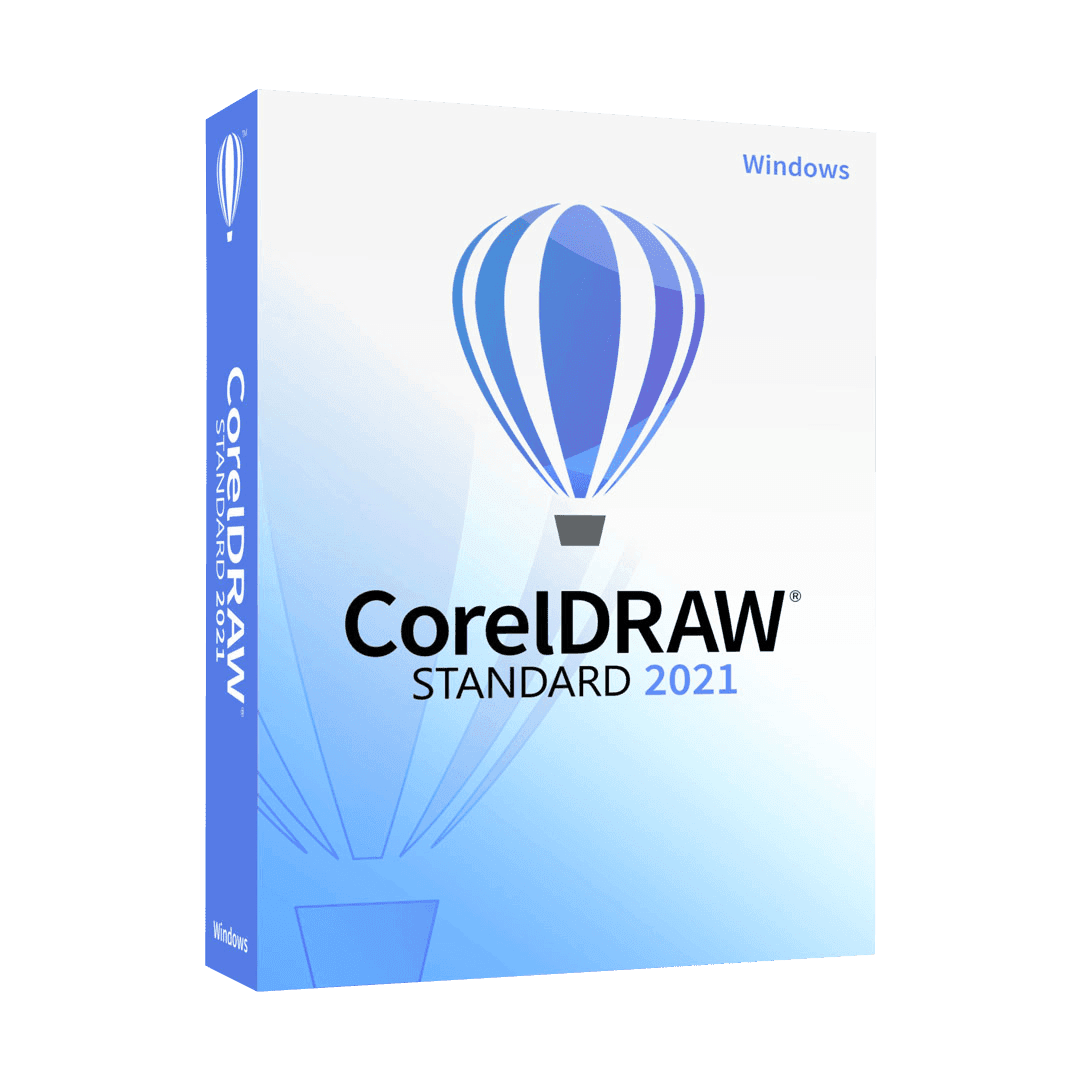
CorelDRAW Standard 2021

Trusted Shops
Buyer Protection guaranteed refund
CorelDRAW Standard 2021 Original Perpetual License for Windows
Trusted Shops Guarantee, Fast Email Delivery and Technical Support Included
| Language | Italian, Multi-Language |
|---|---|
| License Duration | Perpetual (no expiry) |
| Operating System | Windows |
| Users | 1 |
CorelDRAW Standard 2021 is the essential edition of Corel's vector graphics program, designed for anyone producing visual material without being a professional designer. With ready-made templates, drawing and layout tools it creates flyers, business cards, signage, labels and social media posts. It is the choice of small businesses, craftspeople, associations and home users. The license is perpetual and is delivered with its product key.
Why choose CorelDRAW Standard 2021
Anyone running a small business often has to produce a flyer, a label or a sign themselves, and turning to an outside studio every time becomes expensive for small recurring jobs. CorelDRAW Standard answers this need with the working environment of the professional program, simplified in its functions but not in the quality of the result.
Being vector graphics, a logo drawn once prints at business card size or shop sign size without losing sharpness. That is the substantial difference from programs that work only on images: the file stays valid over time and reusable at any format.
What CorelDRAW Standard 2021 is and what it is for
CorelDRAW Standard 2021 is a vector drawing program: shapes are defined by mathematical paths and stay sharp at any magnification. It includes drawing tools, text on a path, typographic effects, layer management and multi-page layout for leaflets and price lists.
The template library cuts the time needed to start from scratch: you choose the format, replace text and images and the file is ready for print or online publishing. The program exports in the formats printers and social platforms require, and opens the most common vector files, so a logo made by an outside designer can be picked up and adapted independently.
The file that goes to a cutting or engraving machine
- The cutting line is not just any outline
It has to be drawn as a hairline, in a colour agreed with the supplier and put on a separate layer. If it sits together with the graphics, the machine cuts where it should not. - Cutting does not want fills
A filled shape tells the machine to engrave the whole area. To cut out a label only the profile is needed, empty inside. - Paths have to be closed
An outline that looks closed but has two overlapping points makes the machine stop halfway. Checking the nodes is done before delivery, not at the workshop. - Overlaps have to be merged into a single shape
Two overlapping circles stay two separate cuts and produce a line in the middle. Merging the shapes is the step almost everybody forgets. - Text becomes shape, always
No machine interprets a font. The letters have to be turned into outlines, and the counters of closed letters have to be checked by eye. - Thin letters do not survive cutting
An elegant font with hairline strokes breaks in vinyl and gets lost in engraving. You choose a fuller weight right from the start. - The unit of measurement is fixed before drawing
A sign drawn in pixels reaches the machine at an invented scale. You work in millimetres or centimetres and check the final size before sending. - What the file cannot do
It does not decide the thickness of the material nor the depth of the tool: those are set by whoever has the machine. The drawing has to be clean, not complete with instructions.
Feature overview of CorelDRAW Standard 2021
| Feature | Available |
|---|---|
| Vector drawing and illustration | ✔ |
| Ready templates for flyers and cards | ✔ |
| Text on a path and typographic effects | ✔ |
| Image tracing | ✔ |
| Multi-page documents | ✔ |
| Export for web and social media | ✔ |
| PDF, SVG, EPS, AI compatibility | ✔ |
| Included fonts and clipart | ✔ |
Comparison: CorelDRAW Standard vs Graphics Suite vs Technical Suite
| Feature | Standard | Graphics Suite | Technical Suite |
|---|---|---|---|
| Vector illustration and drawing | ✔ | ✔ | ✔ |
| Multi-page layout | ✔ | ✔ | ✔ |
| Professional photo editing (PHOTO-PAINT) | ✘ | ✔ | ✔ |
| Advanced colour management for print | ✘ | ✔ | ✔ |
| Technical drawing and dimensioning | ✘ | ✘ | ✔ |
| CAD file import (DWG, DXF) | ✘ | ✘ | ✔ |
| macOS version | ✘ | ✔ | ✘ |
| License type | Perpetual | Perpetual | Perpetual |
System requirements
CorelDRAW Standard 2021 is compatible with Windows 10 and Windows 11. For detailed requirements see the "Requirements" tab on the product page.
Why are licenses priced so low?
As these are retail licenses previously owned and decommissioned by the former holder in accordance with EU Court ruling C-128/2011, they can be purchased at a more affordable price. These official licenses are fully compliant and guaranteed at the best price on the market.
What do I receive after purchase?
By purchasing this product you will receive the official download of the software from the Corel website, the license for activation and complete instructions for a correct installation.
Advantages of the Licensel License
- Fast delivery by email
You receive the license and the download link within a few minutes of your order. - Always free support
Our technicians assist you via Live Chat and email, at no additional cost. - Invoice included
The invoice is issued automatically once the purchase is complete. - Purchase protected by Trusted Shops
As a Trusted Shops partner shop, your order is protected by the official buyer guarantee.
How to buy and activate
- Choose your edition
Select the version you need and complete your order in a few clicks. - Receive the license by email
Within a few minutes you receive the official download link and the license for activation. - Install and activate
Download the software from the manufacturer's official website and enter the license to complete activation. - Support included
For any question our technicians are available via Live Chat and email.
How to download and install CorelDRAW Standard 2021
The download takes place from the official Corel website through the link you receive by email. Download the installer, run it and follow the wizard: during installation the software asks for the license you received to complete activation. The license is tied to the device on which it is activated. If you prefer to be guided step by step, our technicians can assist you during installation.
Need help with installation?
No problem: our technicians are available via the Live Chat at the bottom right of the website to assist you in real time.
Frequently asked questions
What is the difference from CorelDRAW Graphics Suite?
Do I need design experience to use it?
Is the license perpetual?
Can I prepare files for the printer?
Does it work on Mac?
DIGITAL Delivery
Guaranteed instant delivery
Customer Support
Always available.
Money-back guarantee
Total satisfaction guarantee.
TrustedShops
Buy with certified confidence.