










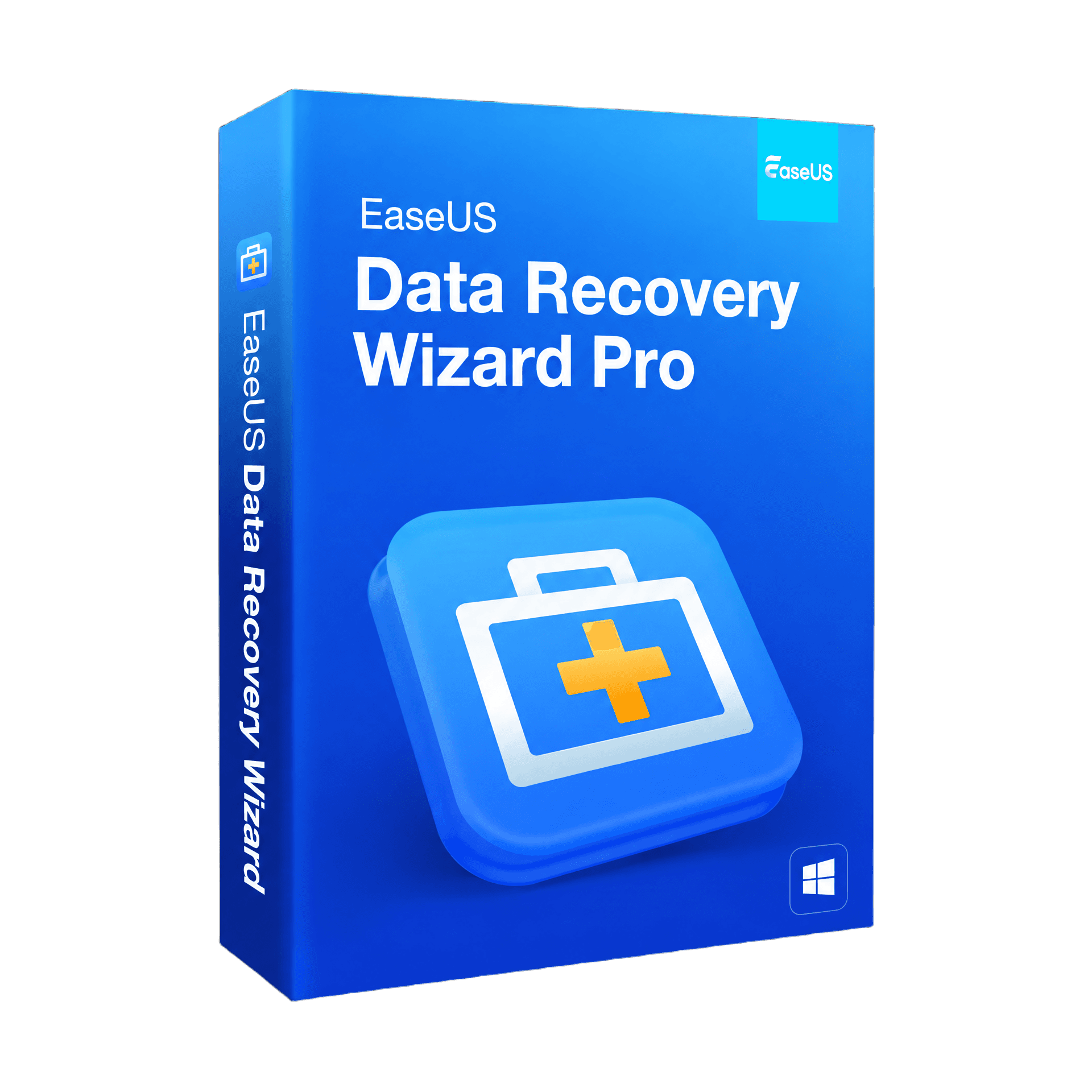
EaseUS Data Recovery Wizard Pro

Trusted Shops
Buyer Protection guaranteed refund
Genuine EaseUS Data Recovery Wizard Pro licence for Windows
Fast email delivery, official guarantee and free technical support
| Language | Multilingual |
| Number of devices | 1 |
| Operating system | Windows |
| Licence duration | 1 year or 2 years |
EaseUS Data Recovery Wizard Pro recovers deleted, formatted or lost files from hard disks, SSDs, USB drives, SD cards and external disks, even after emptying the recycle bin, a format or a system error. It is available with a one-year or two-year licence and is delivered with its product key.
Why choose EaseUS Data Recovery Wizard Pro
A file gives no warning before it disappears, and a format doesn't ask twice. The moment you realise something is gone is always the same: when you need the document and it's no longer in the recycle bin. At that point the question isn't how much the software costs, but how much the lost data is worth: a thesis, years of photos, a client's entire work archive.
Data Recovery Wizard Pro covers the cases that really happen: the file deleted by mistake and emptied from the recycle bin, the USB drive your PC asks you to format, the partition that disappears after an error. In most cases the data is still on the disk — you just need to recover it before it gets overwritten, and that is exactly what this program does.
What EaseUS Data Recovery Wizard Pro is and what it's for
EaseUS Data Recovery Wizard Pro is one of the most widely used data recovery tools in the world, designed to retrieve documents, photos, videos, emails and archives in just a few clicks from any storage device. It works for home users, professionals and businesses, and requires no technical skills: the process is guided from start to finish.
The software scans the disk for files that the system has marked as deleted but not yet overwritten, shows a preview of them and lets you recover only the ones you need. For the hardest cases, such as a formatted disk or a damaged partition, a deep scan is available that examines the device sector by sector.
What to do (and not to do) when you lose a file
- Stop using the disk straight away
As long as the deleted file hasn't been overwritten, it can be recovered. Every new save to the same disk risks covering it for good: it's better to stop and start the recovery. - Don't install the program on the disk you want to recover from
Installing it exactly where the lost files are can overwrite them. If possible, install it on another disk or run it from a USB drive. - An emptied recycle bin isn't the end
Emptying the recycle bin doesn't really delete the data: it only removes the reference to the file. Until that space is reused, the content is still there. - The USB drive that asks to be formatted
When Windows says "the disk is not formatted", the data is almost always still there: it's the file table that has been damaged, not the content. Don't format before trying to recover. - Recover to a different disk
Recovered files should be saved to a device other than the source one, so as not to overwrite what hasn't been restored yet. - Preview first, then recover
The preview lets you check whether a file is intact before recovering it, so you restore only what you really need. - Recovery is not a substitute for backup
Recovering data is the emergency solution when there is no copy. Real protection is still a regular backup: recovery is exactly what you turn to when that backup is missing.
Key features of EaseUS Data Recovery Wizard Pro
Get the official licence of EaseUS Data Recovery Wizard Pro right away. The software includes many features, including:
- Simple, guided interface, suitable even for less experienced users
- Unlimited data recovery, with no quantity limits
- Recovery of files that were deleted, formatted or lost from an emptied recycle bin
- Support for over 1000 file types: documents, photos, videos, audio and emails
- Compatible with hard disks, SSDs, USB drives, SD cards and external disks
- Recovery of lost, damaged or unreadable partitions
- File preview before recovery
- Quick scan and deep scan for the most complex cases
EaseUS Data Recovery Wizard Pro features overview
| Recovery of deleted files or files emptied from the recycle bin | ✔ |
| Recovery from formatted disks or partitions | ✔ |
| Recovery of lost or damaged partitions | ✔ |
| Support for over 1000 file types | ✔ |
| Compatible with HDD, SSD, USB, SD cards and external disks | ✔ |
| Quick scan and deep scan | ✔ |
| File preview before recovery | ✔ |
| Unlimited recovery with no quantity limits | ✔ |
Comparison: quick scan and deep scan
| Feature | Quick scan | Deep scan |
| Recovers recently deleted files | ✔ | ✔ |
| Recovers after a format | ✘ | ✔ |
| Recovers from lost or damaged partitions | ✘ | ✔ |
| Scan time | Short | Longer |
| Keeps the original file names | ✔ | Partly |
| Depth of disk analysis | Surface | Sector by sector |
| Preview before recovery | ✔ | ✔ |
| Useful for the most complex cases | ✘ | ✔ |
System requirements
EaseUS Data Recovery Wizard Pro is compatible with Windows operating systems. For detailed requirements see the "Requirements" tab on the product page.
How do the licences get such a low price?
As these are used retail licences dismissed by the previous owner under EU ruling C-128/2011, they can be purchased at a more affordable price. These official licences are compliant and guaranteed at the best price on the market.
What do I receive after purchase?
By purchasing this product you receive the official download of the software from the EaseUS website, the licence for activation and complete instructions for correct installation.
Benefits of the Licensel licence
- Fast email delivery
You receive the licence and the download link within minutes of your order. - Always free support
Our technicians assist you via Live Chat and email, at no extra cost. - Invoice included
The invoice is issued automatically when the purchase is completed. - Trusted Shops partner store
The official Trusted Shops guarantee protects every purchase made on Licensel.
How to buy and activate
- Choose the version
Select the duration you want (1 year or 2 years) and complete the order in a few clicks. - Receive the licence by email
Within minutes you receive the official download link and the licence for activation. - Install and activate
Download the software from the manufacturer's official website and enter the licence to complete activation. - Support included
For any question our technicians are available via Live Chat and email.
How to download and install EaseUS Data Recovery Wizard Pro
After purchase you receive the licence and the official download link by email. Download EaseUS Data Recovery Wizard Pro from the manufacturer's website, install it on Windows and enter the licence you received to complete activation. To avoid overwriting the data you want to recover, it's best to install the program on a disk other than the one you're recovering from. If you prefer step-by-step guidance, our technicians can assist you during installation.
Need help with the installation?
No problem: our technicians are available via the Live Chat at the bottom right of the site to assist you in real time.
Frequently asked questions
What is EaseUS Data Recovery Wizard Pro?
Is the EaseUS Data Recovery Wizard Pro license perpetual?
Which operating systems can EaseUS Data Recovery Wizard Pro be installed on?
Can I get help installing EaseUS Data Recovery Wizard Pro?
DIGITAL Delivery
Guaranteed instant delivery
Customer Support
Always available.
Money-back guarantee
Total satisfaction guarantee.
TrustedShops
Buy with certified confidence.





















