
















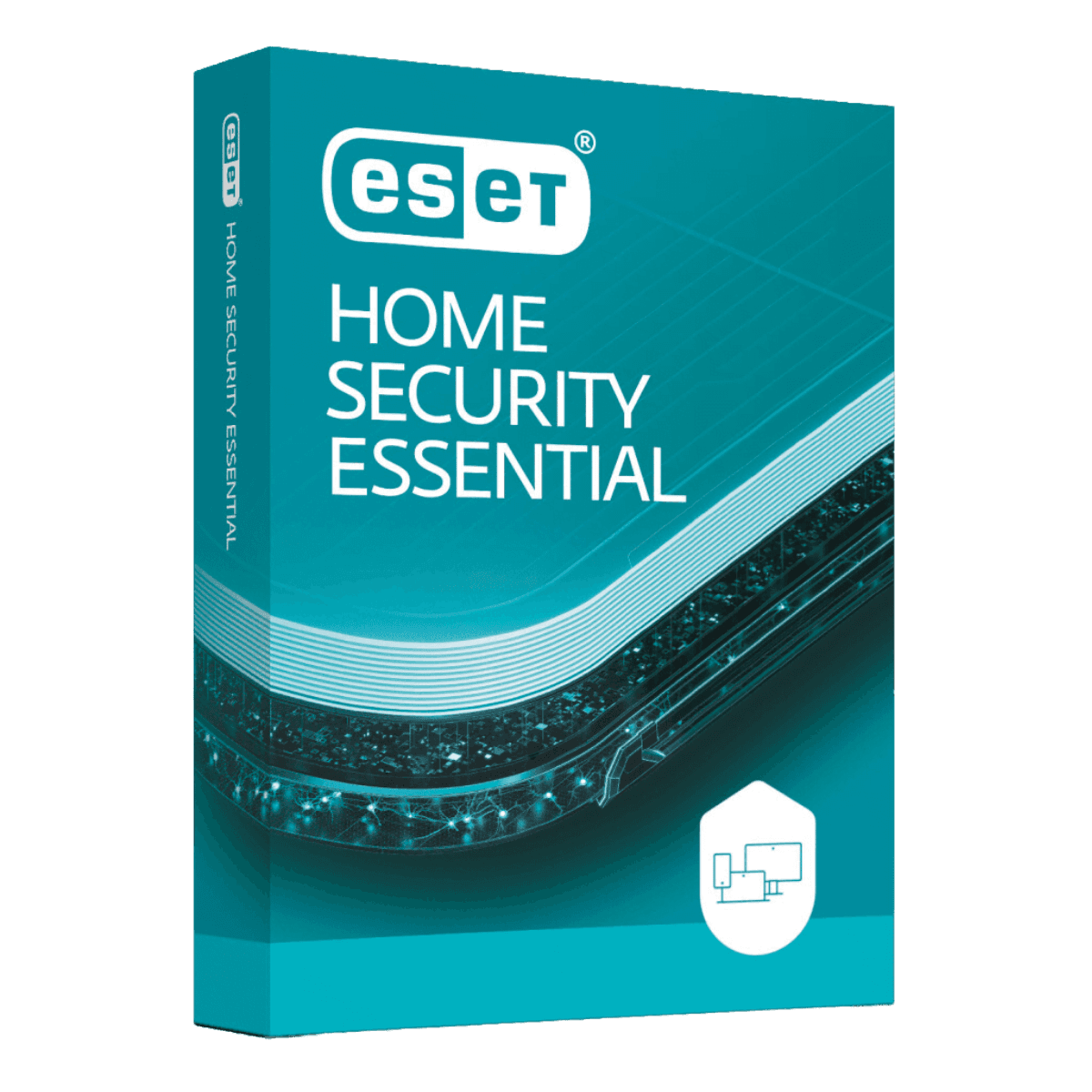
ESET HOME Security Essential

Trusted Shops
Buyer Protection guaranteed refund
ESET HOME Security Essential Original Annual License for Windows, Mac, Android and iOS
Fast Email Delivery, Official Guarantee and Free Technical Support
Available for 1, 3, 5 or more devices and in different durations: select the variant you need among those on this page.
| Language | Italian, Multi-Language |
|---|---|
| License Duration | Annual (renewable) |
| Operating System | Windows, macOS, Android and iOS |
| Users | according to the chosen variant |
ESET HOME Security Essential is the entry antivirus protection in the ESET range for Windows, macOS, Android and iOS: it blocks viruses, ransomware and phishing sites, protects banking operations and monitors the home network, with minimal impact on performance. It is the choice of anyone wanting a solid, light defence without accessory features. The license is annual and is delivered by email with the activation code.
Why choose ESET HOME Security Essential
ESET built its reputation on a simple principle: an antivirus should protect without being noticed. Its engine is among the lightest in the sector and keeps working well on computers with a few years behind them, where other suites make the system slow and frustrating to use.
Essential stops at device protection and does not include a password manager, data encryption or VPN. It is the right choice for anyone browsing mainly from a home network, managing credentials another way and above all wanting a reliable antivirus that does not weigh on the computer.
What ESET HOME Security Essential is and what it is for
ESET HOME Security Essential protects the device with an engine combining recognition of already known harmful files with analysis of process behaviour, to catch threats never seen before. Online banking protection opens banking operations in a browser isolated from the rest of the system.
Home network control identifies devices connected to the wi-fi and flags weak router configurations or unknown equipment, useful at home and in a small office. Parental controls and anti-theft functions for mobile devices complete the package, with remote location and locking.
How much an antivirus weighs on the computer, and how to measure it
- The weight shows at start-up
An antivirus loads together with Windows and stretches the time between the power button and the first useful click. It is the measure most noticed on a machine a few years old. - The memory used is a readable number
Task Manager shows how many megabytes the protection process uses while it is not scanning. Under two hundred is normal, far above that is worth investigating. - The moment that weighs is the scan, not the protection
Real-time checking works on one file at a time. The full scan reads the whole disk, and it has to be scheduled when the machine is free. - Copying large files shows the difference
An archive of thousands of files passes under the check one by one. If a copy that used to take a minute now takes three, that is the culprit, and it is solved with a targeted exclusion. - On a mechanical disk you feel it twice as much
The protection reads the disk while you use it. On an SSD it is imperceptible, on a spinning disk it becomes the reason the machine seems stuck. - The computer's memory counts more than the CPU
With four gigabytes of memory any antivirus is one thing too many. With eight or more the weight falls back into the background noise. - Exclusions go on whatever generates files continuously
Build folders, virtual machines, databases and backup programs. They are the cases where checking adds no safety and takes away speed. - What not to do to gain speed
Switching off real-time protection, excluding the whole disk or postponing updates. They are the three ways of turning a slow computer into an infected one.
Feature overview of ESET HOME Security Essential
| Feature | Included |
|---|---|
| Protection active even when the computer has no network | ✔ |
| Deep scan on request | ✔ |
| Exclusion of folders and files from the scan | ✔ |
| Simple interface with few settings to touch | ✔ |
| No perceptible slowdown in normal use | ✔ |
| License transferable to another computer | ✔ |
| Renewal that keeps the same license number | ✔ |
| Guided installation in a few minutes | ✔ |
Comparison: ESET Essential vs Premium vs Ultimate
| Feature | Essential | Premium | Ultimate |
|---|---|---|---|
| Antivirus and ransomware protection | ✔ | ✔ | ✔ |
| Online banking protection | ✔ | ✔ | ✔ |
| Parental controls and anti-theft | ✔ | ✔ | ✔ |
| Password manager | ✘ | ✔ | ✔ |
| Sensitive data encryption | ✘ | ✔ | ✔ |
| VPN with no traffic limits | ✘ | ✘ | ✔ |
| Identity monitoring | ✘ | ✘ | ✔ |
| Devices covered | 1, 3 or 5 | 1, 3, 5 or 10 | 5 or 10 |
System requirements
ESET HOME Security Essential is compatible with Windows, macOS, Android and iOS: the license covers devices on different systems. For detailed requirements see the "Requirements" tab on the product page.
Why are licenses priced so low?
As these are retail licenses previously owned and decommissioned by the former holder in accordance with EU Court ruling C-128/2011, they can be purchased at a more affordable price. These official licenses are fully compliant and guaranteed at the best price on the market.
What do I receive after purchase?
By purchasing this product you will receive the official download of the software from the ESET website, the license for activation and complete instructions for a correct installation.
Advantages of the Licensel License
- Fast delivery by email
You receive the license and the download link within a few minutes of your order. - Always free support
Our technicians assist you via Live Chat and email, at no additional cost. - Invoice included
The invoice is issued automatically once the purchase is complete. - Trusted Shops partner shop
The official Trusted Shops guarantee protects every purchase made on Licensel.
How to buy and activate
- Choose your edition
Select the version you need and complete your order in a few clicks. - Receive the license by email
Within a few minutes you receive the official download link and the license for activation. - Install and activate
Download the software from the manufacturer's official website and enter the license to complete activation. - Support included
For any question our technicians are available via Live Chat and email.
How to download and install ESET HOME Security Essential
After purchase you receive the activation code and the official download link by email. Download ESET from the eset.com website, install it and enter the code you received at first launch: protection starts immediately and the program automatically downloads definition updates. To protect smartphones and tablets too, simply install the app and sign in with the same account. If you prefer to be guided step by step, our technicians can assist you during installation.
Need help with installation?
No problem: our technicians are available via the Live Chat at the bottom right of the website to assist you in real time.
Frequently asked questions
What is the difference between Essential, Premium and Ultimate?
Does it slow the computer down?
Does it also protect smartphones?
How is the license activated?
What happens at expiry?
DIGITAL Delivery
Guaranteed instant delivery
Customer Support
Always available.
Money-back guarantee
Total satisfaction guarantee.
TrustedShops
Buy with certified confidence.