













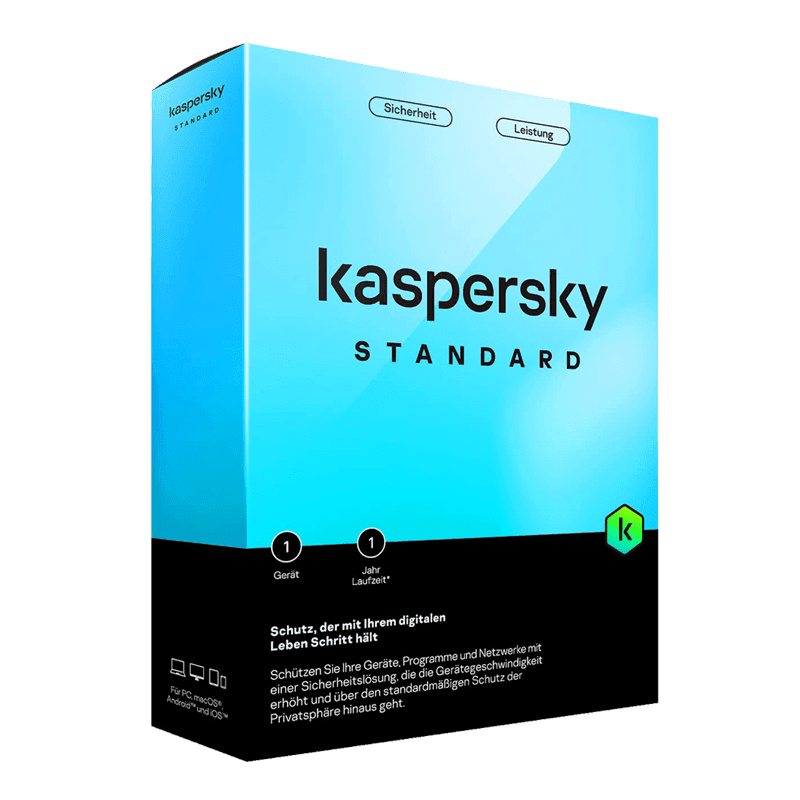

Kaspersky Standard (Antivirus)

Trusted Shops
Buyer Protection guaranteed refund
Kaspersky Standard Original Annual License for Windows, Mac, Android and iOS
Best Price Guaranteed by Licensel.com, Invoice Included and Always Free Support
Available for 1, 3, 5 or more devices and in different durations: select the variant you need among those on this page.
| Language | Italian, Multi-Language |
|---|---|
| License Duration | Annual (renewable) |
| Operating System | Windows, macOS, Android and iOS |
| Users | according to the chosen variant |
Kaspersky Standard is essential antivirus protection for Windows, macOS, Android and iOS: it blocks viruses, ransomware, spyware and phishing sites with minimal impact on device performance. It is the choice of anyone wanting reliable defence without accessory features, with a single license valid across computers, smartphones and tablets. The license is annual and is delivered by email with the activation code.
Why choose Kaspersky Standard
An antivirus exists to stop what the user cannot recognise alone: an attachment that looks like an invoice, a fake update for a known program, a cloned site identical to your bank's. Kaspersky tackles these threats on two levels, comparing files against an archive of known threats and watching program behaviour to catch those never seen before.
Compared with the higher editions, Standard concentrates on protection and leaves out VPN, password manager and identity tools. For anyone using the computer for office work, mail and browsing, with no particular privacy or credential management needs, it is the right coverage without paying for features that would go unused.
What Kaspersky Standard is and what it is for
Kaspersky Standard is the entry protection in the Kaspersky range. It includes the real-time antivirus engine, ransomware defence, browsing control with phishing site blocking, the firewall and online payment protection, which opens banking operations in a window isolated from the rest of the system.
The license is multi-platform: the same activations are spread across Windows and Mac computers, Android and iOS smartphones and tablets, according to the number of devices in the chosen variant. Management happens from a single panel showing the status of each protected device and allowing an activation to be moved from one device to another.
How to run a useful scan without stopping work
- The quick scan is almost always enough
It checks memory, startup and the folders where malware actually installs itself. It takes a few minutes and can be launched while you work. - The full one is scheduled overnight
It reads every file on the disk and on a large archive it can take hours. You set it once a week at a time when the machine is on but nobody is using it. - Real-time checking is what counts
It works on every file you open or download, and it is the real defence. Scheduled scans are there to find what got in before the program was installed. - USB sticks are checked on insertion
It is the setting worth keeping on: media passing between different computers remain a common way in inside offices. - Huge folders are excluded with judgement
Virtual machine archives, backup folders and project libraries slow the scan down for no reason. You exclude those, not the system folders. - Slowdown is measured, not imagined
If the computer seems slow, Task Manager says how much the antivirus is using at that moment. Often the culprit is another program, and switching the protection off solves nothing. - Two antivirus programs together do harm
Two programs checking the same file get in each other's way and can lock the system up. Before installing a new one you uninstall the old one, you do not leave it disabled. - After an infection, a scan from boot
Kaspersky can check the disk before Windows starts: it is the only way to remove something that loads with the system and defends itself from inside.
Feature overview of Kaspersky Standard
| Feature | Included |
|---|---|
| On-screen keyboard for typing confidential data | ✔ |
| Blocking of programs secretly generating cryptocurrency | ✔ |
| File reputation checked before it runs | ✔ |
| Quick scan callable from the right-click menu | ✔ |
| Default settings that are fine without touching them | ✔ |
| Restoring of files changed by a harmful program | ✔ |
| Resource use measurable from the panel | ✔ |
| License for one, three or five devices | ✔ |
Comparison: Kaspersky Standard vs Plus vs Premium
| Feature | Standard | Plus | Premium |
|---|---|---|---|
| Antivirus and ransomware protection | ✔ | ✔ | ✔ |
| Firewall and browsing protection | ✔ | ✔ | ✔ |
| Protected online payments | ✔ | ✔ | ✔ |
| VPN with no traffic limits | ✘ | ✔ | ✔ |
| Password manager | ✘ | ✔ | ✔ |
| PC performance monitoring | ✘ | ✔ | ✔ |
| Identity and document protection | ✘ | ✘ | ✔ |
| Priority technical support | ✘ | ✘ | ✔ |
System requirements
Kaspersky Standard is compatible with Windows, macOS, Android and iOS: the license covers devices on different systems. For detailed requirements see the "Requirements" tab on the product page.
Why are licenses priced so low?
As these are retail licenses previously owned and decommissioned by the former holder in accordance with EU Court ruling C-128/2011, they can be purchased at a more affordable price. These official licenses are fully compliant and guaranteed at the best price on the market.
What do I receive after purchase?
By purchasing this product you will receive the official download of the software from the Kaspersky website, the license for activation and complete instructions for a correct installation.
Advantages of the Licensel License
- Fast delivery by email
You receive the license and the download link within a few minutes of your order. - Always free support
Our technicians assist you via Live Chat and email, at no additional cost. - Invoice included
The invoice is issued automatically once the purchase is complete. - Trusted Shops partner shop
The official Trusted Shops guarantee protects every purchase made on Licensel.
How to buy and activate
- Choose your edition
Select the version you need and complete your order in a few clicks. - Receive the license by email
Within a few minutes you receive the official download link and the license for activation. - Install and activate
Download the software from the manufacturer's official website and enter the license to complete activation. - Support included
For any question our technicians are available via Live Chat and email.
How to download and install Kaspersky Standard
After purchase you receive the activation code and the official download link by email. Download Kaspersky from the kaspersky.com website, install it and enter the code you received at first launch: protection starts immediately and the program automatically downloads definition updates. To protect smartphones and tablets too, simply install the app and sign in with the same account. If you prefer to be guided step by step, our technicians can assist you during installation.
Need help with installation?
No problem: our technicians are available via the Live Chat at the bottom right of the website to assist you in real time.
Frequently asked questions
What is the difference between Standard, Plus and Premium?
Does it slow the computer down?
Does it also protect against ransomware?
How is the license activated?
Can I protect smartphones and tablets too?
DIGITAL Delivery
Guaranteed instant delivery
Customer Support
Always available.
Money-back guarantee
Total satisfaction guarantee.
TrustedShops
Buy with certified confidence.