








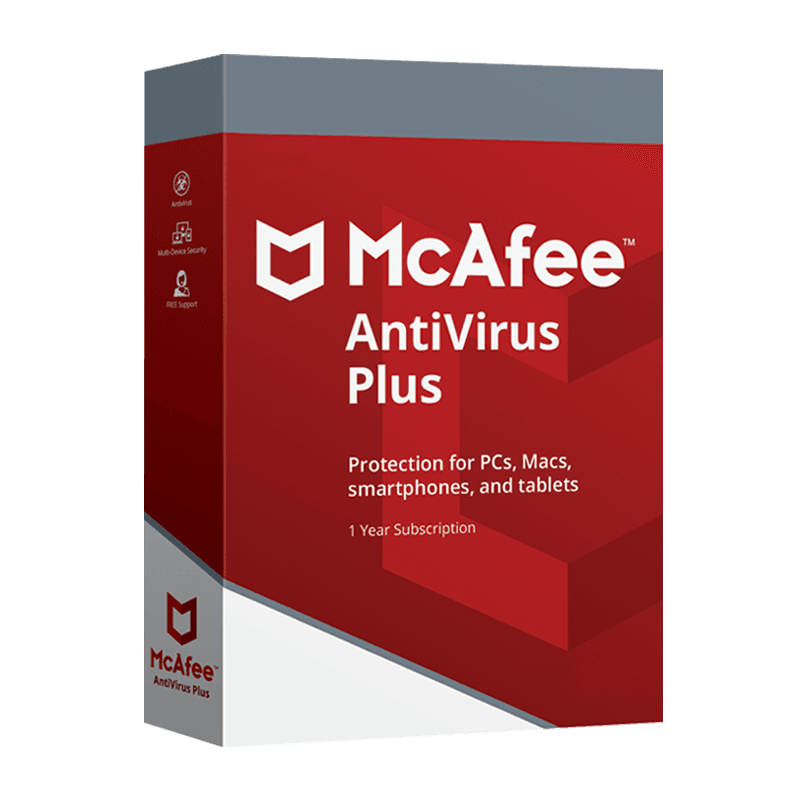

McAfee Antivirus Plus

Trusted Shops
Buyer Protection guaranteed refund
McAfee Antivirus Plus Original Annual License for Windows, Mac, Android and iOS
Best Price Guaranteed by Licensel.com, Invoice Included and Always Free Support
Available for 1, 3, 5 or more devices and in different durations: select the variant you need among those on this page.
| Language | Italian, Multi-Language |
|---|---|
| License Duration | Annual (renewable) |
| Operating System | Windows, macOS, Android and iOS |
| Users | according to the chosen variant |
McAfee Antivirus Plus is the essential protection in the McAfee range: real-time antivirus, ransomware defence, safe browsing and firewall, also available in an unlimited devices version. It is the choice of anyone wanting to secure computers, smartphones and tablets without accessory features. The license is annual and is delivered by email with the activation code.
Why choose McAfee Antivirus Plus
McAfee is one of the long-established names in computer security and its consumer range is organised in increasing levels: it starts with protecting the device and reaches as far as protecting the person's identity. Choosing the right edition means understanding how far you want to go.
Antivirus Plus stops at the basic level and does not include a password manager, parental controls, VPN or identity monitoring. It is the right choice for anyone already using other tools to manage credentials or browsing almost always from trusted home networks, who simply wants solid defence against malware and dangerous sites.
What McAfee Antivirus Plus is and what it is for
McAfee Antivirus Plus protects the device on three fronts: the antivirus engine scans files and downloads in real time, web protection flags dangerous links before they are opened and the firewall controls network connections, blocking unauthorised access attempts.
The license is multi-platform and covers Windows and Mac computers, Android and iOS smartphones and tablets. In the unlimited devices variants the same license protects all the family's equipment with no activations to count, a convenient solution when a household has several computers and phones.
What no antivirus can stop
- The email that convinces you to do the damage yourself
A fake invoice leading you to type your credentials on a page identical to the bank's contains no virus. The program has nothing to block: the only defence is looking at the sender's address and the site's. - The reused password
If the same password sits on ten sites and one of those ten is breached, the other nine are open. No antivirus can know it and none can prevent it. - The missing second factor
An account or a mailbox without two-step verification opens with the password alone. Turning it on costs five minutes and is worth more than any installed program. - The phone call from someone posing as support
Whoever calls saying the computer has a problem and asks you to install a program to fix it is asking you to open the door from the inside. No software prevents that. - Postponed updates
A system or a browser left un-updated has published, known holes. The antivirus can notice a successful attack, not the door left open. - Data that has already gone out
If a service you used was breached, your data is already elsewhere. Changing the password helps for the future, it does not erase what left. - The backup that does not exist
Against ransomware that encrypts everything, the only thing that brings the files back is a disconnected copy. The antivirus can stop many, not all, and on the day one gets through only the backups count. - What it does do well
Recognising and blocking known malicious programs, stopping phishing pages already reported, watching folders against sudden encryption. It is a lot, but it sits inside a perimeter: the rest depends on how you work.
Feature overview of McAfee Antivirus Plus
| Feature | Included |
|---|---|
| The file checked at the moment it is opened | ✔ |
| Definitions updated without restarting the computer | ✔ |
| Suspicious files moved to an area they can be recovered from | ✔ |
| Periodic scan starting when the computer is idle | ✔ |
| Warning before opening a flagged site | ✔ |
| Protection status visible from a single page | ✔ |
| Removal of the previous antivirus during installation | ✔ |
| A scan that adapts to the computer's power | ✔ |
Comparison: the McAfee editions compared
| Feature | Antivirus Plus | Internet Security | Total Protection | Plus Premium |
|---|---|---|---|---|
| Antivirus and ransomware protection | ✔ | ✔ | ✔ | ✔ |
| Firewall and browsing protection | ✔ | ✔ | ✔ | ✔ |
| Password manager | ✘ | ✔ | ✔ | ✔ |
| Parental controls | ✘ | ✔ | ✔ | ✔ |
| VPN included | ✘ | ✘ | ✔ | ✔ |
| Identity monitoring | ✘ | ✘ | ✔ | ✔ |
| Data removal from broker sites | ✘ | ✘ | ✘ | ✔ |
| Devices covered | Up to unlimited | Up to unlimited | 1, 3, 5 or 10 | Unlimited |
System requirements
McAfee Antivirus Plus is compatible with Windows, macOS, Android and iOS: the license covers devices on different systems. For detailed requirements see the "Requirements" tab on the product page.
Why are licenses priced so low?
As these are retail licenses previously owned and decommissioned by the former holder in accordance with EU Court ruling C-128/2011, they can be purchased at a more affordable price. These official licenses are fully compliant and guaranteed at the best price on the market.
What do I receive after purchase?
By purchasing this product you will receive the official download of the software from the McAfee website, the license for activation and complete instructions for a correct installation.
Advantages of the Licensel License
- Fast delivery by email
You receive the license and the download link within a few minutes of your order. - Always free support
Our technicians assist you via Live Chat and email, at no additional cost. - Invoice included
The invoice is issued automatically once the purchase is complete. - Trusted Shops partner shop
The official Trusted Shops guarantee protects every purchase made on Licensel.
How to buy and activate
- Choose your edition
Select the version you need and complete your order in a few clicks. - Receive the license by email
Within a few minutes you receive the official download link and the license for activation. - Install and activate
Download the software from the manufacturer's official website and enter the license to complete activation. - Support included
For any question our technicians are available via Live Chat and email.
How to download and install McAfee Antivirus Plus
After purchase you receive the activation code and the official download link by email. Download McAfee from the mcafee.com website, install it and enter the code you received at first launch: protection starts immediately and the program automatically downloads definition updates. To protect smartphones and tablets too, simply install the app and sign in with the same account. If you prefer to be guided step by step, our technicians can assist you during installation.
Need help with installation?
No problem: our technicians are available via the Live Chat at the bottom right of the website to assist you in real time.
Frequently asked questions
What is the difference from Total Protection?
Is there an unlimited devices version?
Does it also protect against ransomware?
How is the license activated?
Can I protect smartphones and tablets too?
DIGITAL Delivery
Guaranteed instant delivery
Customer Support
Always available.
Money-back guarantee
Total satisfaction guarantee.
TrustedShops
Buy with certified confidence.