








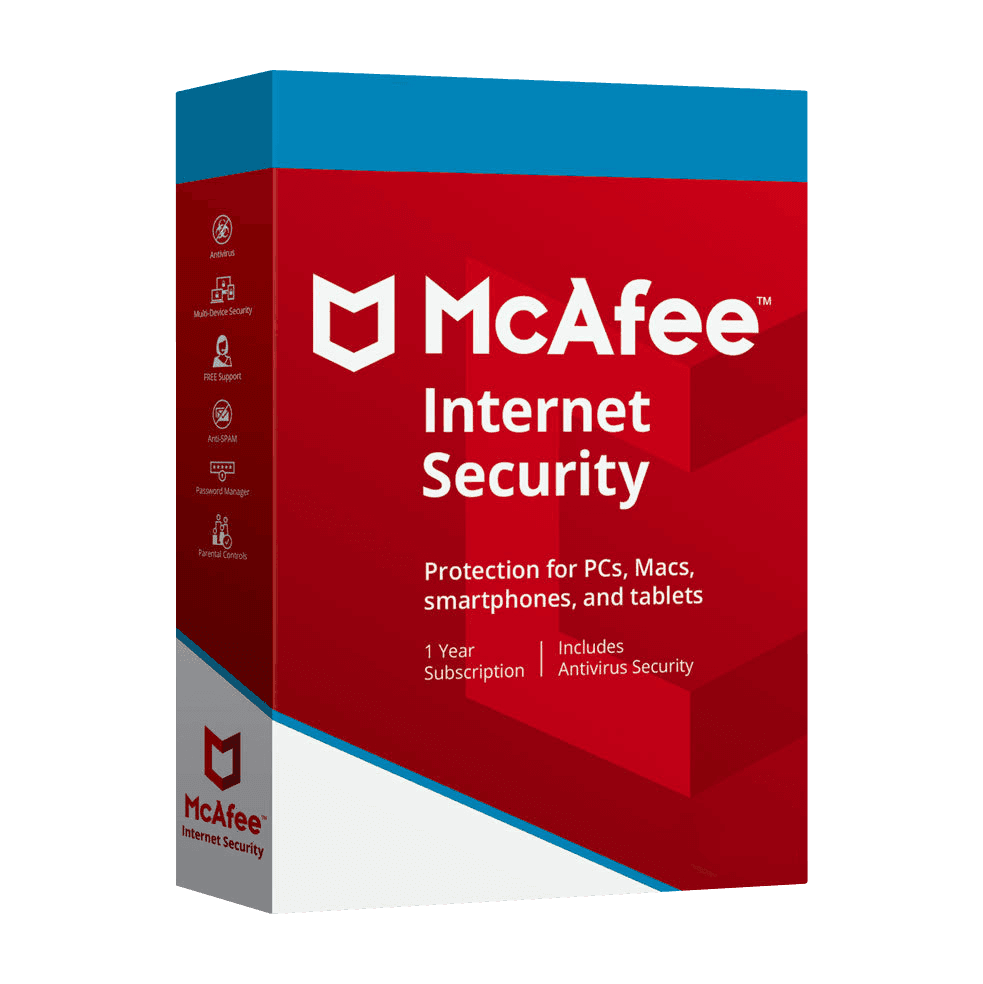

McAfee Internet Security

Trusted Shops
Buyer Protection guaranteed refund
McAfee Internet Security Original Annual License for Windows, Mac, Android and iOS
Best Price Guaranteed by Licensel.com, Invoice Included and Always Free Support
Available for 1, 3, 5 or more devices and in different durations: select the variant you need among those on this page.
| Language | Italian, Multi-Language |
|---|---|
| License Duration | Annual (renewable) |
| Operating System | Windows, macOS, Android and iOS |
| Users | according to the chosen variant |
McAfee Internet Security adds a password manager and parental controls to antivirus protection, the two tools you need when there is more than one device in the house and not all of them belong to an adult, and is also available in an unlimited devices version. It is designed for families that need to protect several devices and want tools to manage credentials and supervise how children use computers and phones. The license is annual and is delivered by email with the activation code.
Why choose McAfee Internet Security
McAfee is one of the long-established names in computer security and its consumer range is organised in increasing levels: it starts with protecting the device and reaches as far as protecting the person's identity. Choosing the right edition means understanding how far you want to go.
The mid-range level answers two needs an antivirus alone does not cover: secure management of passwords, now dozens per person, and control over what children do online. Compared with Total Protection it lacks the VPN and identity monitoring, features mainly useful to anyone often connecting from public networks.
What McAfee Internet Security is and what it is for
McAfee Internet Security includes the real-time antivirus engine, browsing protection with dangerous site blocking, the firewall and system cleanup tools, to which it adds two components dedicated to the family.
The password manager keeps credentials and card details in an encrypted vault synchronised across devices, fills them in automatically and flags weak or reused ones. Parental controls let you filter content, set time limits and receive a report of activity on devices used by children.
What a firewall on a home computer is really for
- Windows already has one, and it works
The system firewall blocks unrequested incoming connections and is on by default. Anyone telling you that without a third-party firewall you are exposed is telling you a story. - The suite's one also looks outward
The difference is here: it checks which installed programs try to talk out to the internet. It is there to notice something that has already got in and is calling home. - Firewall prompts are to be read, not clicked
The value of an outbound firewall lies entirely in the answer to that window. If you click Allow on everything out of habit, you may as well keep only the Windows one. - The real boundary is on the router
The home network is already behind the router, which lets nothing unrequested in. The firewall on the computer is for inside the network, between devices, and for when you are connected elsewhere. - On public networks the profile changes
Windows and the suite tell the home network from the hotel one. On the second, file sharing and discovery have to be closed: it is a setting, not a program to buy. - Two firewalls together double nothing
When you install the suite, its firewall takes the place of the Windows one. Keeping both active produces blocks nobody manages to diagnose. - What the firewall does not see
Encrypted traffic to a legitimate site goes through: if it is you typing your credentials on a fake page, to the firewall it is an ordinary connection to a website. - When this edition is worth it
When you also need the password manager and outbound connection control on several devices. For the antivirus alone, the basic version already covers the part that counts.
Feature overview of McAfee Internet Security
| Feature | Included |
|---|---|
| Automatic checking of downloaded files | ✔ |
| Blocking of pages asking for credentials in a suspicious way | ✔ |
| Content filter by age group | ✔ |
| Reports on the activity of the children's devices | ✔ |
| Protection of the mail from dangerous attachments | ✔ |
| Checking of removable devices when they are plugged in | ✔ |
| Alerts reduced during full screen activities | ✔ |
| Devices managed from your own personal area | ✔ |
Comparison: the McAfee editions compared
| Feature | Antivirus Plus | Internet Security | Total Protection | Plus Premium |
|---|---|---|---|---|
| Antivirus and ransomware protection | ✔ | ✔ | ✔ | ✔ |
| Firewall and browsing protection | ✔ | ✔ | ✔ | ✔ |
| Password manager | ✘ | ✔ | ✔ | ✔ |
| Parental controls | ✘ | ✔ | ✔ | ✔ |
| VPN included | ✘ | ✘ | ✔ | ✔ |
| Identity monitoring | ✘ | ✘ | ✔ | ✔ |
| Data removal from broker sites | ✘ | ✘ | ✘ | ✔ |
| Devices covered | Up to unlimited | Up to unlimited | 1, 3, 5 or 10 | Unlimited |
System requirements
McAfee Internet Security is compatible with Windows, macOS, Android and iOS: the license covers devices on different systems. For detailed requirements see the "Requirements" tab on the product page.
Why are licenses priced so low?
As these are retail licenses previously owned and decommissioned by the former holder in accordance with EU Court ruling C-128/2011, they can be purchased at a more affordable price. These official licenses are fully compliant and guaranteed at the best price on the market.
What do I receive after purchase?
By purchasing this product you will receive the official download of the software from the McAfee website, the license for activation and complete instructions for a correct installation.
Advantages of the Licensel License
- Fast delivery by email
You receive the license and the download link within a few minutes of your order. - Always free support
Our technicians assist you via Live Chat and email, at no additional cost. - Invoice included
The invoice is issued automatically once the purchase is complete. - Trusted Shops partner shop
The official Trusted Shops guarantee protects every purchase made on Licensel.
How to buy and activate
- Choose your edition
Select the version you need and complete your order in a few clicks. - Receive the license by email
Within a few minutes you receive the official download link and the license for activation. - Install and activate
Download the software from the manufacturer's official website and enter the license to complete activation. - Support included
For any question our technicians are available via Live Chat and email.
How to download and install McAfee Internet Security
After purchase you receive the activation code and the official download link by email. Download McAfee from the mcafee.com website, install it and enter the code you received at first launch: protection starts immediately and the program automatically downloads definition updates. To protect smartphones and tablets too, simply install the app and sign in with the same account. If you prefer to be guided step by step, our technicians can assist you during installation.
Need help with installation?
No problem: our technicians are available via the Live Chat at the bottom right of the website to assist you in real time.
Frequently asked questions
What is the difference from Antivirus Plus?
Do parental controls work on smartphones too?
Does it include the VPN?
How is the license activated?
Can I protect smartphones and tablets too?
DIGITAL Delivery
Guaranteed instant delivery
Customer Support
Always available.
Money-back guarantee
Total satisfaction guarantee.
TrustedShops
Buy with certified confidence.