
















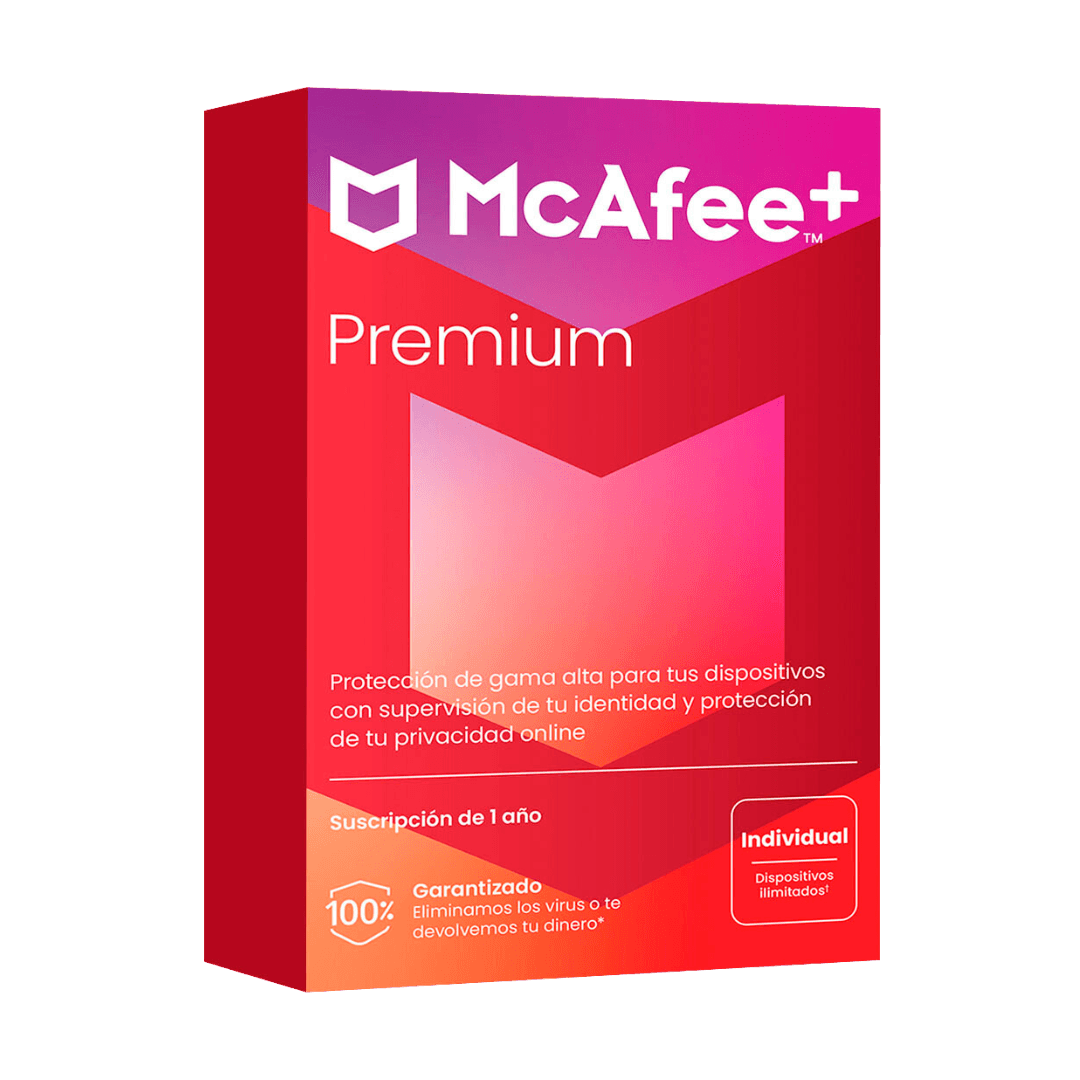

McAfee Plus Premium

Trusted Shops
Buyer Protection guaranteed refund
McAfee Plus Premium Original Annual License for Windows, Mac, Android and iOS
Trusted Shops Guarantee, Fast Email Delivery and Technical Support Included
Available for 1, 3, 5 or more devices and in different durations: select the variant you need among those on this page.
| Language | Italian, Multi-Language |
|---|---|
| License Duration | Annual (renewable) |
| Operating System | Windows, macOS, Android and iOS |
| Users | Unlimited |
McAfee Plus Premium is the most complete edition: it includes everything Total Protection offers and adds personal data removal from the sites that collect and resell it, with coverage for unlimited devices. It is designed for anyone wanting to actively reduce their online exposure, not just defend against threats. The license is annual and is delivered by email with the activation code.
Why choose McAfee Plus Premium
McAfee is one of the long-established names in computer security and its consumer range is organised in increasing levels: it starts with protecting the device and reaches as far as protecting the person's identity. Choosing the right edition means understanding how far you want to go.
There is an industry that gathers personal information from public sources and resells it: addresses, phone numbers and personal details end up in lists anyone can consult. Asking each site for deletion is a long, repetitive job most people never tackle. Plus Premium automates these requests and follows up on their outcome.
What McAfee Plus Premium is and what it is for
McAfee Plus Premium includes the entire Total Protection toolkit, antivirus, firewall, VPN, password manager, parental controls and identity monitoring, extended to an unlimited number of devices.
The feature that sets it apart is personal data removal: the service identifies broker sites exposing your information, sends deletion requests and periodically checks that the data does not reappear. It is ongoing work, because these archives refill over time from new sources.
What to do, in order, if your identity is stolen
- First close the door, then count the damage
The first move is changing the mailbox password and switching on two-step verification. While the mailbox belongs to somebody else, every other password you change is handed to them. - Then the bank, with a phone call
Blocking the card and reporting are done on the number printed on the card or on the official site, never from a link that arrived in a message. This is the stage when the second scams arrive. - You write things down as they happen
Date, time, what you saw, what you did. It serves the police report, the bank and the insurer, and in the cold light of day you remember nothing. - The report is filed even if it seems pointless
Without a report many bank and insurance disputes cannot be opened. It is filed with the police, in person or through their portal. - You change everything that shared the password
If that password was also on other sites, those are already open. This is the moment a password manager stops looking like a complication. - You check the account recovery settings
Whoever gets into a mailbox often adds their own address or number to the recovery contacts, to get back in even after the password change. They have to be checked one by one. - Monitoring serves from here on
Knowing early that your data has appeared somewhere shortens the reaction time, and that is what this edition adds. It does not undo what has already happened. - What to expect afterwards
For months messages will arrive containing real data, precisely because that data is circulating. No urgent request is acted on without verifying it through another channel.
Feature overview of McAfee Plus Premium
| Feature | Included |
|---|---|
| A single dashboard with the state of all the devices | ✔ |
| Alerts on data leaks concerning your addresses | ✔ |
| Dedicated help in case of identity problems | ✔ |
| Control of the permissions granted to the applications | ✔ |
| Cleaning of the temporary files during the scan | ✔ |
| Browser extension that flags risky sites | ✔ |
| Recognition of pages imitating the real ones | ✔ |
| Cover for the whole household's devices | ✔ |
Comparison: the McAfee editions compared
| Feature | Antivirus Plus | Internet Security | Total Protection | Plus Premium |
|---|---|---|---|---|
| Antivirus and ransomware protection | ✔ | ✔ | ✔ | ✔ |
| Firewall and browsing protection | ✔ | ✔ | ✔ | ✔ |
| Password manager | ✘ | ✔ | ✔ | ✔ |
| Parental controls | ✘ | ✔ | ✔ | ✔ |
| VPN included | ✘ | ✘ | ✔ | ✔ |
| Identity monitoring | ✘ | ✘ | ✔ | ✔ |
| Data removal from broker sites | ✘ | ✘ | ✘ | ✔ |
| Devices covered | Up to unlimited | Up to unlimited | 1, 3, 5 or 10 | Unlimited |
System requirements
McAfee Plus Premium is compatible with Windows, macOS, Android and iOS: the license covers devices on different systems. For detailed requirements see the "Requirements" tab on the product page.
Why are licenses priced so low?
As these are retail licenses previously owned and decommissioned by the former holder in accordance with EU Court ruling C-128/2011, they can be purchased at a more affordable price. These official licenses are fully compliant and guaranteed at the best price on the market.
What do I receive after purchase?
By purchasing this product you will receive the official download of the software from the McAfee website, the license for activation and complete instructions for a correct installation.
Advantages of the Licensel License
- Fast delivery by email
You receive the license and the download link within a few minutes of your order. - Always free support
Our technicians assist you via Live Chat and email, at no additional cost. - Invoice included
The invoice is issued automatically once the purchase is complete. - Trusted Shops guarantee
Licensel is a Trusted Shops partner shop: every order is covered by the official buyer guarantee.
How to buy and activate
- Choose your edition
Select the version you need and complete your order in a few clicks. - Receive the license by email
Within a few minutes you receive the official download link and the license for activation. - Install and activate
Download the software from the manufacturer's official website and enter the license to complete activation. - Support included
For any question our technicians are available via Live Chat and email.
How to download and install McAfee Plus Premium
After purchase you receive the activation code and the official download link by email. Download McAfee from the mcafee.com website, install it and enter the code you received at first launch: protection starts immediately and the program automatically downloads definition updates. To protect smartphones and tablets too, simply install the app and sign in with the same account. If you prefer to be guided step by step, our technicians can assist you during installation.
Need help with installation?
No problem: our technicians are available via the Live Chat at the bottom right of the website to assist you in real time.
Frequently asked questions
What is the difference from Total Protection?
How does data removal work?
How many devices can I protect?
How is the license activated?
What happens at expiry?
DIGITAL Delivery
Guaranteed instant delivery
Customer Support
Always available.
Money-back guarantee
Total satisfaction guarantee.
TrustedShops
Buy with certified confidence.