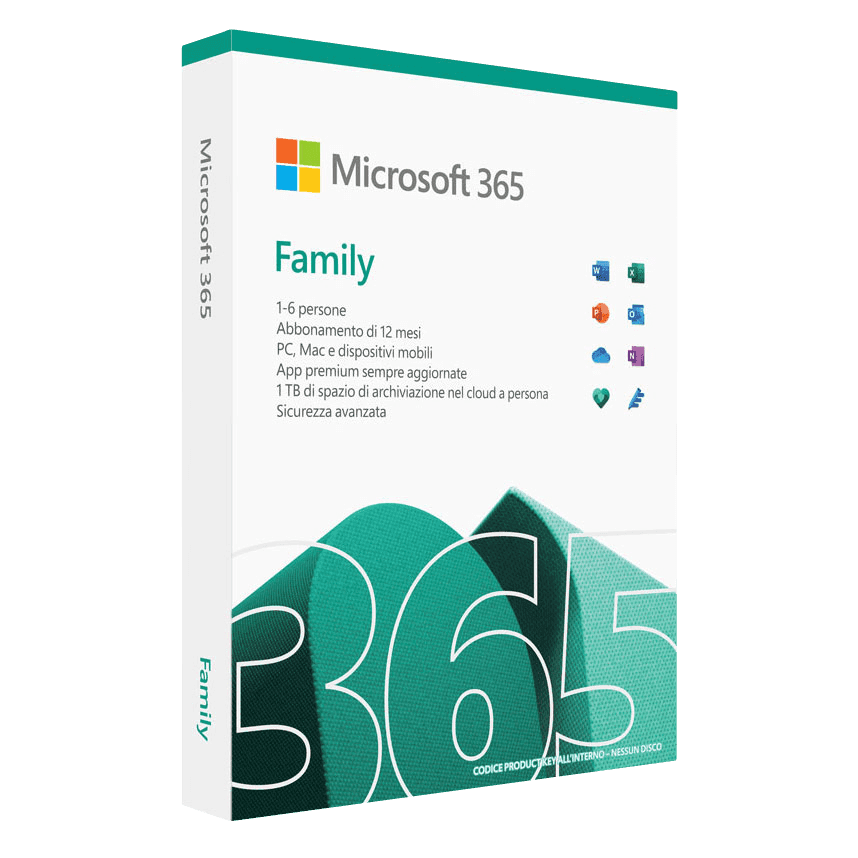

Microsoft 365 Family

Trusted Shops
Buyer Protection guaranteed refund
Microsoft 365 Family Original Annual License for Windows, Mac, Android and iOS
Fast Email Delivery, Official Guarantee and Free Technical Support
Microsoft 365 Family is the Microsoft annual license covering up to six people: each one signs in with their own Microsoft account and has their own applications, their own files and their own terabyte of OneDrive, on five devices each. The holder invites the other five by email.
Buying from Licensel you receive by email within minutes the instructions for activation and for sharing with the family, with always free support via Live Chat and email.
| Language | Multi-language |
|---|---|
| Number of devices | 6 users, up to 5 devices each |
| Operating system | Windows / Mac / Android / iOS |
| License duration | Annual (renewable) |
What Microsoft 365 Family includes
- Wordword processing with the most recent features, real-time co-authoring and AI writing suggestions
- Excelalways up-to-date spreadsheets with the latest functions, dynamic arrays, linked data types and Power Query
- PowerPointpresentations with AI Designer for automatic layouts, advanced transitions and built-in recording
- Outlookalways up-to-date email and calendar management with Focused Inbox, smart suggestions and scheduling
- OneNotedigital notebook for notes, annotations and organisation synchronised across all your devices
- 1 TB of OneDrive per user6 TB of secure cloud storage in total
- Microsoft Teamsvideo meetings, chat and collaboration
Microsoft 365 Personal vs Family
| Characteristic | Personal | Family |
|---|---|---|
| Users | 1 | Up to 6 |
| OneDrive | 1 TB | 1 TB per user (6 TB total) |
| Simultaneous devices | 5 | 5 per user |
| Family sharing | ✗ | ✓ |
| Ideal for | Single use | Families |
| Microsoft accounts needed | 1 | One per person, up to 6 |
License type → Annual
The license lasts twelve months and has an expiry date: it does not renew by itself and leaves no charges queued up. Whoever activates it becomes the holder and from there invites up to five people, who each sign in with their own Microsoft account.
Every invited person stays separate from the others: their files, their mail and their terabyte of OneDrive do not mix with the family's. On expiry all six switch to read-only on the applications, while the files on OneDrive stay accessible.
Each terabyte belongs to the individual person and cannot be moved: whoever fills their own space cannot take the unused space of another member. For a family with one large photo archive it is better to keep it on the account of whoever looks after it and share its folders with the others, instead of splitting it into six parts.
Key features
Microsoft 365 Family offers all the Office apps, always up to date, for the whole family. Each user receives 1 TB of OneDrive (6 TB in total) and can install the apps on 5 devices (30 in total). It includes Microsoft Teams and the option to manage the family accounts centrally.
Microsoft 365 Family is designed to be shared with the whole family: up to 6 users can use the complete suite on all their devices. Each family member receives 1 TB of personal OneDrive space (6 TB in total), giving everyone their own separate, secure cloud storage. Sharing is simple: just send an invitation by email and each user can install the apps on PC, Mac, tablet and smartphone. It is the most affordable solution for households where several people need Office.
Microsoft 365 Family and six perpetual Office licenses
| Characteristic | Microsoft 365 Family | Six Office 2024 Home licenses |
|---|---|---|
| People covered | 6, each with their own account | 6, one license each |
| First-year spend for six people | Much lower | Much higher |
| How many times you pay | Once a year | Once only |
| OneDrive storage | 1 TB each, 6 TB in total | 5 GB each |
| Devices per person | 5 | 1 |
| Applications always on the latest version | ✓ | ✗ |
| Outlook for mail | ✓ | ✗ |
| What happens on expiry | All six go read-only | Nothing, the licenses stay yours |
System requirements
Microsoft 365 Family is compatible with Windows, macOS, iOS and Android. For compatibility with your macOS version and the detailed requirements, see the "Requirements" tab on the product page.
Licensel: Microsoft Certified Partner
Licensel is a Microsoft Certified Partner, which means we operate as an authorised reseller of Microsoft software licenses. This certification assures our customers that every product purchased is genuine and comes from official Microsoft channels, and that our team holds the certified technical skills to provide qualified assistance with activation and use. Choosing a Microsoft certified partner means relying on a recognised and guaranteed reseller.
Why buy Microsoft 365 Family from Licensel
- Up to 6 usersevery family member with their own account
- 6 TB of OneDrive in total1 TB for each user
- 30 devices in total5 for each user on PC, Mac, tablet and smartphone
- Always up-to-date appsyou automatically receive the latest features
- Fast deliveryyou receive the activation instructions within minutes
- Always free supporthelp via Live Chat and email
- Microsoft Certified Partnergenuine licenses from official channels
- Trusted Shops partner shoppurchase protected by the official Trusted Shops guarantee
How to buy and activate Microsoft 365 Family
After your purchase on Licensel, you receive by email the instructions for linking the license to your Microsoft account. Sign in to your account, activate the license and invite your family members. Each user downloads the apps on their own devices. Our support is always free for anything you need.
Frequently asked questions
What does Microsoft 365 Family include?
What is the difference between 365 Family and 365 Personal?
What is the difference between Microsoft 365 and perpetual Office?
How is the Family license shared?
What happens when the license expires?
What do I need to do after purchase?
DIGITAL Delivery
Guaranteed instant delivery
Customer Support
Always available.
Money-back guarantee
Total satisfaction guarantee.
TrustedShops
Buy with certified confidence.