
















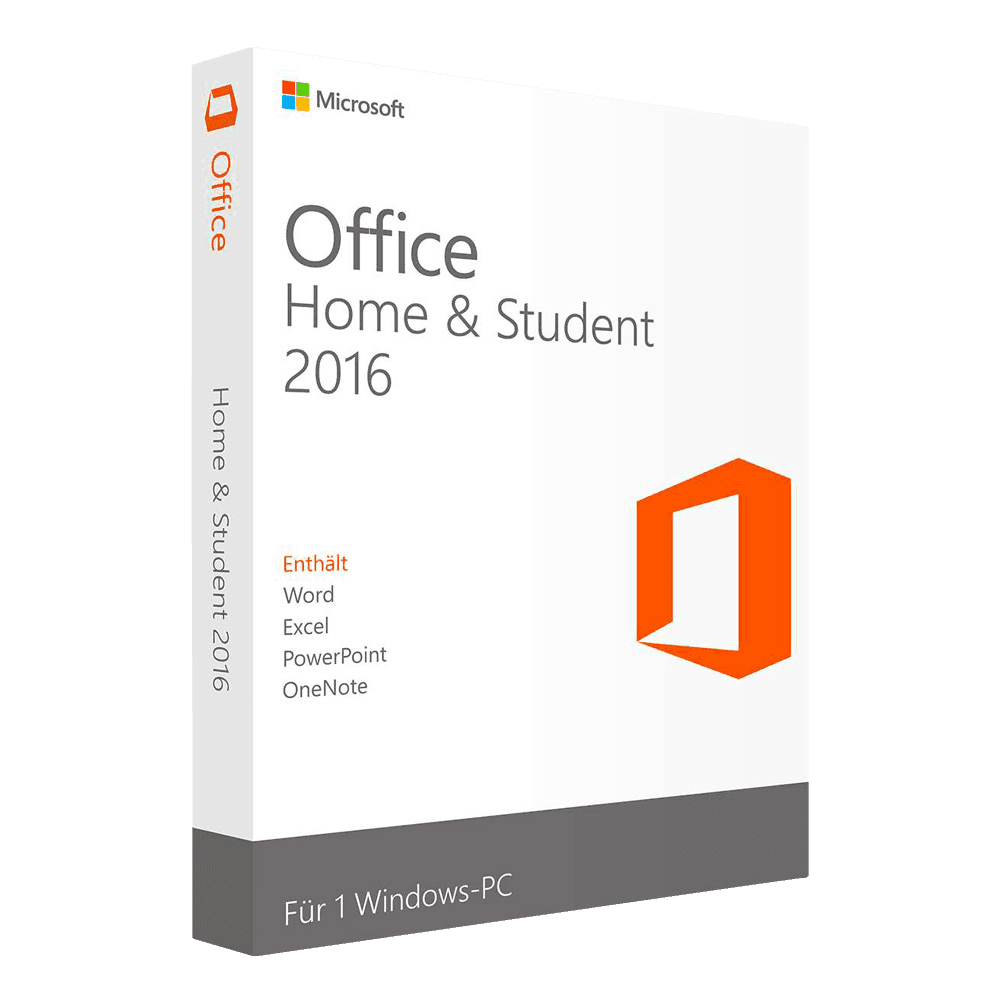

Microsoft Office 2016 Home & Student

Trusted Shops
Buyer Protection guaranteed refund
Microsoft Office 2016 Home & Student Original Perpetual License for Windows
Best Price Guaranteed by Licensel.com, Invoice Included and Always Free Support
Microsoft Office 2016 Home & Student is among the cheapest Office licenses in the catalogue, with the four applications actually needed every day: Word, Excel, PowerPoint and OneNote, with a perpetual license for one Windows PC. It is the choice for a second computer at home or for anyone who writes, calculates and prints and needs nothing else.
Buying from Licensel you receive the original product key by email within minutes, with always free support via Live Chat and email.
| Language | Multi-language |
|---|---|
| Number of devices | 1 PC |
| Operating system | Windows |
| License duration | Perpetual (no expiry) |
What Office 2016 Home & Student includes
- Wordprofessional word processing with real-time co-authoring and OneDrive integration
- Excelspreadsheets with Get & Transform (Power Query) and the new chart types (waterfall, treemap, sunburst)
- PowerPointpresentations with built-in screen recording, handwritten ink equations and Smart Lookup
- OneNotedigital notebook for notes, annotations and organising research
Office 2016 editions compared
| Feature | Home & Student | Professional Plus | Home & Business Mac |
|---|---|---|---|
| Word, Excel, PowerPoint and OneNote | ✓ | ✓ | ✓ |
| Outlook for mail | ✗ | ✓ | ✓ |
| Access and Publisher | ✗ | ✓ | ✗ |
| Operating system | Windows | Windows | macOS |
| License type | Retail | Retail | Bind |
| 5-PC pack | ✗ | ✓ | ✗ |
License type → Retail
The Retail license is activated with a product key on one Windows PC and stays tied to that machine. On a home computer meant to stay where it is for years, this is the simplest form: you enter the code once and stop thinking about it.
It has no expiry and no renewals. If instead the computer is going to be replaced and you want the license to follow you, look at the Bind editions, which link to the Microsoft account.
Key features of Office 2016
What the applications included in this edition do:
- Word 2016writing and reviewing documents, with comments and corrections visible in the margin
- Excel 2016spreadsheets with pivot tables, recommended charts and quick fill of data
- PowerPoint 2016presentations with ready templates, presenter notes and full-screen delivery
- OneNote 2016notes organised in notebooks and sections, synced with the phone
It should be said plainly: the license is perpetual and the programs keep opening and working, but this generation no longer receives security fixes. That is why this generation costs so little, and it should be chosen in that knowledge; for a version still being followed there are the 2021 and the 2024 in the catalogue.
Comparison: Office 2016, 2021 and 2024 for home
| Feature | Home & Student 2016 | Home & Student 2021 | Home 2024 |
|---|---|---|---|
| Word, Excel, PowerPoint and OneNote | ✓ | ✓ | ✓ |
| XLOOKUP and dynamic arrays in Excel | ✗ | ✓ | ✓ |
| IMAGE function in Excel | ✗ | ✗ | ✓ |
| Microsoft security updates | Ended in October 2025 | Until October 2026 | Until October 2029 |
| Operating system | Windows | Windows | Windows or Mac |
| License type | Retail | Retail | Bind |
Files stay compatible both ways: Office 2016 saves in the same formats as the later versions, .docx, .xlsx and .pptx, so a document received from someone using 2024 opens without conversion. The exception is the functions introduced later: a sheet that uses XLOOKUP, opened in Excel 2016, shows the #NAME? error instead of the result. It is worth knowing if you often exchange spreadsheets with people on a recent version.
System requirements
Microsoft Office 2016 Home & Student is compatible with Windows 10 and Windows 11. For detailed requirements, see the "Requirements" tab on the product page.
Installation is simple and quick: after your purchase you receive the product key by email within minutes. You can download the software directly from the official Microsoft website and complete activation on your own. If you need help, the always free support team at Licensel is at your disposal to guide you step by step through installation and activation.
Office 2016 does not coexist with more recent versions on the same computer: if Office 2021, 2024 or a Microsoft 365 trial is already on the PC, it must be removed before installing 2016, otherwise the installation stops. It is the typical case with new computers, which often come with a trial already installed.
Why are licenses priced so low?
As these are retail licenses previously owned and decommissioned by the former holder in accordance with EU Court ruling C-128/2011, they can be purchased at a more affordable price. These official licenses are fully compliant and guaranteed at the best price on the market.
Licensel: Microsoft Certified Partner
Licensel is a Microsoft Certified Partner, which means we operate as an authorised reseller of Microsoft software licenses. This certification assures our customers that every product purchased is genuine and comes from official Microsoft channels, and that our team holds the certified technical skills to provide qualified assistance with activation and use. Choosing a Microsoft certified partner means relying on a recognised and guaranteed reseller.
Why buy Microsoft Office 2016 Home & Student from Licensel
- Essential suite at the best pricethe four everyday applications, with no fees
- Genuine perpetual licensepay once, use forever
- Fast deliveryyou receive your product key within minutes
- Always free supporthelp via Live Chat and email
- Microsoft Certified Partnergenuine licenses from official channels
- Purchase protected by Trusted Shopsofficial buyer guarantee on every order
How to buy and activate Microsoft Office 2016 Home & Student
After your purchase on Licensel, you receive by email your product key and the instructions for download and activation. You download the software, enter the product key and complete activation within minutes. Our support is always free for anything you need.
Frequently asked questions
What does Office 2016 Home & Student include?
Is Office 2016 still usable now that support has ended?
What is the difference between Home & Student and Professional Plus?
What kind of license is it?
Does Office 2016 Home & Student work on Mac?
Why choose Office 2016?
DIGITAL Delivery
Guaranteed instant delivery
Customer Support
Always available.
Money-back guarantee
Total satisfaction guarantee.
TrustedShops
Buy with certified confidence.