
















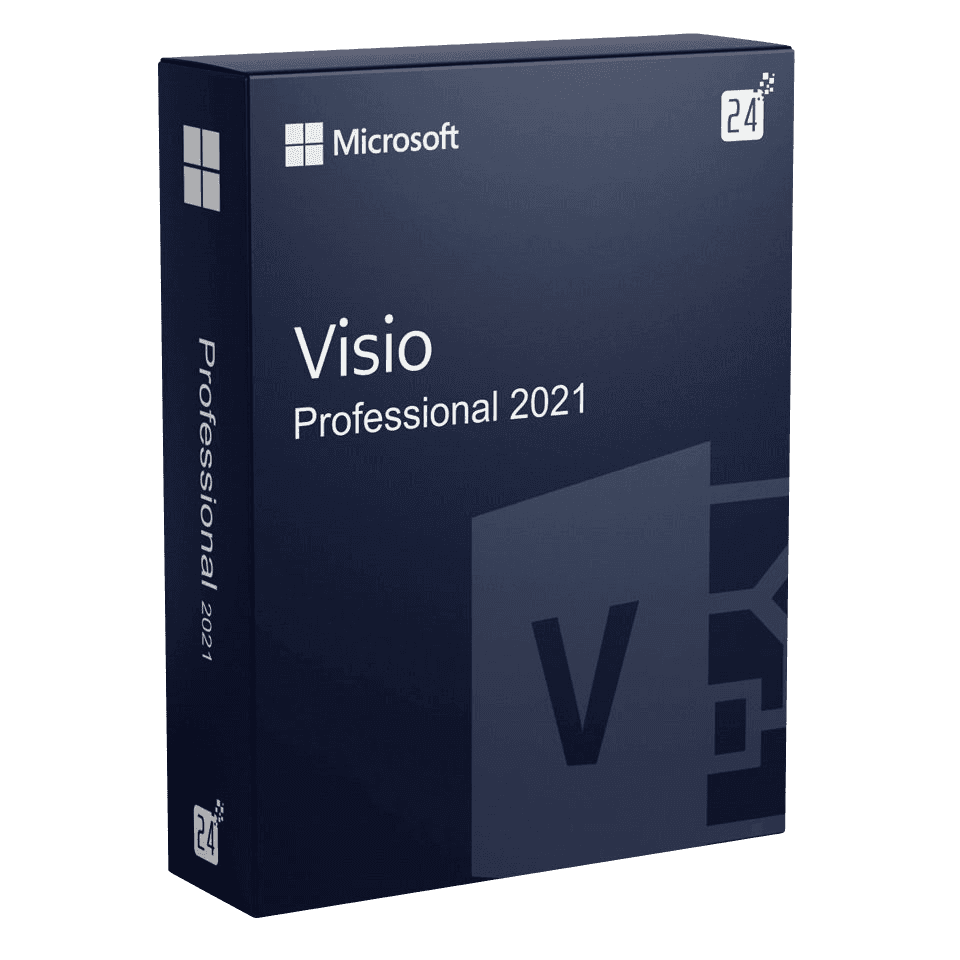

Microsoft Office Visio Professional 2021

Trusted Shops
Buyer Protection guaranteed refund
Microsoft Office Visio Professional 2021 Original Perpetual License for Windows
Fast Email Delivery, Official Guarantee and Free Technical Support
| Language | Multi-Language |
|---|---|
| License Duration | Perpetual (no expiry) |
| Operating System | Windows |
| Users | 1 |
Microsoft Office Visio Professional 2021 is the middle generation of the Microsoft program for diagrams and charts, with Microsoft updates until October 2026: it is the version to pick when colleagues in the company already work with the 2021. It is bought on its own, with a perpetual license for one Windows device.
Why choose Microsoft Office Visio Professional 2021
In an office where diagrams change hands, the installed version matters more than the individual features. Anyone opening a file drawn with a generation other than their own will sooner or later meet a replaced shape, a stencil that is missing or a theme that renders differently, and the time spent putting the drawing back in order is worth more than the price gap between two generations.
That is why the 2021 is the right choice when it is already the reference version of the machine fleet: everyone has the same shape libraries, company templates open identically and nobody has to ask a colleague to re-export a file. It is also the first generation supported on Windows Server 2022, so it is the one to install on a remote session server updated to that release.
What Microsoft Office Visio Professional 2021 is and what it is for
Microsoft Office Visio Professional 2021 contains all the libraries of the Professional edition: shapes for flowcharts and organisation charts, network stencils, scaled floor plans, database diagrams with reverse engineering, BPMN 2.0 and UML 2.5. Data Visualizer generates the diagram from an Excel table and keeps it hooked to the data.
Compared with the previous generation, the 2021 aligns the interface with that of Office 2021, supports the dark theme and refreshes the cloud service stencils, which had changed name and icon in the meantime. The license is perpetual for one Windows device: you pay once and it does not expire.
Floor plans and network diagrams: when measurements really count
- A drawing to scale is designed, a drawing by eye is redrawn
Setting the scale before laying the first wall lets you read the distances straight off the sheet. Putting it in afterwards means redoing the drawing. - The shapes know how big they are
A door ninety centimetres wide stays ninety centimetres even if the sheet changes scale. It is the difference between a technical drawing and an elegant sketch. - Every kind of information goes on a different layer
Walls, furniture, sockets and network on separate layers are switched on and off at will. The same drawing becomes four drawings without redoing anything. - In network diagrams the position says something
Readers expect the links to the outside at the top and the workstations at the bottom. Respecting this habit saves explanations. - Every device carries its own data
Name, address and position in the cabinet are written in the shape's properties, not in a text box beside it. From there the list is printed without retyping it. - The makers' official shapes avoid misunderstandings
Many manufacturers publish the outlines of their own devices. Using those instead of generic rectangles makes the diagram readable even to whoever arrives later. - The drawing is for whoever will work there in two years
The floor plan is updated when a socket is moved, not when somebody asks for it. An old floor plan costs more than no floor plan. - What this drawing is not
It is not a building design and does not replace the drawings of a qualified professional. It is for organising spaces and devices, not for building.
Feature overview of Microsoft Office Visio Professional 2021
| Feature | Included |
|---|---|
| Shapes that align and space themselves | ✔ |
| Themes and variants applicable to the whole drawing | ✔ |
| Containers and swimlanes for grouping the activities | ✔ |
| Comments left on individual shapes | ✔ |
| Starting templates for the commonest diagrams | ✔ |
| Shapes exportable as individual images | ✔ |
| Layers for showing and hiding parts of the drawing | ✔ |
| Links between the pages of the same document | ✔ |
Comparison: the three generations of Visio Professional
| Aspect | Visio 2021 | Visio 2019 | Visio 2024 |
|---|---|---|---|
| Generation | Middle | Previous | Current |
| Microsoft updates | Until October 2026 | Closed in October 2025 | Until October 2029 |
| Same shape libraries as colleagues on the 2021 | ✔ | ✘ | ✘ |
| Supported on Windows Server 2022 | ✔ | ✘ | ✔ |
| Dark interface theme | ✔ | ✘ | ✔ |
| Data Visualizer, BPMN and UML | ✔ | ✔ | ✔ |
| .vsdx files readable by the other generations | ✔ | ✔ | ✔ |
| Perpetual license for one device | ✔ | ✔ | ✔ |
System requirements
Microsoft Office Visio Professional 2021 is compatible with Windows 10 and Windows 11. For detailed requirements see the "Requirements" tab on the product page.
Why are licenses priced so low?
As these are retail licenses previously owned and decommissioned by the former holder in accordance with EU Court ruling C-128/2011, they can be purchased at a more affordable price. These official licenses are fully compliant and guaranteed at the best price on the market.
What do I receive after purchase?
By purchasing this product you will receive the official download of the software from the Microsoft website, the license for activation and complete instructions for a correct installation.
Advantages of the Licensel License
- Fast delivery by email
You receive the license and the download link within a few minutes of your order. - Always free support
Our technicians assist you via Live Chat and email, at no additional cost. - Invoice included
The invoice is issued automatically once the purchase is complete. - Trusted Shops partner shop
The official Trusted Shops guarantee protects every purchase made on Licensel.
How to buy and activate
- Choose your edition
Select the version you need and complete your order in a few clicks. - Receive the license by email
Within a few minutes you receive the official download link and the license for activation. - Install and activate
Download the software from the manufacturer's official website and enter the license to complete activation. - Support included
For any question our technicians are available via Live Chat and email.
How to download and install Microsoft Office Visio Professional 2021
After purchase you receive by email the license and the official Microsoft download link for Microsoft Office Visio Professional 2021. Download the installation package, run it and enter the license you received to complete activation. Installation takes a few minutes and coexists with the other Office applications already present. If you prefer to be guided step by step, our technicians can assist you.
Need help with installation?
No problem: our technicians are available via the Live Chat at the bottom right of the website to assist you in real time.
Frequently asked questions
What is the difference from the 2019 and 2024 versions?
Is it included in the Office suite?
Does it work on Mac?
Is the license perpetual?
Until when is it supported?
DIGITAL Delivery
Guaranteed instant delivery
Customer Support
Always available.
Money-back guarantee
Total satisfaction guarantee.
TrustedShops
Buy with certified confidence.





















