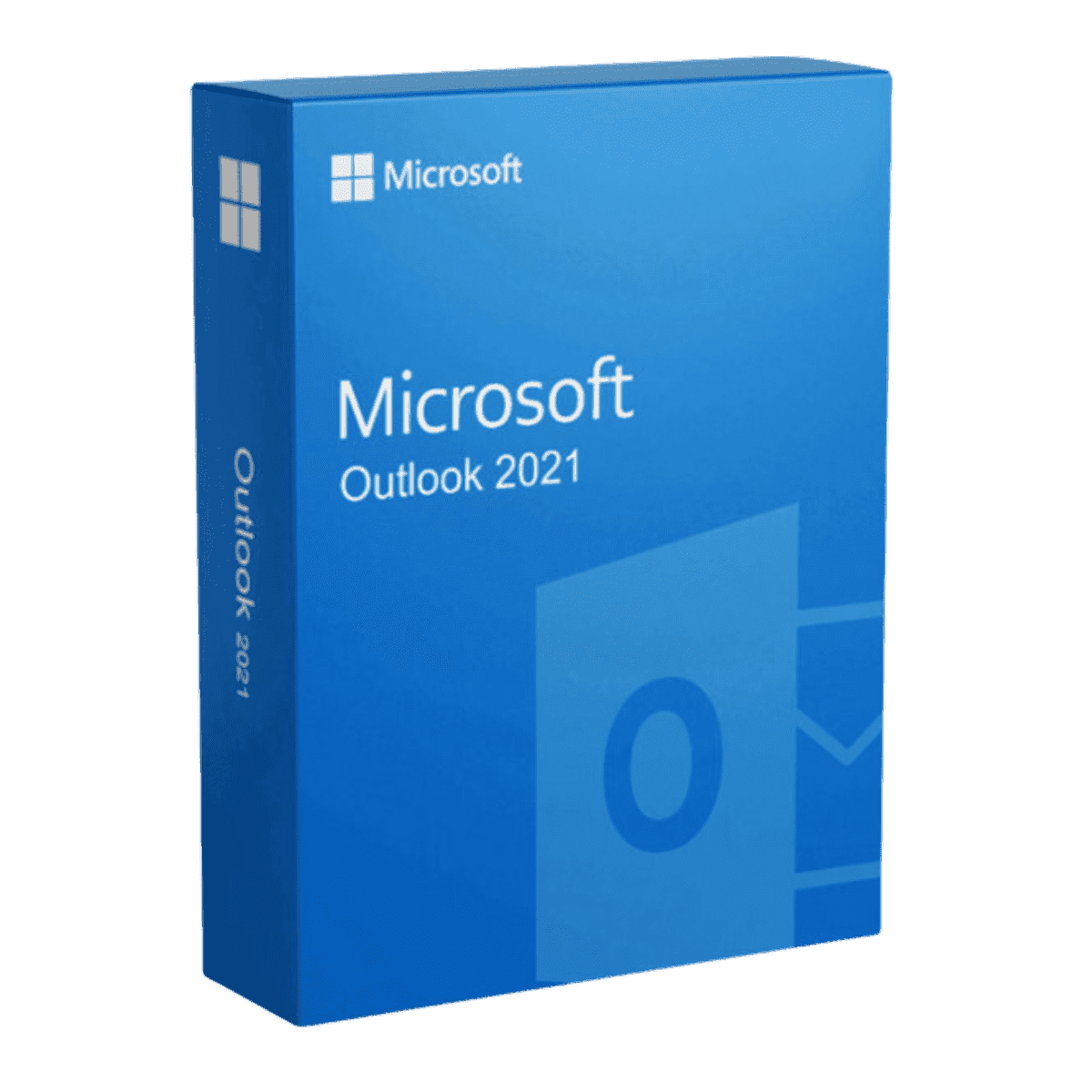
Microsoft Outlook 2021

Trusted Shops
Buyer Protection guaranteed refund
Microsoft Outlook 2021 Original Perpetual License for Windows
Best Price Guaranteed by Licensel.com, Invoice Included and Always Free Support
| Language | Multi-Language |
|---|---|
| License Duration | Perpetual (no expiry) |
| Operating System | Windows |
| Users | 1 |
Microsoft Outlook 2021 is the Microsoft email client sold on its own: mail, calendar, contacts and tasks in a single application, with a perpetual license for one Windows device. It works with Exchange, Microsoft 365 and any IMAP or POP mailbox. The license is delivered with its product key.
Why choose Microsoft Outlook 2021
Mail read in a browser is fine as long as there is one account and few messages. With two or three mailboxes, a shared calendar and years of history to search, a client installed on the computer changes the day: everything is local, search is immediate and it works offline too.
Outlook brings mail, calendar, address book and tasks together in one window. Rules sort messages as soon as they arrive, meeting invitations are accepted in one click updating the calendar, and old messages are moved into local archives to lighten the mailbox without losing their content.
What Microsoft Outlook 2021 is and what it is for
Microsoft Outlook 2021 is the most widespread mail client in workplaces, because it is the one Exchange and Microsoft 365 work best with: attendee availability, delegation, shared mailboxes and public folders all work without special configuration.
The local archive is the practical difference compared with webmail: messages stay on the computer in data files, so search is instant and the history remains available even when the server cannot be reached or the online mailbox is cleared.
Accounts are added one after another in the same window: Exchange and Microsoft 365 set themselves up with the address and password, while some providers' IMAP mailboxes need the server name and the ports given in their guide. With several accounts it is worth choosing straight away the one used for sending by default, so as not to answer a client from the personal mailbox.
Mail that can no longer be found: folders, rules and search
- Fifty folders are no use, search is
The time spent sorting the messages is nearly always more than what you would save looking for them. Two or three broad folders are enough for anybody. - Rules should be used for what you do not read
Automatic notifications, newsletters, system alerts: those move by themselves. Rules on messages from people make you lose important conversations. - Search improves if you can say from whom and when
Filtering by sender and by period finds in two seconds what reading the list does not find in ten minutes. They are two fields, not a complicated function. - Archiving and deleting are not the same thing
Archiving moves the old messages into a separate file and the mailbox gets light again. Deleting simply removes them. - The mail file has a size beyond which it gives trouble
A mailbox grown for ten years slows the start-up and risks corruption. You archive by year, and the problem does not arise. - Reply to all should be used only if it serves everybody
It is the number one cause of clogged mailboxes in offices, and it is not a problem with the program. - Heavy attachments should be left outside
Ten messages with a twenty megabyte attachment take up more than ten years of text. A link to a shared folder solves it and stays up to date. - What the program cannot do
It cannot decide which messages deserve an answer. A mailbox with four thousand unread messages is not a technical problem.
Feature overview of Microsoft Outlook 2021
| Feature | Included |
|---|---|
| Email with several accounts | ✔ |
| Calendar and meeting invitations | ✔ |
| Contacts address book | ✔ |
| Tasks and reminders | ✔ |
| Rules for automatic message sorting | ✔ |
| Search in the local archive | ✔ |
| Support for Exchange, Microsoft 365, IMAP and POP | ✔ |
| Message archiving in PST files | ✔ |
Comparison: this single license and the Office suites
| Application | This license | Home & Student | Professional Plus |
|---|---|---|---|
| Word | ✘ | ✔ | ✔ |
| Excel | ✘ | ✔ | ✔ |
| PowerPoint | ✘ | ✔ | ✔ |
| Outlook | ✔ | ✘ | ✔ |
| Access | ✘ | ✘ | ✔ |
| OneNote | ✘ | ✔ | ✔ |
| Perpetual license for 1 PC | ✔ | ✔ | ✔ |
| Installs alongside the other Office apps | ✔ | ✔ | ✔ |
System requirements
Microsoft Outlook 2021 is compatible with Windows 10 and Windows 11. For detailed requirements see the "Requirements" tab on the product page.
Why are licenses priced so low?
As these are retail licenses previously owned and decommissioned by the former holder in accordance with EU Court ruling C-128/2011, they can be purchased at a more affordable price. These official licenses are fully compliant and guaranteed at the best price on the market.
What do I receive after purchase?
By purchasing this product you will receive the official download of the software from the Microsoft website, the license for activation and complete instructions for a correct installation.
Advantages of the Licensel License
- Fast delivery by email
You receive the license and the download link within a few minutes of your order. - Always free support
Our technicians assist you via Live Chat and email, at no additional cost. - Invoice included
The invoice is issued automatically once the purchase is complete. - Trusted Shops guarantee
Licensel is a Trusted Shops partner shop: every order is covered by the official buyer guarantee.
How to buy and activate
- Choose your edition
Select the version you need and complete your order in a few clicks. - Receive the license by email
Within a few minutes you receive the official download link and the license for activation. - Install and activate
Download the software from the manufacturer's official website and enter the license to complete activation. - Support included
For any question our technicians are available via Live Chat and email.
How to download and install Microsoft Outlook 2021
After purchase you receive by email the license and the official Microsoft download link. Download the installation package, run it and enter the license you received to complete activation. The application installs alongside the other Office apps already on the computer, without replacing them. If you prefer to be guided step by step, our technicians can assist you.
Need help with installation?
No problem: our technicians are available via the Live Chat at the bottom right of the website to assist you in real time.
Frequently asked questions
Do I need a Microsoft 365 subscription?
Can I import messages from another program?
Does it also include the other Office applications?
Is the license perpetual?
Does it work on Mac?
DIGITAL Delivery
Guaranteed instant delivery
Customer Support
Always available.
Money-back guarantee
Total satisfaction guarantee.
TrustedShops
Buy with certified confidence.