












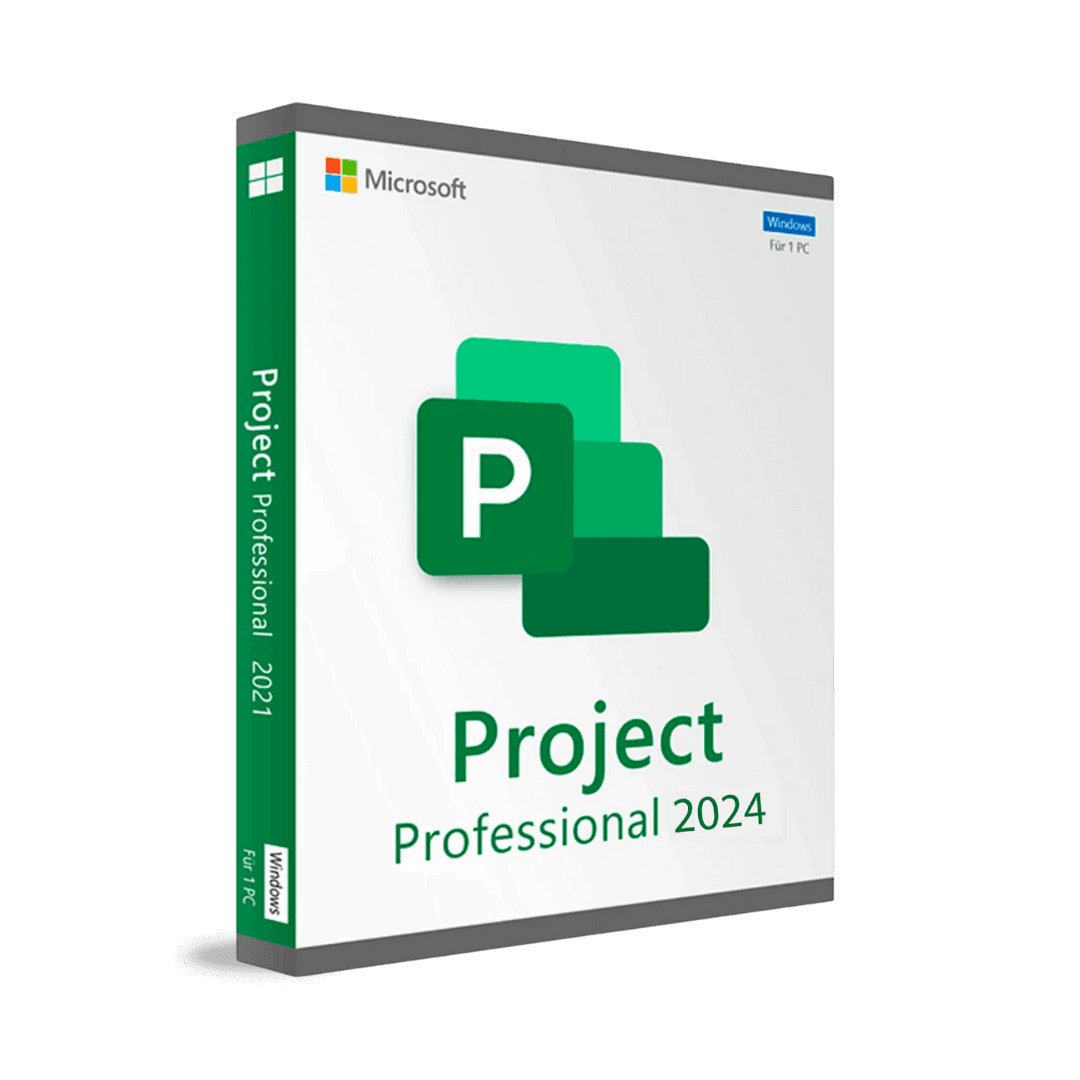

Microsoft Project Professional 2024

Trusted Shops
Buyer Protection guaranteed refund
Microsoft Project Professional 2024 Original Perpetual License for Windows
Trusted Shops Guarantee, Fast Email Delivery and Technical Support Included
| Language | Multi-Language |
|---|---|
| License Duration | Perpetual (no expiry) |
| Operating System | Windows |
| Users | 1 |
Microsoft Project Professional 2024 is the current generation of the Microsoft project management program, with updates planned until October 2029. It is the only way to have the Project client on the PC by paying once, instead of renewing a plan every month. Perpetual license for one Windows device.
Why choose Microsoft Project Professional 2024
The Project client for Windows, in the Microsoft offer with periodic renewal, is not included in the entry tier: it arrives only from the plan that includes the desktop application, and that plan is paid for each person and for each month it is needed. For a planner working on projects all year the perpetual license pays for itself in little more than a year, and from there on the comparison is no longer close.
Project Professional 2024 is the most recent generation, stays followed by Microsoft until October 2029 and installs on the PC where it keeps working even without a connection. It is not the choice for coordinating a hundred people on a shared platform: it is the choice of someone who plans seriously, on their own computer, and does not want the project plan to depend on a monthly payment.
What Microsoft Project Professional 2024 is and what it is for
Microsoft Project Professional 2024 is the complete edition: Gantt chart, task dependencies, work calendars, resources with overallocation checking, costs, baselines, critical path, Team Planner and master projects with linked subprojects. Reports are generated inside the program and exported to PDF or Excel.
Compared with the earlier generations the 2024 aligns the look with that of Office 2024, refreshes the project templates and runs on the recent versions of Windows and Windows Server. The file format stays .mpp. The license is perpetual for one Windows device: paid once, it does not expire, and the program stays usable even after updates end.
The plan after day one: how to keep it alive
- You save a snapshot of the plan before starting
That initial copy is the only yardstick for saying whether you are late. Without it, you compare today's plan with today's plan and you are always on time. - Progress is marked in days, not in feelings
Asking how much is left is more useful than asking what percentage you are at. Percentage answers stay stuck at eighty per cent for weeks. - A plan updated once a month is no use at all
The right moment is every week, always the same day, half an hour. A plan updated rarely tells lies with great precision. - Delay has to be propagated, not hidden
When a task slips, the ones linked to it move. Showing it at once allows a reaction; fixing the dates by hand postpones the problem to the end. - Comparing planned and actual teaches you for the next project
Knowing that testing tasks always take twice as long as planned is the most valuable information a finished project leaves behind. - A plan redone from scratch erases the history
If the situation changes too much, you create a new snapshot instead of overwriting the first one. The two answer different questions. - What you show in a meeting is not the whole plan
A view reduced to the milestones and the late tasks says in two minutes what three hundred rows will never say. - What updating does not recover
A plan abandoned for two months is not updated: it is redone. At that point starting again costs less than fixing it.
Feature overview of Microsoft Project Professional 2024
| Feature | Included |
|---|---|
| A summary timeline to show in a meeting | ✔ |
| Comparison between two versions of the same plan | ✔ |
| Planning across several linked projects | ✔ |
| People's availability seen week by week | ✔ |
| File format compatible with the earlier generations | ✔ |
| Hours worked recordable per individual task | ✔ |
| Notes and links attached to the tasks | ✔ |
| Export of the structure into a spreadsheet | ✔ |
Comparison: Project Professional 2024 and the Project plans of Microsoft 365
| Aspect | Project Professional 2024 | Project plans of Microsoft 365 |
|---|---|---|
| Payment | Once only | At every renewal, endlessly |
| What happens if you stop paying | Nothing, it stays yours | The program stops |
| Project client installed on the PC | ✔ | Only from the plan that includes it |
| Works without a connection | ✔ | In the PC client only |
| Gantt, critical path, resources and costs | ✔ | ✔ |
| Team Planner and master projects | ✔ | In the PC client only |
| Microsoft updates | Until October 2029 | While the plan is active |
| Spend over three years of continuous use | Lower | Higher |
System requirements
Microsoft Project Professional 2024 is compatible with Windows 10 and Windows 11. For detailed requirements see the "Requirements" tab on the product page.
Why are licenses priced so low?
As these are retail licenses previously owned and decommissioned by the former holder in accordance with EU Court ruling C-128/2011, they can be purchased at a more affordable price. These official licenses are fully compliant and guaranteed at the best price on the market.
What do I receive after purchase?
By purchasing this product you will receive the official download of the software from the Microsoft website, the license for activation and complete instructions for a correct installation.
Advantages of the Licensel License
- Fast delivery by email
You receive the license and the download link within a few minutes of your order. - Always free support
Our technicians assist you via Live Chat and email, at no additional cost. - Invoice included
The invoice is issued automatically once the purchase is complete. - Trusted Shops partner shop
The official Trusted Shops guarantee protects every purchase made on Licensel.
How to buy and activate
- Choose your edition
Select the version you need and complete your order in a few clicks. - Receive the license by email
Within a few minutes you receive the official download link and the license for activation. - Install and activate
Download the software from the manufacturer's official website and enter the license to complete activation. - Support included
For any question our technicians are available via Live Chat and email.
How to download and install Microsoft Project Professional 2024
After purchase you receive by email the license and the official Microsoft download link for Microsoft Project Professional 2024. Download the installation package, run it and enter the license you received to complete activation. Installation takes a few minutes and coexists with the other Office applications already present. If you prefer to be guided step by step, our technicians can assist you.
Need help with installation?
No problem: our technicians are available via the Live Chat at the bottom right of the website to assist you in real time.
Frequently asked questions
What is the difference from the 2019 and 2021 versions?
Is it included in the Office suite?
Does it work on Mac?
Is the license perpetual?
Until when is it supported?
DIGITAL Delivery
Guaranteed instant delivery
Customer Support
Always available.
Money-back guarantee
Total satisfaction guarantee.
TrustedShops
Buy with certified confidence.