












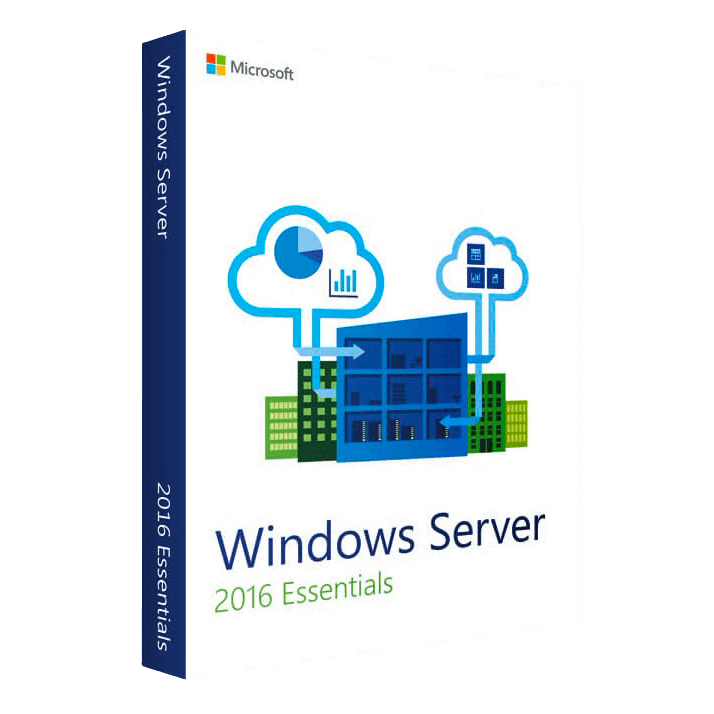
Microsoft Server Essentials 2016

Trusted Shops
Buyer Protection guaranteed refund
Windows Server Essentials 2016 Original Perpetual License
Best Price Guaranteed by Licensel.com, Invoice Included and Always Free Support
| Language | Multi-Language |
|---|---|
| Validity | Perpetual (no expiry) |
| Edition | Essentials |
| Servers | 1 server |
Windows Server Essentials 2016 is the Windows Server edition for offices up to 25 users that requires no CALs, and the only one bringing the Essentials dashboard: automatic backup of the network PCs, shared folders ready to use and web access from outside. Perpetual license for one physical server.
Why choose Windows Server Essentials 2016
In an office of fifteen people the first server is not installed by a system administrator: it is installed by whoever in the company knows a little more than the others. With the Standard and Datacenter editions that person faces an empty console, roles to add one by one and CALs to count and buy for every user.
The Essentials 2016 is meant for exactly that case. It requires no CALs, so the bill ends with the server license; and the Essentials dashboard does the rest: it adds the users, joins the PCs to the domain with an installer, sets up the automatic backup of every computer onto the server and publishes a web access from which to reach the files from home. The limit is stated: 25 users, 50 devices, one physical server. Anyone exceeding them moves to the Standard.
What Windows Server Essentials 2016 is and what it is for
Windows Server Essentials 2016 is Windows Server with the Essentials Experience role active: a dashboard collecting on one screen the users, the connected computers, the backup status and the health of the server, without going through the roles console.
From there you create the accounts, generate the installer that joins a PC to the domain, schedule the automatic backup of every computer to the server and switch on Remote Web Access, the page from which employees reach files and folders from outside. Under the dashboard there is a complete Windows Server, with the same network roles as Standard. The limit is 25 users and 50 devices, beyond which there is no growing: you do not buy extra licenses, you change edition. In exchange there are no CALs to count, which on twenty people is the bulk of the cost.
The right order for setting up an office network
- First: the domain name
It is decided before installing and never changes again. A dedicated internal name, different from the public website's, stops the office computers looking on the internet for what is on the server. - Second: the server's fixed address
The server takes an address that does not change, outside the range the router hands out by itself. Without this, sooner or later the computers stop finding it. - Third: who hands out the addresses
Either the router or the server, never both. Two distributors on the same network produce failures that look random and are not. - Fourth: the users, one per person
One account each, not a shared one: it is the only way to know who opened or deleted a file, and to remove access from whoever leaves. - Fifth: the computers join the domain
From the dashboard you generate the installer to run on each PC. From that moment people sign in with the domain account and no longer with the local one. - Sixth: the folders and the permissions
A few shared folders with permissions by group, not by individual person: groups survive staff changes, individual permissions do not. - Seventh: the backup of the PCs onto the server
The dashboard sets up the automatic copy of every computer. It is the function Microsoft removed in the following generation, and here it is present. - Eighth: the backup of the server to the outside
The server's copy goes onto an external disk that gets unplugged, or to a remote destination. A backup that stays permanently connected does not protect against ransomware.
Feature overview of Windows Server Essentials 2016
| Feature | Included |
|---|---|
| Guided configuration at the first start | ✔ |
| Users created once and valid on all the workstations | ✔ |
| A personal folder on the server for each user | ✔ |
| Earlier versions of the shared files recoverable | ✔ |
| Connecting the workstations with a guided procedure | ✔ |
| Email alerts on the server's state | ✔ |
| Space quotas assigned per individual folder | ✔ |
| Console reachable from the network's workstations | ✔ |
Comparison: Essentials 2016 and Standard 2016 in an office of 25 people
| Aspect | Essentials 2016 | Standard 2016 |
|---|---|---|
| CALs to buy for 25 users | None | 25 |
| Essentials dashboard with users and backups | ✔ | ✘ |
| Automatic backup of the PCs onto the server | ✔ | To be set up by hand |
| Remote web access to files ready to use | ✔ | ✘ |
| Active Directory domain, files, printing, DNS and DHCP | ✔ | ✔ |
| User and device limit | 25 and 50 | None |
| Hyper-V virtual machines included | None | 2 |
| When it is worth it | First server of a small office | Network that has to grow |
System requirements
Windows Server Essentials 2016 requires a 1.4 GHz 64-bit processor, at least 2 GB of RAM for the installation with a graphical interface and 32 GB of disk space, plus a Gigabit network adapter. In production the resources should be sized on the active roles and the number of virtual machines. For detailed requirements see the "Requirements" tab on the product page.
Why are licenses priced so low?
As these are retail licenses previously owned and decommissioned by the former holder in accordance with EU Court ruling C-128/2011, they can be purchased at a more affordable price. These official licenses are fully compliant and guaranteed at the best price on the market.
What do I receive after purchase?
By purchasing this product you will receive the official download of the software from the Microsoft website, the license for activation and complete instructions for a correct installation.
Advantages of the Licensel License
- Fast delivery by email
You receive the license and the download link within a few minutes of your order. - Always free support
Our technicians assist you via Live Chat and email, at no additional cost. - Invoice included
The invoice is issued automatically once the purchase is complete. - Purchase protected by Trusted Shops
As a Trusted Shops partner shop, your order is protected by the official buyer guarantee.
How to buy and activate
- Choose your edition
Select the version you need and complete your order in a few clicks. - Receive the license by email
Within a few minutes you receive the official download link and the license for activation. - Install and activate
Download the software from the manufacturer's official website and enter the license to complete activation. - Support included
For any question our technicians are available via Live Chat and email.
How to download and install Windows Server Essentials 2016
After purchase you receive by email the license and the link to the official download of the Windows Server Essentials 2016 ISO image. Prepare a bootable USB stick or mount the image on the server's remote management controller, start the machine from the media and follow the setup wizard. Once the procedure is complete, enter the license for activation and configure the roles from Server Manager.
Need help with installation?
No problem: our technicians are available via the Live Chat at the bottom right of the website to assist you in real time.
Frequently asked questions
How many users does the Essentials edition support?
Are CALs needed with the Essentials edition?
Until when is this version supported?
Can I install it without a graphical interface?
Is the license perpetual?
DIGITAL Delivery
Guaranteed instant delivery
Customer Support
Always available.
Money-back guarantee
Total satisfaction guarantee.
TrustedShops
Buy with certified confidence.