












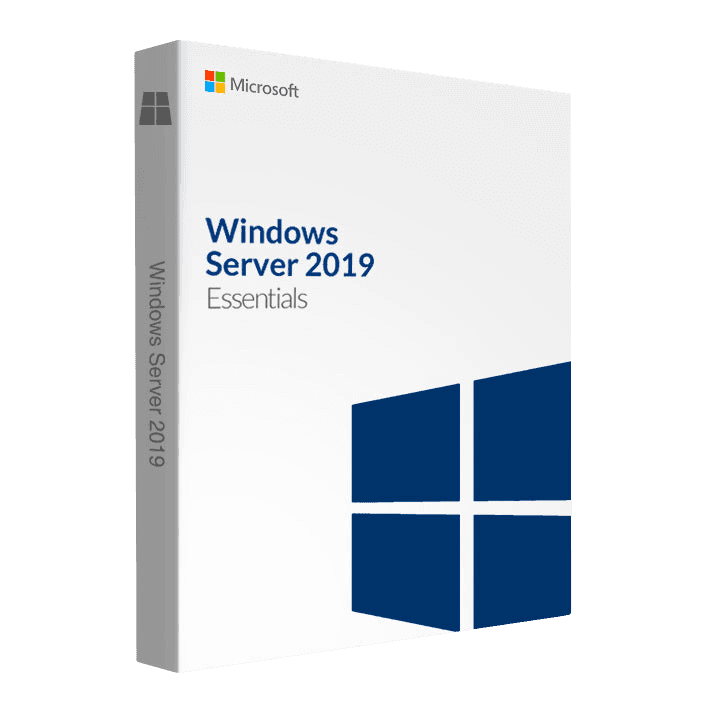
Microsoft Server Essentials 2019

Trusted Shops
Buyer Protection guaranteed refund
Windows Server Essentials 2019 Original Perpetual License
Best Price Guaranteed by Licensel.com, Invoice Included and Always Free Support
| Language | Multi-Language |
|---|---|
| Validity | Perpetual (no expiry) |
| Edition | Essentials |
| Servers | 1 server |
Windows Server Essentials 2019 is the Windows Server edition for offices up to 25 users with no CALs to buy, with Microsoft support until January 2029. Unlike the 2016 it has no Essentials dashboard: the roles are configured from the console, as on a normal Windows Server. Perpetual license for one physical server.
Why choose Windows Server Essentials 2019
Anyone who knows the Essentials 2016 has to know one thing before buying: in this release Microsoft removed the Essentials Experience role. The dashboard, the automatic backup of the PCs onto the server and the Remote Web Access page are gone: anyone relying on those three has to budget for a separate backup program and a VPN. What remains is a complete Windows Server, with a limit of 25 users and 50 devices, and no CALs to buy.
That said, for many small networks it is the right choice exactly as it is. Those who leave backups to a dedicated program or a NAS, those who reach the office over a VPN and those who configure the roles from the console were not using the dashboard anyway, and here they get the CAL saving with a release supported by Microsoft until January 2029. Anyone looking instead for the dashboard and PC backup in a ready package will find the Essentials 2016 in the catalogue.
What Windows Server Essentials 2019 is and what it is for
Windows Server Essentials 2019 is Windows Server with the ceiling of 25 users and 50 devices and the access right already included in the server license: CALs are not needed, neither for users nor for devices.
The roles are those of a complete Windows Server and are added from Server Manager or Windows Admin Center one at a time, as they are needed, instead of finding everything you do not use already running from the start. It installs on a single physical server, with one processor and up to ten cores, and Microsoft support reaches January 2029.
How to manage without the Essentials dashboard
- Windows Admin Center instead of the dashboard
The Microsoft web console is installed separately, is free, and shows from the same browser the state of the server, the disks, the services and the updates. - Users are created in Active Directory Users and Computers
It is the classic tool, wordier than the dashboard but more precise: it lets you put people into groups, which is what really matters for permissions. - Computers join the domain by hand
On each PC you open the system settings, name the domain and enter an administrator's credentials. It is two minutes per machine, once. - Backing up the PCs needs a separate program
The automatic copy of the computers onto the server, which the dashboard did in the 2016, is not here: you use the Windows backup tool on each PC or a dedicated program. - Access from outside goes through a VPN
Instead of the Remote Web Access page you configure a VPN on the router or on the server. It is safer than publishing a page to the internet, and it costs nothing. - Folders and permissions from File Server Resource Manager
You create the shares, assign permissions by group and, if you want, set space quotas per folder. - Common settings through group policies
Wallpaper, printers, network drives and password rules are set once on the domain and reach every computer by themselves. - What stays identical to the 2016
The ceiling of 25 users and 50 devices and the fact that no CALs are needed: that does not change, and it is the reason this edition gets bought.
Feature overview of Windows Server Essentials 2019
| Feature | Included |
|---|---|
| Network folders with different permissions per group | ✔ |
| Redundant volumes built from the disks already present | ✔ |
| Shared print queue with the drivers distributed | ✔ |
| Access to the files from outside over a protected connection | ✔ |
| Event log available to consult over time | ✔ |
| Policies applied to all the domain's workstations | ✔ |
| Internal certificates for the network's services | ✔ |
| Transfer of the data from an earlier server | ✔ |
Comparison: Essentials 2019 and Essentials 2016
| Aspect | Essentials 2019 | Essentials 2016 |
|---|---|---|
| CALs to buy | None | None |
| User and device limit | 25 and 50 | 25 and 50 |
| Essentials dashboard | ✘ | ✔ |
| Automatic backup of the PCs onto the server | ✘ | ✔ |
| Remote web access page | ✘ | ✔ |
| Windows Admin Center from the browser | ✔ | ✘ |
| End of Microsoft extended support | January 2029 | January 2027 |
| Active Directory domain, files, printing, DNS and DHCP | ✔ | ✔ |
System requirements
Windows Server Essentials 2019 requires a 1.4 GHz 64-bit processor, at least 2 GB of RAM for the installation with a graphical interface and 32 GB of disk space, plus a Gigabit network adapter. In production the resources should be sized on the active roles and the number of virtual machines. For detailed requirements see the "Requirements" tab on the product page.
Why are licenses priced so low?
As these are retail licenses previously owned and decommissioned by the former holder in accordance with EU Court ruling C-128/2011, they can be purchased at a more affordable price. These official licenses are fully compliant and guaranteed at the best price on the market.
What do I receive after purchase?
By purchasing this product you will receive the official download of the software from the Microsoft website, the license for activation and complete instructions for a correct installation.
Advantages of the Licensel License
- Fast delivery by email
You receive the license and the download link within a few minutes of your order. - Always free support
Our technicians assist you via Live Chat and email, at no additional cost. - Invoice included
The invoice is issued automatically once the purchase is complete. - Trusted Shops guarantee
Licensel is a Trusted Shops partner shop: every order is covered by the official buyer guarantee.
How to buy and activate
- Choose your edition
Select the version you need and complete your order in a few clicks. - Receive the license by email
Within a few minutes you receive the official download link and the license for activation. - Install and activate
Download the software from the manufacturer's official website and enter the license to complete activation. - Support included
For any question our technicians are available via Live Chat and email.
How to download and install Windows Server Essentials 2019
After purchase you receive by email the license and the link to the official download of the Windows Server Essentials 2019 ISO image. Prepare a bootable USB stick or mount the image on the server's remote management controller, start the machine from the media and follow the setup wizard. Once the procedure is complete, enter the license for activation and configure the roles from Server Manager.
Need help with installation?
No problem: our technicians are available via the Live Chat at the bottom right of the website to assist you in real time.
Frequently asked questions
How many users does the Essentials edition support?
Are CALs needed with the Essentials edition?
Until when is this version supported?
Can I install it without a graphical interface?
Is the license perpetual?
DIGITAL Delivery
Guaranteed instant delivery
Customer Support
Always available.
Money-back guarantee
Total satisfaction guarantee.
TrustedShops
Buy with certified confidence.