
















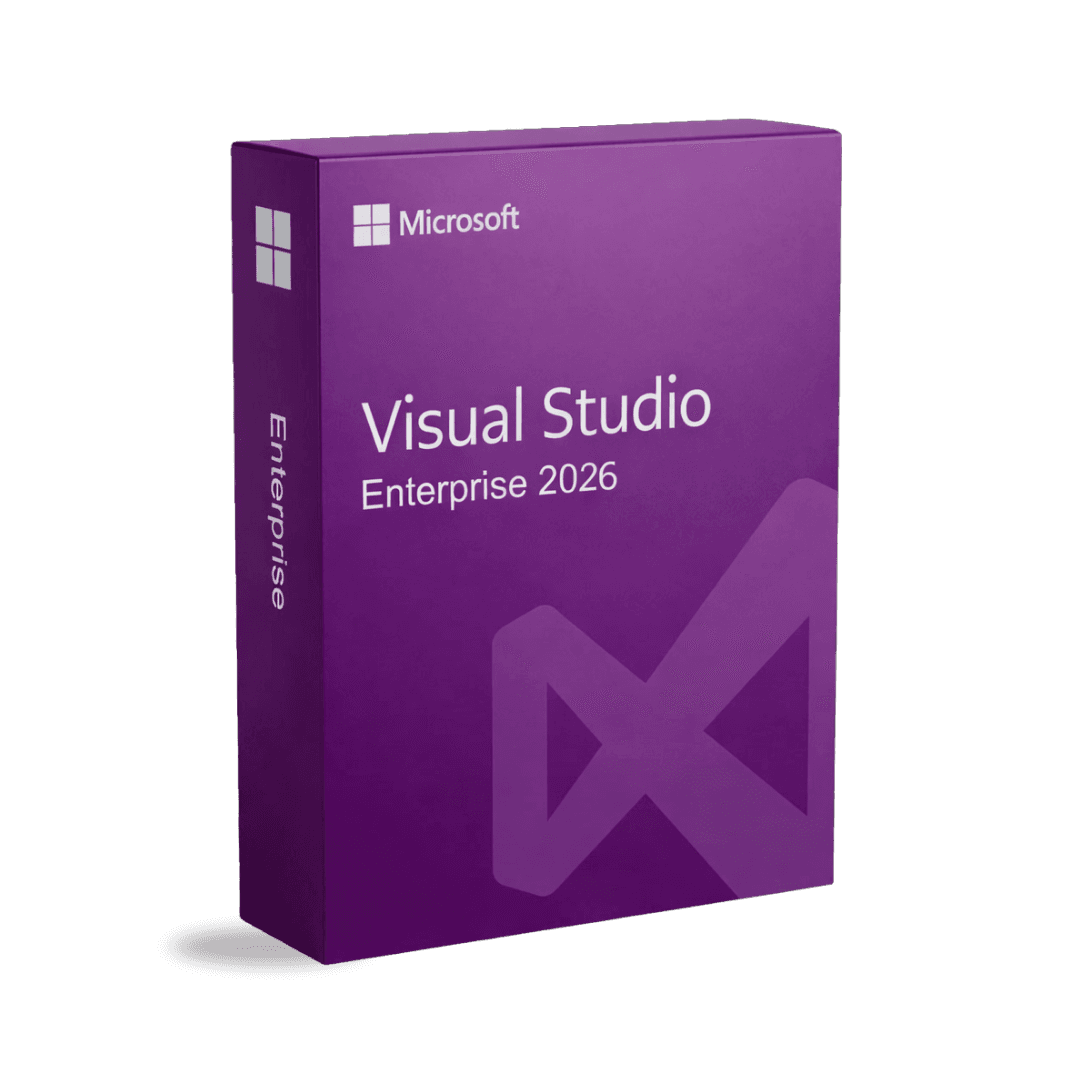
Microsoft Visual Studio Enterprise 2026

Trusted Shops
Buyer Protection guaranteed refund
Microsoft Visual Studio Enterprise 2026 Original Perpetual License for Windows
Fast Email Delivery, Official Guarantee and Free Technical Support
| Language | Multi-Language |
|---|---|
| Validity | Perpetual (no expiry) |
| Operating System | Windows |
| Developers | 1 |
Microsoft Visual Studio Enterprise 2026 is the top edition of the Microsoft development environment in the current generation, sold with a perpetual license for one developer on one Windows device instead of as a subscription to renew. It is aimed at teams that put critical code into production and need to test it thoroughly before they do. The license is delivered with its product key.
The question asked by anyone weighing up the higher edition is always the same: is it worth the price difference? The answer depends on how much you test. On a project with automated tests, profiling and code analysis the extra tools pay for themselves in a few weeks; on a small project they stay unused in the menu.
Why choose Microsoft Visual Studio Enterprise 2026
Microsoft distributes Visual Studio Enterprise almost always on an annual per-developer subscription, and the list price of that formula, for one year alone, is higher than that of this license. The difference is that the subscription has to be renewed and the perpetual license does not: you pay once and the environment stays installed and usable.
It is worth stating precisely what you are buying. The subscription includes, besides the environment, a monthly Azure credit, the development licenses of the Microsoft systems and servers and access to future releases; this license includes the Visual Studio Enterprise 2026 environment and none of the rest. For anyone developing on their own machines and not using those extras, it is the cheapest way to have the complete edition of the current generation.
What Microsoft Visual Studio Enterprise 2026 is and what it is for
Microsoft Visual Studio Enterprise 2026 is a 64-bit development environment, so it opens solutions with hundreds of projects without running out of the memory that limited the 32-bit versions.
There is the editor with completion and refactoring, the debugger, the memory and CPU profilers, test execution and the integration with Git and Azure DevOps; and there are the Enterprise edition tools, Live Unit Testing, IntelliTrace, code coverage analysis and validation of dependencies between layers. Being the current generation, it is the one aligned with the latest releases of .NET and the C++ tools, and the one that will stay updated the longest.
Why the build gets slow, and what makes it fast again
- A full build and a partial one are two different things
After the first, the system rebuilds only what has changed. Whoever cleans the solution at every doubt condemns themselves to recompiling everything every time. - An antivirus checking the working folders doubles the times
Every file written during the build gets analysed. Excluding the output folders is the single change that gives the most. - References between projects draw the order, and therefore the duration
A solution where everything depends on everything cannot be built in parallel. Cutting the needless links is what lets modern machines use all the processors. - The disk counts as much as the processor
A build writes thousands of small files. On a spinning disk more time is lost in writing than in computing. - Analysis tools are paid for at every build
Checks and automatic generators are useful and cost seconds every time. It is worth knowing which are on and deciding, instead of suffering them. - The first run after an update is always slower
The internal caches rebuild themselves. Judging performance from the first build after an update leads to the wrong conclusions. - A solution with a hundred projects gets split
Not all of them are needed every day. Working on a subset and taking the rest already built is what makes the difference on big projects. - What hardware does not solve
If every change to a header file rebuilds half the project, the problem is how the code is organised. A new machine moves the wall, it does not remove it.
Feature overview of Microsoft Visual Studio Enterprise 2026
| Feature | Included |
|---|---|
| A 64 bit editor for large solutions | ✔ |
| Code analysis while it is being written | ✔ |
| Containers and remote environments managed from the editor | ✔ |
| Completion suggestions over several lines | ✔ |
| Memory profiling on a running process | ✔ |
| Tests run in the background while you write | ✔ |
| Updates applicable without uninstalling | ✔ |
| Support for the current generation of frameworks | ✔ |
Comparison: Visual Studio Enterprise 2026 and the Microsoft subscription
| Aspect | This perpetual license | Annual subscription |
|---|---|---|
| How many times you pay | Once only | Every year |
| Visual Studio Enterprise environment | ✔ | ✔ |
| Live Unit Testing, IntelliTrace, code coverage | ✔ | ✔ |
| What happens if you do not renew | Nothing, it stays yours | The environment locks |
| Monthly Azure credit | ✘ | ✔ |
| Development licenses of the Microsoft servers | ✘ | ✔ |
| Move to future generations | ✘ | ✔ |
| Spend over three years | Lower | Higher |
System requirements
Microsoft Visual Studio Enterprise 2026 is compatible with Windows 10 and Windows 11. For detailed requirements see the "Requirements" tab on the product page.
Why are licenses priced so low?
As these are retail licenses previously owned and decommissioned by the former holder in accordance with EU Court ruling C-128/2011, they can be purchased at a more affordable price. These official licenses are fully compliant and guaranteed at the best price on the market.
What do I receive after purchase?
By purchasing this product you will receive the official download of the software from the Microsoft website, the license for activation and complete instructions for a correct installation.
Advantages of the Licensel License
- Fast delivery by email
You receive the license and the download link within a few minutes of your order. - Always free support
Our technicians assist you via Live Chat and email, at no additional cost. - Invoice included
The invoice is issued automatically once the purchase is complete. - Purchase protected by Trusted Shops
As a Trusted Shops partner shop, your order is protected by the official buyer guarantee.
How to buy and activate
- Choose your edition
Select the version you need and complete your order in a few clicks. - Receive the license by email
Within a few minutes you receive the official download link and the license for activation. - Install and activate
Download the software from the manufacturer's official website and enter the license to complete activation. - Support included
For any question our technicians are available via Live Chat and email.
How to download and install Microsoft Visual Studio Enterprise 2026
After purchase you receive by email the license and the link to the official Microsoft installer. Run the Visual Studio Installer, choose the workloads you need (.NET desktop development, ASP.NET and web, C++, Azure, mobile) and complete the installation. At first start, enter the license you received to activate the edition you bought. Our technicians can guide you through the procedure.
Need help with installation?
No problem: our technicians are available via the Live Chat at the bottom right of the website to assist you in real time.
Frequently asked questions
What is the difference from the Professional edition?
Is GitHub Copilot included?
How many developers does the license cover?
What advantages does it have over 2022?
Is the license perpetual?
DIGITAL Delivery
Guaranteed instant delivery
Customer Support
Always available.
Money-back guarantee
Total satisfaction guarantee.
TrustedShops
Buy with certified confidence.





















