
















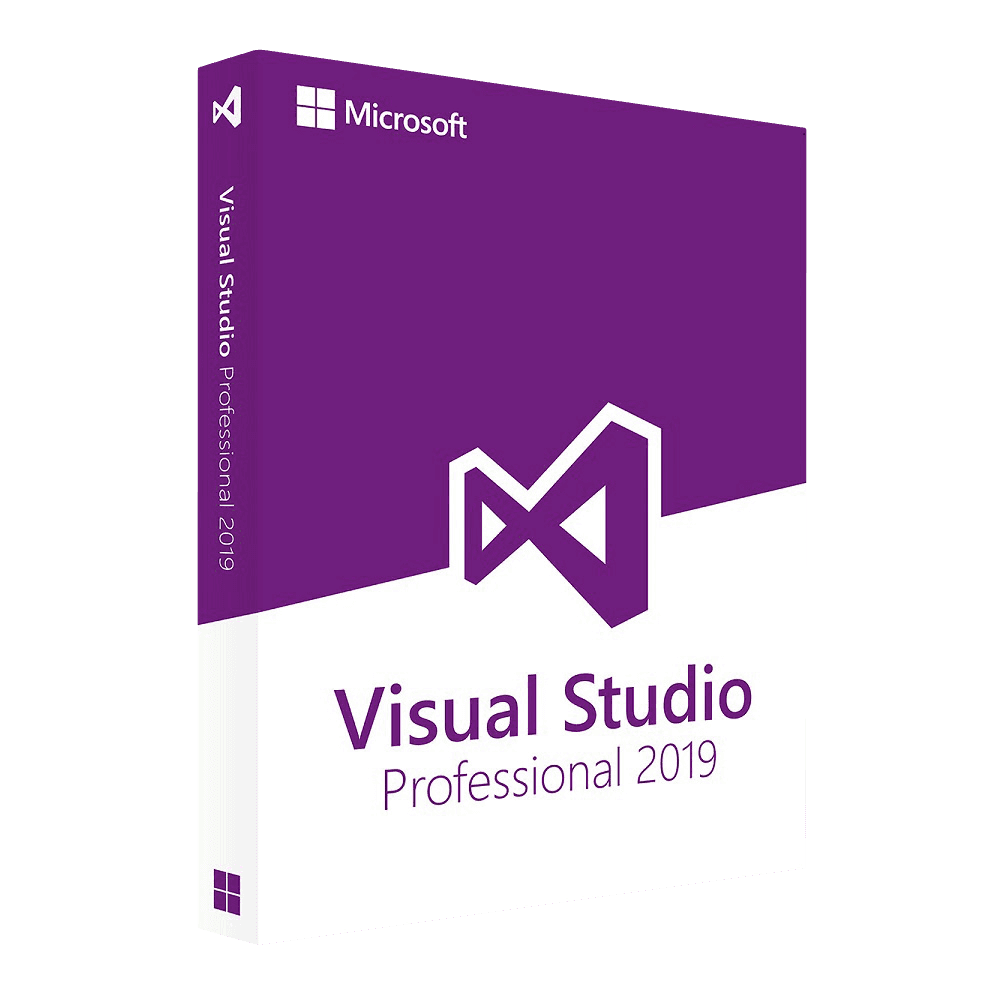

Microsoft Visual Studio Professional 2019

Trusted Shops
Buyer Protection guaranteed refund
Microsoft Visual Studio Professional 2019 Original Perpetual License for Windows
Best Price Guaranteed by Licensel.com, Invoice Included and Always Free Support
| Language | Multi-Language |
|---|---|
| Validity | Perpetual (no expiry) |
| Operating System | Windows |
| Developers | 1 |
Microsoft Visual Studio Professional 2019 is the edition of the Microsoft development environment meant for individual developers and small teams, in its 2019 release and with a perpetual license for one developer on one Windows device. The license is delivered with its product key.
Whoever maintains a project built a few years ago needs the environment of those years, not the latest released. Opening a solution without converting it, without discovering that a dependency is no longer supported and without having to explain to the rest of the team why the project file has changed: that is why an earlier version stays in the catalogue.
Why choose Microsoft Visual Studio Professional 2019
Between Professional and Enterprise the difference is not in the compiler nor in the editor: you write, compile and ship the same code. What the Enterprise adds are testing and analysis tools meant for large teams, Live Unit Testing, IntelliTrace, code coverage measurement, validation of dependencies between layers.
Anyone developing alone or in a pair, running tests when needed, never opens those tools. In that case the Professional 2019 does the same job for less, and it is the cheapest Visual Studio license in the catalogue. It is also the generation to keep in mind when maintaining a solution born with earlier toolchains, which a newer version of the environment would force you to reconfigure.
What Microsoft Visual Studio Professional 2019 is and what it is for
Microsoft Visual Studio Professional 2019 is the Microsoft development environment in the Professional edition: editor with code completion and refactoring, debugger with conditional breakpoints and immediate window, memory and CPU profiler, unit test execution inside the environment.
It covers .NET Framework and .NET, C# and Visual Basic, C++ with MSBuild and CMake, Python, JavaScript and Node, with the templates for desktop, web, service and library applications. Version control is integrated with Git and with Azure DevOps. The license is perpetual for one developer on one Windows device, and requires no subscription to keep working.
The debugger: the tool almost everybody uses at ten per cent
- Printing messages to the screen is the slow way to understand
Every print added requires a recompile and a new run. A breakpoint shows the same thing without touching the code. - A conditional breakpoint saves pressing Continue a thousand times
You can say to stop only when a variable holds a certain number. On a long loop it is the difference between two minutes and half an hour. - The call stack answers the question how did I get here
It shows who called the function you stopped in, going back up. It is the view that solves the cases where the wrong value comes from far away. - Stepping into and stepping over are two different keys
One goes down into the called function, the other runs it and moves to the next line. Whoever confuses them spends the day inside the system libraries. - Watched expressions are written, not hunted for
You can keep an eye on a calculation while the program advances. It is quicker than exploring the variables one at a time at every step. - The debugger can stop when a value changes
To find who modifies a variable nobody should touch, there is no better tool. It is the function that solves the desperate cases. - You can correct and carry on without restarting
In many cases you change the code while the program is stopped and continue from there. On an error that shows up after ten minutes of running it is worth a day. - What the debugger does not find
Errors that depend on timing and concurrency often disappear when the program is slowed down to be observed. For those you need logs, not breakpoints.
Feature overview of Microsoft Visual Studio Professional 2019
| Feature | Included |
|---|---|
| Full IDE for .NET, C#, VB and C++ | ✔ |
| Web development with ASP.NET and JavaScript | ✔ |
| Debugger with conditional breakpoints | ✔ |
| Memory and performance profiler | ✔ |
| Integrated unit tests | ✔ |
| Source control with Git and Azure DevOps | ✔ |
| Visual interface designers | ✔ |
| Extensions from the Marketplace | ✔ |
Comparison: Visual Studio Professional and Enterprise
| Tool | Professional | Enterprise |
|---|---|---|
| Editor, debugger and profiler | ✔ | ✔ |
| Unit tests run from the environment | ✔ | ✔ |
| Git and Azure DevOps integrated | ✔ | ✔ |
| Live Unit Testing while writing | ✘ | ✔ |
| IntelliTrace to retrace the execution | ✘ | ✔ |
| Code coverage measurement | ✘ | ✔ |
| Validation of dependencies between layers | ✘ | ✔ |
| Who it is meant for | One or two developers | Large teams |
System requirements
Microsoft Visual Studio Professional 2019 is compatible with Windows 10 and Windows 11. For detailed requirements see the "Requirements" tab on the product page.
Why are licenses priced so low?
As these are retail licenses previously owned and decommissioned by the former holder in accordance with EU Court ruling C-128/2011, they can be purchased at a more affordable price. These official licenses are fully compliant and guaranteed at the best price on the market.
What do I receive after purchase?
By purchasing this product you will receive the official download of the software from the Microsoft website, the license for activation and complete instructions for a correct installation.
Advantages of the Licensel License
- Fast delivery by email
You receive the license and the download link within a few minutes of your order. - Always free support
Our technicians assist you via Live Chat and email, at no additional cost. - Invoice included
The invoice is issued automatically once the purchase is complete. - Trusted Shops: guaranteed purchase
Licensel is part of Trusted Shops, which protects your purchase with the official buyer guarantee.
How to buy and activate
- Choose your edition
Select the version you need and complete your order in a few clicks. - Receive the license by email
Within a few minutes you receive the official download link and the license for activation. - Install and activate
Download the software from the manufacturer's official website and enter the license to complete activation. - Support included
For any question our technicians are available via Live Chat and email.
How to download and install Microsoft Visual Studio Professional 2019
After purchase you receive by email the license and the link to the official Microsoft installer. Run the Visual Studio Installer, choose the workloads you need (.NET desktop development, ASP.NET and web, C++, Azure, mobile) and complete the installation. At first start, enter the license you received to activate the edition you bought. Our technicians can guide you through the procedure.
Need help with installation?
No problem: our technicians are available via the Live Chat at the bottom right of the website to assist you in real time.
Frequently asked questions
What is the difference from the Enterprise edition?
How many developers does the license cover?
Is an Azure or GitHub subscription needed?
Until when is this version supported?
Is the license perpetual?
DIGITAL Delivery
Guaranteed instant delivery
Customer Support
Always available.
Money-back guarantee
Total satisfaction guarantee.
TrustedShops
Buy with certified confidence.





















