












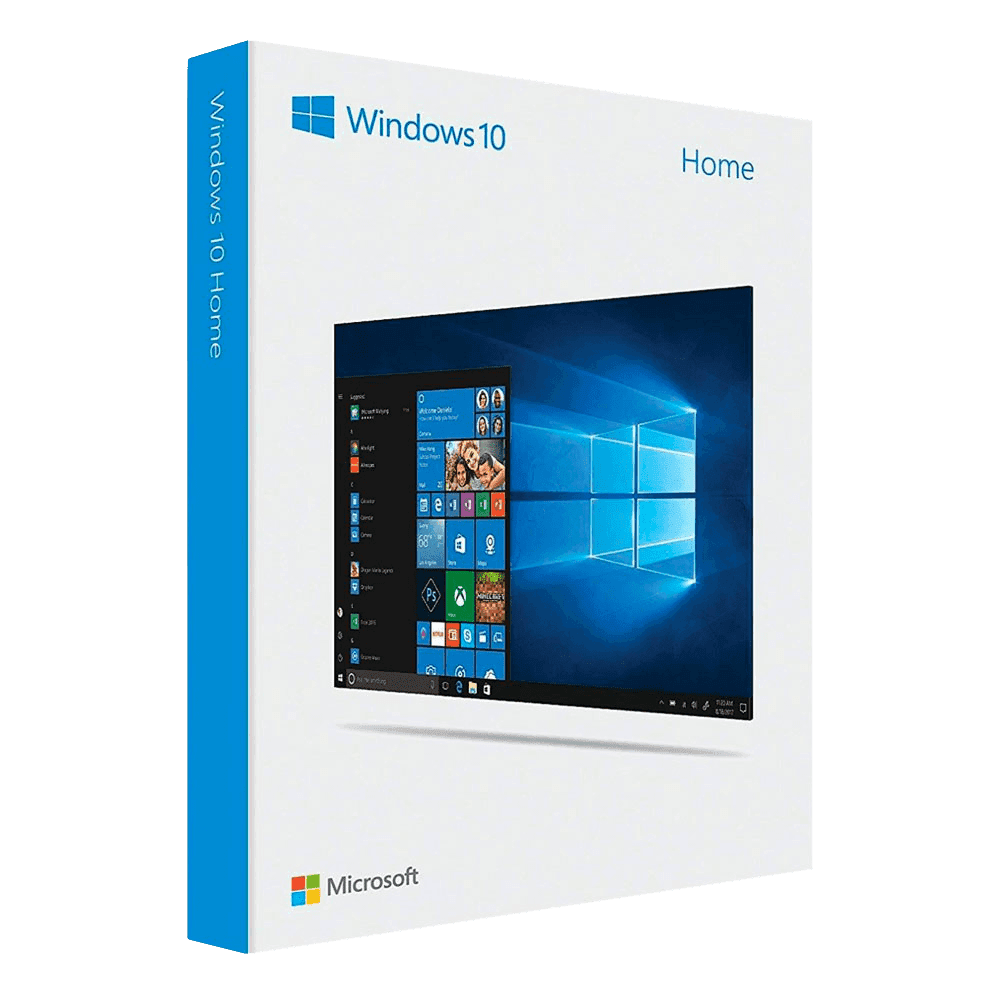
Microsoft Windows 10 Home

Trusted Shops
Buyer Protection guaranteed refund
Microsoft Windows 10 Home Original Perpetual License
Fast Email Delivery, Official Guarantee and Free Technical Support
| Language | Multi-Language |
|---|---|
| Validity | Perpetual (no expiry) |
| Edition | Home |
| PCs | 1 or 5, depending on the chosen variant |
Microsoft Windows 10 Home is the operating system for home and personal use, with a perpetual license that never expires. The antivirus and the system updates are already on at first start-up, and instead of a password you can use your face or your fingerprint. It is the edition for anyone using the PC for study, entertainment and everyday tasks. The license is delivered with its product key.
Why choose Microsoft Windows 10 Home
Windows 10 remains the necessary choice on every computer that does not meet the hardware requirements of Windows 11, in particular the presence of TPM 2.0 and a recent processor. On a machine a few years old Windows 10 runs without difficulty, while Windows 11 simply will not install.
The Home edition includes everything personal use calls for: built-in security with Microsoft Defender, the Microsoft Store, full DirectX 12 support for games and recovery tools. The features missing compared with Pro are the business ones, which are never used on a home PC.
What Microsoft Windows 10 Home is and what it is for
Windows 10 Home is the basic version of the Microsoft operating system, designed for the personal and family computer. It provides the classic desktop interface with the Start menu, window management with Snap Assist, virtual desktops to separate activities and settings synchronisation through a Microsoft account.
Official support for Windows 10 ended on 14 October 2025: the system keeps working and activating normally, but no longer receives the monthly security updates. Microsoft offers an extended security update programme for anyone who needs more time before moving to Windows 11 or changing computer.
When the computer will not start: what to do, in order
- The recovery drive is prepared now, not when it is needed
A stick prepared in twenty minutes with the computer working is the only thing that lets you act when the screen stays black. Afterwards it is too late. - After two failed starts the system opens the recovery menu by itself
It is not a fault: it is intended. If it does not happen, you force it by switching off with the button during loading, twice in a row. - Safe mode is for finding out whose fault it is
If the computer works in that mode, the problem is a program or a driver, not the disk. It is the information that directs everything else. - Automatic startup repair should be tried first
It repairs damaged starting files without touching the documents. In most cases that is enough. - A restore point takes the system back, not the files
It returns to the configuration of a few days earlier leaving the documents where they are. It is right after a driver or a program gone wrong. - Reinstalling can keep the personal files
There is an option that redoes the system leaving documents and photos. It does not keep the programs, which have to be put back. - If the disk makes noise, you stop trying
Every attempt on a failing disk reduces the chance of recovering the data. In that case you disconnect it and take it to whoever does recovery. - What none of these roads gives back
The files that were nowhere else. The backup is the only thing that decides whether this day is a nuisance or a loss.
Feature overview of Microsoft Windows 10 Home
| Feature | Included |
|---|---|
| Two separate accounts on the same computer | ✔ |
| Tablet mode for devices with a touch screen | ✔ |
| A search that finds files, settings and programs together | ✔ |
| Built-in management of disks and partitions | ✔ |
| Automatic connection to wireless printers | ✔ |
| Streaming of the games from the console to the computer | ✔ |
| Disk cleanup guided by the system | ✔ |
| Remote help between two computers at home | ✔ |
Comparison: Windows 10 Home, Pro and Enterprise
| Feature | Home | Pro | Enterprise |
|---|---|---|---|
| Interface, apps and Microsoft Store | ✔ | ✔ | ✔ |
| Windows Update and Microsoft Defender | ✔ | ✔ | ✔ |
| BitLocker (disk encryption) | ✘ | ✔ | ✔ |
| Incoming Remote Desktop | ✘ | ✔ | ✔ |
| Hyper-V (virtual machines) | ✘ | ✔ | ✔ |
| Company domain and Active Directory | ✘ | ✔ | ✔ |
| AppLocker and Credential Guard | ✘ | ✘ | ✔ |
| Maximum supported RAM | 128 GB | 2 TB | 6 TB |
System requirements
Windows 10 requires a 1 GHz or faster processor, 2 GB of RAM for the 64-bit version, 20 GB of free disk space and a DirectX 9 compatible graphics card. It runs smoothly even on computers that are several years old. For detailed requirements see the "Requirements" tab on the product page.
Why are licenses priced so low?
As these are retail licenses previously owned and decommissioned by the former holder in accordance with EU Court ruling C-128/2011, they can be purchased at a more affordable price. These official licenses are fully compliant and guaranteed at the best price on the market.
What do I receive after purchase?
By purchasing this product you will receive the official download of the software from the Microsoft website, the license for activation and complete instructions for a correct installation.
Advantages of the Licensel License
- Fast delivery by email
You receive the license and the download link within a few minutes of your order. - Always free support
Our technicians assist you via Live Chat and email, at no additional cost. - Invoice included
The invoice is issued automatically once the purchase is complete. - Trusted Shops: guaranteed purchase
Licensel is part of Trusted Shops, which protects your purchase with the official buyer guarantee.
How to buy and activate
- Choose your edition
Select the version you need and complete your order in a few clicks. - Receive the license by email
Within a few minutes you receive the official download link and the license for activation. - Install and activate
Download the software from the manufacturer's official website and enter the license to complete activation. - Support included
For any question our technicians are available via Live Chat and email.
How to download and install Microsoft Windows 10 Home
After purchase you receive by email the license and the link to the official Microsoft Media Creation Tool. The tool downloads Windows 10 and prepares a bootable USB stick or an ISO file. Start the computer from the stick for a clean installation, or run the file directly from Windows for an upgrade that keeps files and programs. When finished, enter the license you received under Settings, System, Activation.
Need help with installation?
No problem: our technicians are available via the Live Chat at the bottom right of the website to assist you in real time.
Frequently asked questions
Does Windows 10 still receive updates?
What is the difference between Home and Pro?
Is the license perpetual?
Can I install it instead of Windows 11?
How many PCs does the license cover?
DIGITAL Delivery
Guaranteed instant delivery
Customer Support
Always available.
Money-back guarantee
Total satisfaction guarantee.
TrustedShops
Buy with certified confidence.