










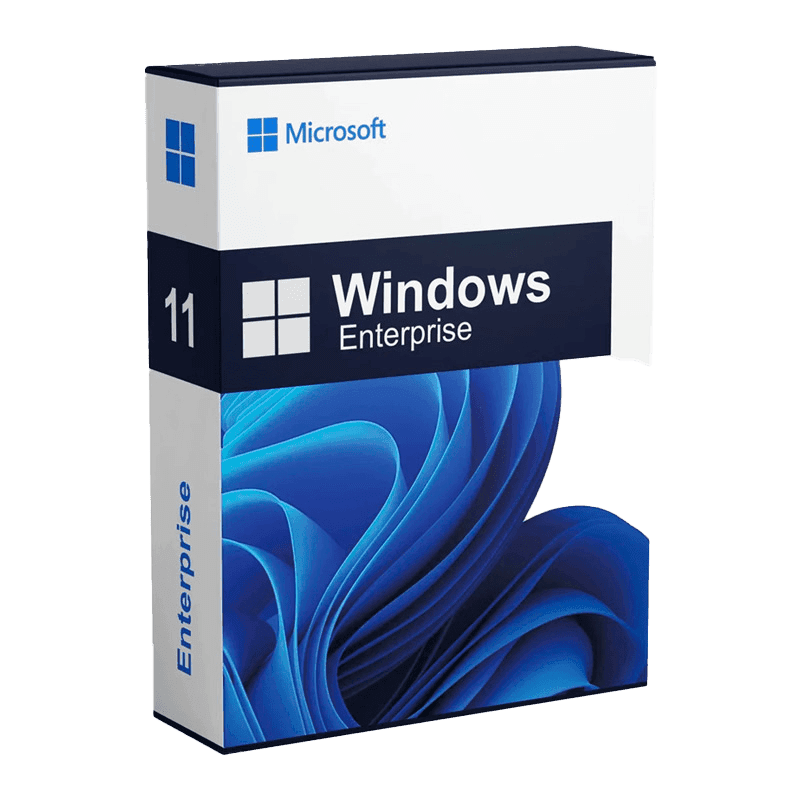
Microsoft Windows 11 Enterprise

Trusted Shops
Buyer Protection guaranteed refund
Microsoft Windows 11 Enterprise Original Perpetual License
Trusted Shops Guarantee, Fast Email Delivery and Technical Support Included
| Language | Multi-Language |
|---|---|
| Validity | Perpetual (no expiry) |
| Edition | Enterprise |
| PCs | 1 |
Microsoft Windows 11 Enterprise is the organisation edition of the latest generation of Windows, with a perpetual license that never expires. It includes everything Pro offers and adds AppLocker, Credential Guard, virtualisation-based security and the tools for deployment across multiple workstations. The license is delivered with its product key.
Why choose Microsoft Windows 11 Enterprise
In a managed fleet, security is not achieved by configuring one computer well but by preventing the others from being configured badly. The functions of the Enterprise edition serve exactly that: deciding centrally which programs may run and which parts of the system stay out of reach.
Windows 11 takes virtualisation-based security a level beyond the previous generation, because the TPM 2.0 and Secure Boot requirement is now mandatory on every machine. Credential Guard and protected code integrity therefore always find the hardware they rely on.
What Microsoft Windows 11 Enterprise is and what it is for
Windows 11 Enterprise is the most complete version of the system, designed to be installed and administered centrally on many computers. For the person working the experience is identical to Pro: what changes are the tools available to whoever manages the workstations.
The additional functions cover application control with AppLocker, credential protection with Credential Guard, reduced traffic to branch offices with BranchCache and fine-grained update management, to decide which updates reach the machines and when.
Installing the same system on a hundred computers without doing it a hundred times
- You prepare a model machine and photograph it
System, programs and settings are sorted out once only on a reference computer. From there you get the image that will end up on all the others. - The answer file removes the on-screen questions
Language, keyboard, name and account are written in a file the setup program reads by itself. Nobody stays in front of the screen pressing Next. - The model machine has to be cleaned before duplicating it
There is a step that removes the unique identifiers. Skipping it produces a hundred computers the network considers the same, and that is a long tangle to undo. - Drivers are added to the package, not to the machine
Different models want different drivers. Putting them all in the image saves chasing devices on every workstation. - Updates are distributed in waves
First a small group, then the rest. If something goes wrong, the problem concerns ten computers and not the whole company. - Configuration is applied from the centre, not by hand
Wallpaper, printers, network folders and restrictions arrive from a single rule. Touching a hundred machines to change one setting is not a method. - Decommissioning has to be planned too
When a computer leaves, the data has to be removed so it cannot be recovered and the license has to come free again. It is the part everybody forgets to plan. - When all this is not needed
Under ten workstations the time to prepare the automation exceeds the time to install them by hand. The value starts where the numbers start.
Feature overview of Microsoft Windows 11 Enterprise
| Feature | Included |
|---|---|
| Isolation of the account with administrator privileges | ✔ |
| An isolated environment for opening untrusted files | ✔ |
| Updates applied without long restarts | ✔ |
| Automatic configuration at the first switch-on | ✔ |
| Encryption of company data on personal devices | ✔ |
| Policies applied from the cloud as well as from the domain | ✔ |
| A long term release channel available | ✔ |
| Reports on the state of the machine fleet | ✔ |
Comparison: Windows 11 Home, Pro and Enterprise
| Feature | Home | Pro | Enterprise |
|---|---|---|---|
| Windows 11 interface and Snap Layouts | ✔ | ✔ | ✔ |
| TPM 2.0 and Secure Boot required | ✔ | ✔ | ✔ |
| Windows Update and Microsoft Defender | ✔ | ✔ | ✔ |
| BitLocker (disk encryption) | ✘ | ✔ | ✔ |
| Incoming Remote Desktop | ✘ | ✔ | ✔ |
| Hyper-V and Windows Sandbox | ✘ | ✔ | ✔ |
| Company domain and Active Directory | ✘ | ✔ | ✔ |
| AppLocker and Credential Guard | ✘ | ✘ | ✔ |
| Maximum supported RAM | 128 GB | 2 TB | 6 TB |
System requirements
Windows 11 requires a 64-bit processor with at least two cores at 1 GHz, 4 GB of RAM, 64 GB of free disk space and TPM 2.0 and Secure Boot enabled in the UEFI firmware. On many computers the TPM is already present but disabled: it is enabled from the BIOS. For detailed requirements see the "Requirements" tab on the product page.
Why are licenses priced so low?
As these are retail licenses previously owned and decommissioned by the former holder in accordance with EU Court ruling C-128/2011, they can be purchased at a more affordable price. These official licenses are fully compliant and guaranteed at the best price on the market.
What do I receive after purchase?
By purchasing this product you will receive the official download of the software from the Microsoft website, the license for activation and complete instructions for a correct installation.
Advantages of the Licensel License
- Fast delivery by email
You receive the license and the download link within a few minutes of your order. - Always free support
Our technicians assist you via Live Chat and email, at no additional cost. - Invoice included
The invoice is issued automatically once the purchase is complete. - Trusted Shops guarantee
Licensel is a Trusted Shops partner shop: every order is covered by the official buyer guarantee.
How to buy and activate
- Choose your edition
Select the version you need and complete your order in a few clicks. - Receive the license by email
Within a few minutes you receive the official download link and the license for activation. - Install and activate
Download the software from the manufacturer's official website and enter the license to complete activation. - Support included
For any question our technicians are available via Live Chat and email.
How to download and install Microsoft Windows 11 Enterprise
After purchase you receive by email the license and the link to the official Microsoft Media Creation Tool. The tool downloads Windows 11 and prepares a bootable USB stick or an ISO file. Start the computer from the stick for a clean installation, or run the file directly from Windows for an upgrade that keeps files and programs. When finished, enter the license you received under Settings, System, Activation.
Need help with installation?
No problem: our technicians are available via the Live Chat at the bottom right of the website to assist you in real time.
Frequently asked questions
What is the difference from Windows 11 Pro?
Do I need a company domain to use it?
Does my computer support Windows 11?
Is the license perpetual?
On how many PCs can I activate it?
DIGITAL Delivery
Guaranteed instant delivery
Customer Support
Always available.
Money-back guarantee
Total satisfaction guarantee.
TrustedShops
Buy with certified confidence.





















