
















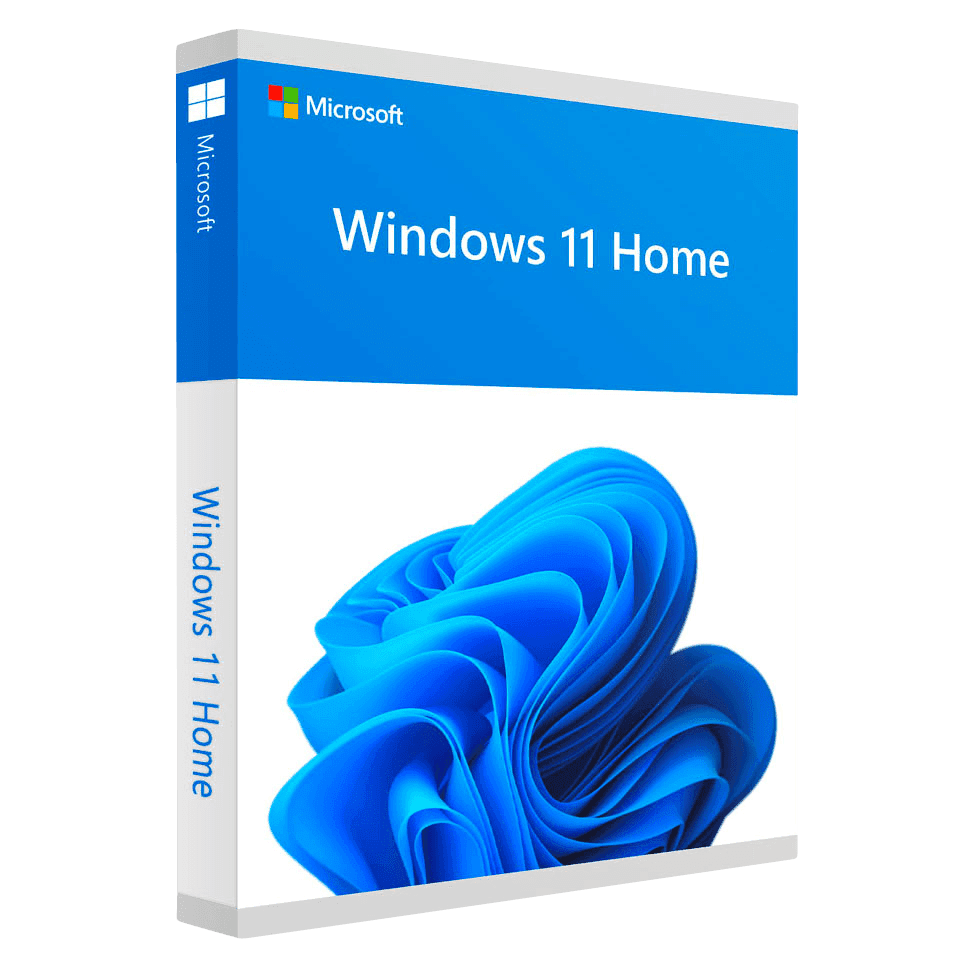
Microsoft Windows 11 Home

Trusted Shops
Buyer Protection guaranteed refund
Microsoft Windows 11 Home Original Perpetual License
Best Price Guaranteed by Licensel.com, Invoice Included and Always Free Support
| Language | Multi-Language |
|---|---|
| Validity | Perpetual (no expiry) |
| Edition | Home |
| PCs | 1 or 5, depending on the chosen variant |
Microsoft Windows 11 Home is the latest version of the Microsoft operating system for home use, with a perpetual license that never expires. It brings the new interface with the centred Start menu, Snap Layouts for organising windows, built-in Copilot and security based on TPM 2.0. The license is delivered with its product key.
Why choose Microsoft Windows 11 Home
Windows 11 is the version that keeps receiving feature and security updates, while ordinary support for Windows 10 ended in October 2025. On a computer that meets the requirements, installing it means staying current for years to come at no further cost.
The everyday difference shows in window management: Snap Layouts offer arrangement patterns with a single mouse movement, and the groups you create are restored together when you return to the desktop. On laptops, docking and undocking an external monitor no longer scrambles the application layout.
What Microsoft Windows 11 Home is and what it is for
Windows 11 Home is the basic edition of the new generation of Windows, designed for the personal and family computer. It includes Microsoft Defender, Windows Update, the Microsoft Store, Windows Hello and DirectX 12 Ultimate graphics support with Auto HDR for games.
Security is the deepest change compared with Windows 10: Windows 11 requires TPM 2.0 and Secure Boot, that is a hardware module that guards the cryptographic keys and a boot process that accepts only signed code. On many computers these components are already present and simply need enabling in the BIOS.
First setup: what to choose and what can wait
- Almost all the opening questions can be refused
Location, activity history, personalised advertising and extended diagnostic data can all be declined without losing any function. - An online account brings convenience and a choice with it
It is for finding your settings again on another computer and for the recovery key. Whoever prefers to stay offline can, but loses those two handles. - Automatic saving to the online space has to be decided at once
If you accept, the Documents and Desktop folders end up in the online space. It is convenient and it changes where the files live: better to know beforehand than afterwards. - Preinstalled programs come off in five minutes
Every new computer arrives with games and trials nobody asked for. Removing them on the first day is quicker than doing it in six months. - The first round of updates takes time and a restart
A freshly installed system downloads months of fixes. It is normal for the computer to be slow until it has finished. - The computer's name matters in houses with several machines
Calling them recognisably avoids hunting for which is the right one when you share a folder or a printer. - Signing in with your face or fingerprint should be set up at once
It is quicker than a password and safer than a short code. You set it in two minutes and use it for years. - What this edition does not allow
Full disk encryption, incoming remote connection and central management stay out. If they are needed, the choice is the higher edition.
Feature overview of Microsoft Windows 11 Home
| Feature | Included |
|---|---|
| Family accounts with screen time limits and filters | ✔ |
| Settings synchronised between two computers | ✔ |
| Voice assistant and dictation built in | ✔ |
| Copy of the main folders into the online space | ✔ |
| A mode that lowers consumption and brightness | ✔ |
| Games and store built into the system | ✔ |
| Phone linked for messages and notifications on the computer | ✔ |
| Quick reset that keeps the personal files | ✔ |
Comparison: Windows 11 Home, Pro and Enterprise
| Feature | Home | Pro | Enterprise |
|---|---|---|---|
| Windows 11 interface and Snap Layouts | ✔ | ✔ | ✔ |
| TPM 2.0 and Secure Boot required | ✔ | ✔ | ✔ |
| Windows Update and Microsoft Defender | ✔ | ✔ | ✔ |
| BitLocker (disk encryption) | ✘ | ✔ | ✔ |
| Incoming Remote Desktop | ✘ | ✔ | ✔ |
| Hyper-V and Windows Sandbox | ✘ | ✔ | ✔ |
| Company domain and Active Directory | ✘ | ✔ | ✔ |
| AppLocker and Credential Guard | ✘ | ✘ | ✔ |
| Maximum supported RAM | 128 GB | 2 TB | 6 TB |
System requirements
Windows 11 requires a 64-bit processor with at least two cores at 1 GHz, 4 GB of RAM, 64 GB of free disk space and TPM 2.0 and Secure Boot enabled in the UEFI firmware. On many computers the TPM is already present but disabled: it is enabled from the BIOS. For detailed requirements see the "Requirements" tab on the product page.
Why are licenses priced so low?
As these are retail licenses previously owned and decommissioned by the former holder in accordance with EU Court ruling C-128/2011, they can be purchased at a more affordable price. These official licenses are fully compliant and guaranteed at the best price on the market.
What do I receive after purchase?
By purchasing this product you will receive the official download of the software from the Microsoft website, the license for activation and complete instructions for a correct installation.
Advantages of the Licensel License
- Fast delivery by email
You receive the license and the download link within a few minutes of your order. - Always free support
Our technicians assist you via Live Chat and email, at no additional cost. - Invoice included
The invoice is issued automatically once the purchase is complete. - Trusted Shops guarantee
Licensel is a Trusted Shops partner shop: every order is covered by the official buyer guarantee.
How to buy and activate
- Choose your edition
Select the version you need and complete your order in a few clicks. - Receive the license by email
Within a few minutes you receive the official download link and the license for activation. - Install and activate
Download the software from the manufacturer's official website and enter the license to complete activation. - Support included
For any question our technicians are available via Live Chat and email.
How to download and install Microsoft Windows 11 Home
After purchase you receive by email the license and the link to the official Microsoft Media Creation Tool. The tool downloads Windows 11 and prepares a bootable USB stick or an ISO file. Start the computer from the stick for a clean installation, or run the file directly from Windows for an upgrade that keeps files and programs. When finished, enter the license you received under Settings, System, Activation.
Need help with installation?
No problem: our technicians are available via the Live Chat at the bottom right of the website to assist you in real time.
Frequently asked questions
Does my computer support Windows 11?
What is the difference between Home and Pro?
My PC has no TPM 2.0: what do I do?
Is the license perpetual?
How many PCs does the license cover?
DIGITAL Delivery
Guaranteed instant delivery
Customer Support
Always available.
Money-back guarantee
Total satisfaction guarantee.
TrustedShops
Buy with certified confidence.





















