
















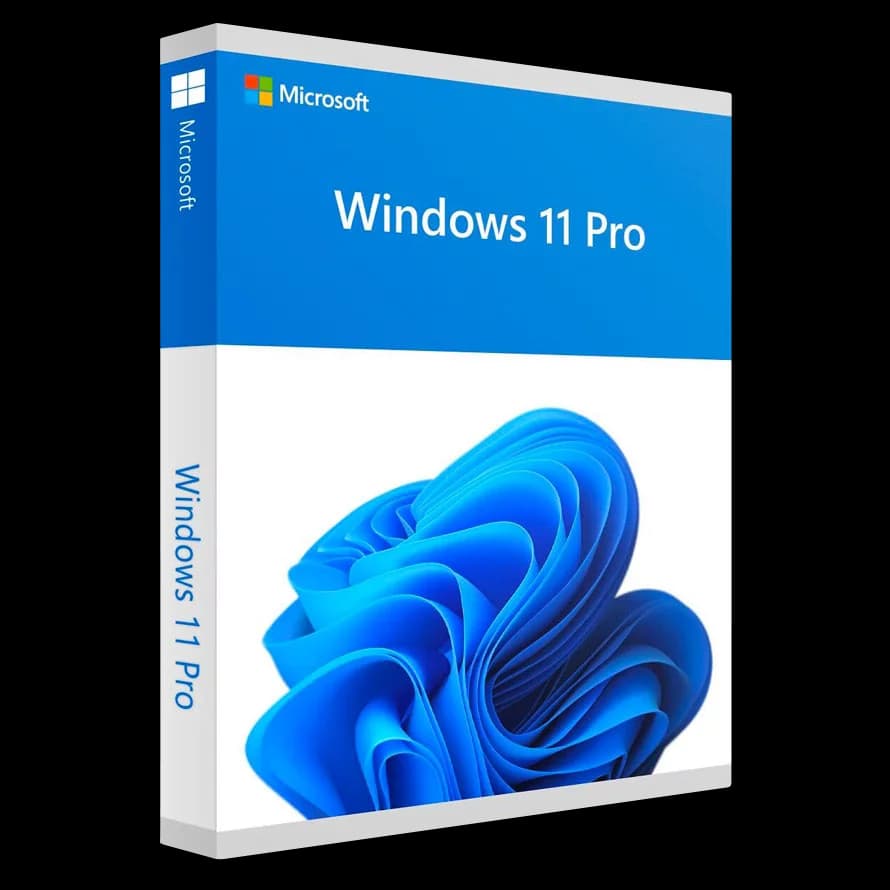
Microsoft Windows 11 Pro OEM

Trusted Shops
Buyer Protection guaranteed refund
Microsoft Windows 11 Pro OEM Original Perpetual License
Trusted Shops Guarantee, Fast Email Delivery and Technical Support Included
| Language | Multi-Language |
|---|---|
| Validity | Perpetual (no expiry) |
| Edition | Pro OEM |
| PCs | 1 |
Microsoft Windows 11 Pro OEM is the professional operating system in the OEM version: identical to Retail in every feature, with the difference that the license is linked to the computer's motherboard instead of to the Microsoft account. The license is delivered with its product key.
Why choose Microsoft Windows 11 Pro OEM
The OEM version is the one manufacturers install on new computers. It is the same Windows 11 Pro in every respect, with no feature limitations, and it costs less because the license stays on that computer for its whole life.
The only difference lies in the tie: an OEM license stays bound to the computer it is first activated on. You can reinstall as often as you like, but if you replace the motherboard the license does not follow the machine.
What Microsoft Windows 11 Pro OEM is and what it is for
Windows 11 Pro OEM is worth it when the computer is new or in any case meant to stay as it is. On a PC assembled to last, or on a company workstation that will not be taken apart, the tie to the motherboard has no practical consequence.
It is not worth it if you expect to upgrade the hardware deeply or to move the license to another computer: in that case the Retail version, which is linked to the Microsoft account and transfers, is the correct choice. The features are the same in both: BitLocker, Remote Desktop, Hyper-V, company domain and updates from Windows Update.
Clean install or upgrade: when one is better and when the other
- An upgrade keeps everything, including the problems
Programs, files and settings stay in place. But so do the old drivers, the inherited settings and the slowdowns that were there before. - A clean install is the only one that brings back first-day speed
On a machine used for years the difference is felt. In exchange you put programs and settings back by hand, and that is half a day. - The files are copied anyway, in both cases
An upgrade can fail too. Documents and photos onto an external disk before starting, no exceptions. - After an upgrade there is a window for going back
The system keeps the previous version for a limited period and lets you restore it. Past that time the folder is removed and the only road is forward. - Those gigabytes of the previous version can be recovered
If you have decided to stay, the copy of the old version is removed from the cleanup settings and gives back a good deal of space. - The maker's drivers are fetched afterwards, not before
The system installs the generic ones and works. Graphics card, fingerprint reader and the laptop's special keys are taken from the site of whoever made the computer. - Activation hooks onto the machine, not onto the media
Reinstalling on the same computer, the system recognises itself. That is why a reinstall no longer frightens people the way it did ten years ago. - What a clean install does not bring along
The programs do not come back by themselves: their codes are needed. It is worth collecting them before formatting, not after.
Feature overview of Microsoft Windows 11 Pro OEM
| Feature | Included |
|---|---|
| Clean installation from media created by the user | ✔ |
| Basic drivers included for most hardware | ✔ |
| Feature updates for the whole life cycle | ✔ |
| Access to the system's advanced settings | ✔ |
| Free tool for creating the installation media | ✔ |
| Automatic activation at the first internet connection | ✔ |
| 64 bit edition for the hardware on sale | ✔ |
| System reset keeping the documents | ✔ |
Comparison: Retail license and OEM license
| Feature | Retail | OEM |
|---|---|---|
| All the features of Windows 11 Pro | ✔ | ✔ |
| Activation on one computer | ✔ | ✔ |
| The license is linked to | Microsoft account | Motherboard |
| Transferable to another PC | ✔ | ✘ |
| Reactivation after a reinstall | ✔ | ✔ |
| Reactivation after a motherboard change | ✔ | ✘ |
| Updates from Windows Update | ✔ | ✔ |
| When it is worth it | The hardware may change | The computer stays as it is |
System requirements
Windows 11 requires a 64-bit processor with at least two cores at 1 GHz, 4 GB of RAM, 64 GB of free disk space and TPM 2.0 and Secure Boot enabled in the UEFI firmware. On many computers the TPM is already present but disabled: it is enabled from the BIOS. For detailed requirements see the "Requirements" tab on the product page.
Why are licenses priced so low?
As these are retail licenses previously owned and decommissioned by the former holder in accordance with EU Court ruling C-128/2011, they can be purchased at a more affordable price. These official licenses are fully compliant and guaranteed at the best price on the market.
What do I receive after purchase?
By purchasing this product you will receive the official download of the software from the Microsoft website, the license for activation and complete instructions for a correct installation.
Advantages of the Licensel License
- Fast delivery by email
You receive the license and the download link within a few minutes of your order. - Always free support
Our technicians assist you via Live Chat and email, at no additional cost. - Invoice included
The invoice is issued automatically once the purchase is complete. - Purchase protected by Trusted Shops
As a Trusted Shops partner shop, your order is protected by the official buyer guarantee.
How to buy and activate
- Choose your edition
Select the version you need and complete your order in a few clicks. - Receive the license by email
Within a few minutes you receive the official download link and the license for activation. - Install and activate
Download the software from the manufacturer's official website and enter the license to complete activation. - Support included
For any question our technicians are available via Live Chat and email.
How to download and install Microsoft Windows 11 Pro OEM
After purchase you receive by email the license and the link to the official Microsoft Media Creation Tool. The tool downloads Windows 11 and prepares a bootable USB stick or an ISO file. Start the computer from the stick for a clean installation, or run the file directly from Windows for an upgrade that keeps files and programs. When finished, enter the license you received under Settings, System, Activation.
Need help with installation?
No problem: our technicians are available via the Live Chat at the bottom right of the website to assist you in real time.
Frequently asked questions
What is the difference between OEM and Retail?
Can I reinstall the computer?
What happens if I change the motherboard?
Does it receive Microsoft updates?
Does my computer support Windows 11?
DIGITAL Delivery
Guaranteed instant delivery
Customer Support
Always available.
Money-back guarantee
Total satisfaction guarantee.
TrustedShops
Buy with certified confidence.





















