
















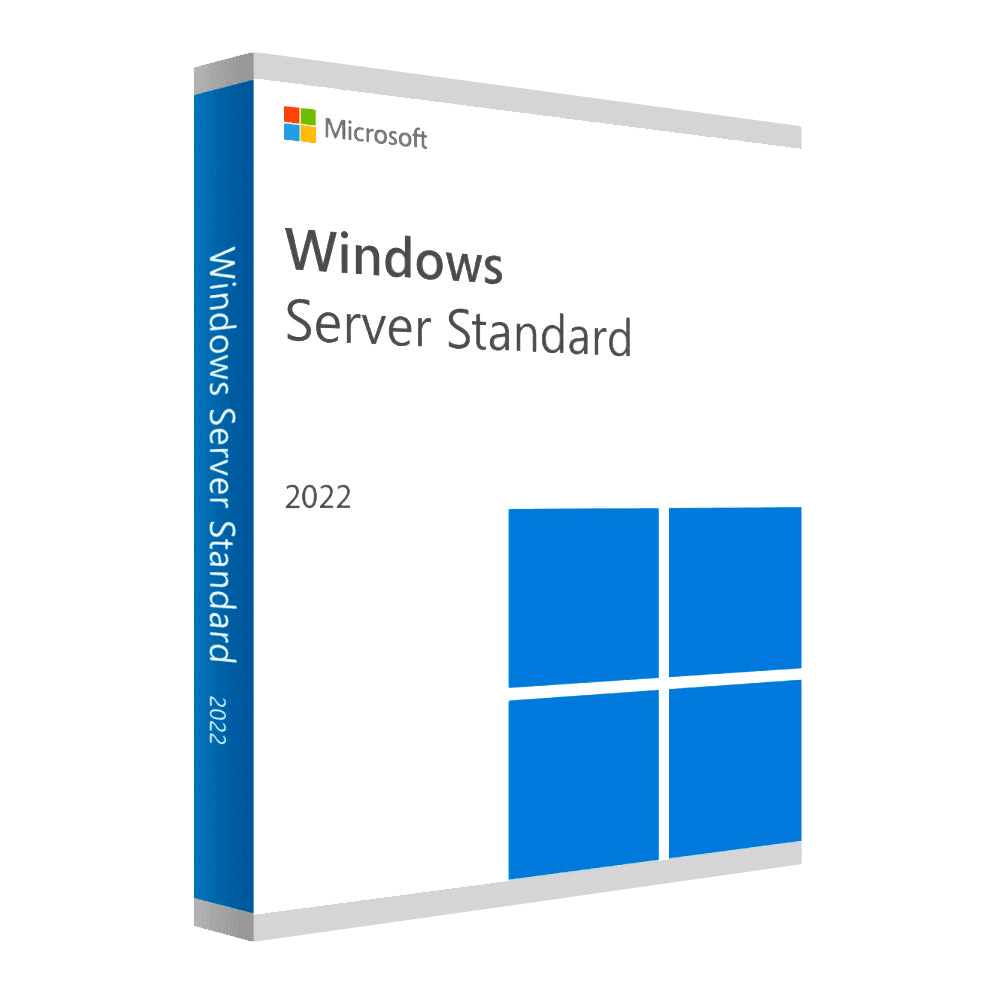
Microsoft Windows Server 2022 Standard

Trusted Shops
Buyer Protection guaranteed refund
Microsoft Windows Server 2022 Standard Original Perpetual License
Fast Email Delivery, Official Guarantee and Free Technical Support
| Language | Multi-Language |
|---|---|
| Validity | Perpetual (no expiry) |
| Edition | Standard |
| Servers | 1 server |
Microsoft Windows Server 2022 Standard is the Windows Server release built around security: the system checks at boot that it has not been tampered with, and the traffic between the office computers and the server travels encrypted without anyone having to configure it. Perpetual license for one physical server.
Why choose Microsoft Windows Server 2022 Standard
A server publishing something outwards, a portal, a folder reachable from outside, a remote session for people working from home, does not have the same problems as a server shut in a room. There the attack surface is real, and the defences that count are the ones active by default, not the ones somebody will remember to configure.
The 2022 is the release that moved those defences into the starting configuration: the secured core verifies system integrity at boot with the TPM chip, file share traffic is encrypted in AES-256 and secure connections use TLS 1.3. Microsoft extended support reaches October 2031. Anyone publishing nothing to the internet and wanting to spend less will find the 2019 and the 2016.
What Microsoft Windows Server 2022 Standard is and what it is for
Microsoft Windows Server 2022 Standard covers all the roles of a company server, Active Directory domain, file and print, DNS, DHCP, remote access, IIS and Hyper-V with two virtual machines included, and adds to them the protection layer introduced with this release.
The secured-core server combines verified boot, hypervisor-enforced code integrity and isolated credentials; file sharing uses AES-256 and can sign the traffic; HTTPS and TLS 1.3 are on without intervention. On the virtualisation side the 2022 supports nested virtualisation on AMD processors too. User access is licensed separately with the Windows Server CALs.
How to secure a server reachable from outside
- The remote desktop is not exposed on the internet
Port 3389 open to the outside is the first address the automated scanners try. Connections from outside go through a VPN or a dedicated gateway, never through the remote desktop directly. - An administrator account that is not used for working
The administrator is for administering. Daily work is done from a normal account, so an attachment opened by mistake does not arrive with the server's permissions. - Different local passwords on every machine
The same local administrator password everywhere means whoever gets into one computer gets into all of them. Windows has a tool that generates them differently and keeps them in the domain. - Updates in two stages
A test machine first, the others a few days later. An update that breaks a business application is discovered on one workstation, not across the whole office. - A backup copy the server cannot reach
Ransomware encrypts connected backups too. The only copy that survives is the one on disconnected media or on storage that does not accept deletions. - TPM and secure boot enabled in the BIOS
The secured-core server does not switch itself on: without the TPM 2.0 chip and secure boot enabled in the firmware, the protections of this release stay off. - Access logging switched on and actually read
Logging access is worth nothing if nobody looks at the log. It pays to set an alert on administrative logins outside working hours. - The license count does not change with security
None of these measures requires additional licenses: they are all included in the operating system and in the domain.
Feature overview of Microsoft Windows Server 2022 Standard
| Feature | Included |
|---|---|
| Linux subsystem usable for the tools | ✔ |
| Containers quicker to start and to update | ✔ |
| A log of the changes to the shared files | ✔ |
| Redundant volumes with the disks already present | ✔ |
| Deduplication extended to the system volumes | ✔ |
| Guided migration of the roles from an old server | ✔ |
| Administration from the browser without opening the desktop | ✔ |
| Roles addable and removable with the system running | ✔ |
Comparison: Windows Server 2022 Standard and Datacenter 2022
| Aspect | Standard 2022 | Datacenter 2022 |
|---|---|---|
| Hyper-V virtual machines included | 2 | Unlimited |
| Domain, files, printing, DNS, DHCP and IIS | ✔ | ✔ |
| Secured-core server | ✔ | ✔ |
| File sharing with AES-256 encryption | ✔ | ✔ |
| Storage Spaces Direct for a cluster | ✘ | ✔ |
| Storage Replica without limits | ✘ | ✔ |
| Software-defined networking | ✘ | ✔ |
| When it is worth it | Up to two virtual machines | Host with many virtual machines |
System requirements
Microsoft Windows Server 2022 Standard requires a 1.4 GHz 64-bit processor, at least 2 GB of RAM for the installation with a graphical interface and 32 GB of disk space, plus a Gigabit network adapter. In production the resources should be sized on the active roles and the number of virtual machines. For detailed requirements see the "Requirements" tab on the product page.
Why are licenses priced so low?
As these are retail licenses previously owned and decommissioned by the former holder in accordance with EU Court ruling C-128/2011, they can be purchased at a more affordable price. These official licenses are fully compliant and guaranteed at the best price on the market.
What do I receive after purchase?
By purchasing this product you will receive the official download of the software from the Microsoft website, the license for activation and complete instructions for a correct installation.
Advantages of the Licensel License
- Fast delivery by email
You receive the license and the download link within a few minutes of your order. - Always free support
Our technicians assist you via Live Chat and email, at no additional cost. - Invoice included
The invoice is issued automatically once the purchase is complete. - Trusted Shops: guaranteed purchase
Licensel is part of Trusted Shops, which protects your purchase with the official buyer guarantee.
How to buy and activate
- Choose your edition
Select the version you need and complete your order in a few clicks. - Receive the license by email
Within a few minutes you receive the official download link and the license for activation. - Install and activate
Download the software from the manufacturer's official website and enter the license to complete activation. - Support included
For any question our technicians are available via Live Chat and email.
How to download and install Microsoft Windows Server 2022 Standard
After purchase you receive by email the license and the link to the official download of the Microsoft Windows Server 2022 Standard ISO image. Prepare a bootable USB stick or mount the image on the server's remote management controller, start the machine from the media and choose between the installation with Desktop Experience and the Core installation without a graphical interface. Once the procedure is complete, enter the license for activation and configure the roles from Server Manager.
Need help with installation?
No problem: our technicians are available via the Live Chat at the bottom right of the website to assist you in real time.
Frequently asked questions
What is the difference from the Datacenter edition?
Are the CALs included in the license?
Until when is this version supported?
Can I install it without a graphical interface?
Is the license perpetual?
DIGITAL Delivery
Guaranteed instant delivery
Customer Support
Always available.
Money-back guarantee
Total satisfaction guarantee.
TrustedShops
Buy with certified confidence.





















