
















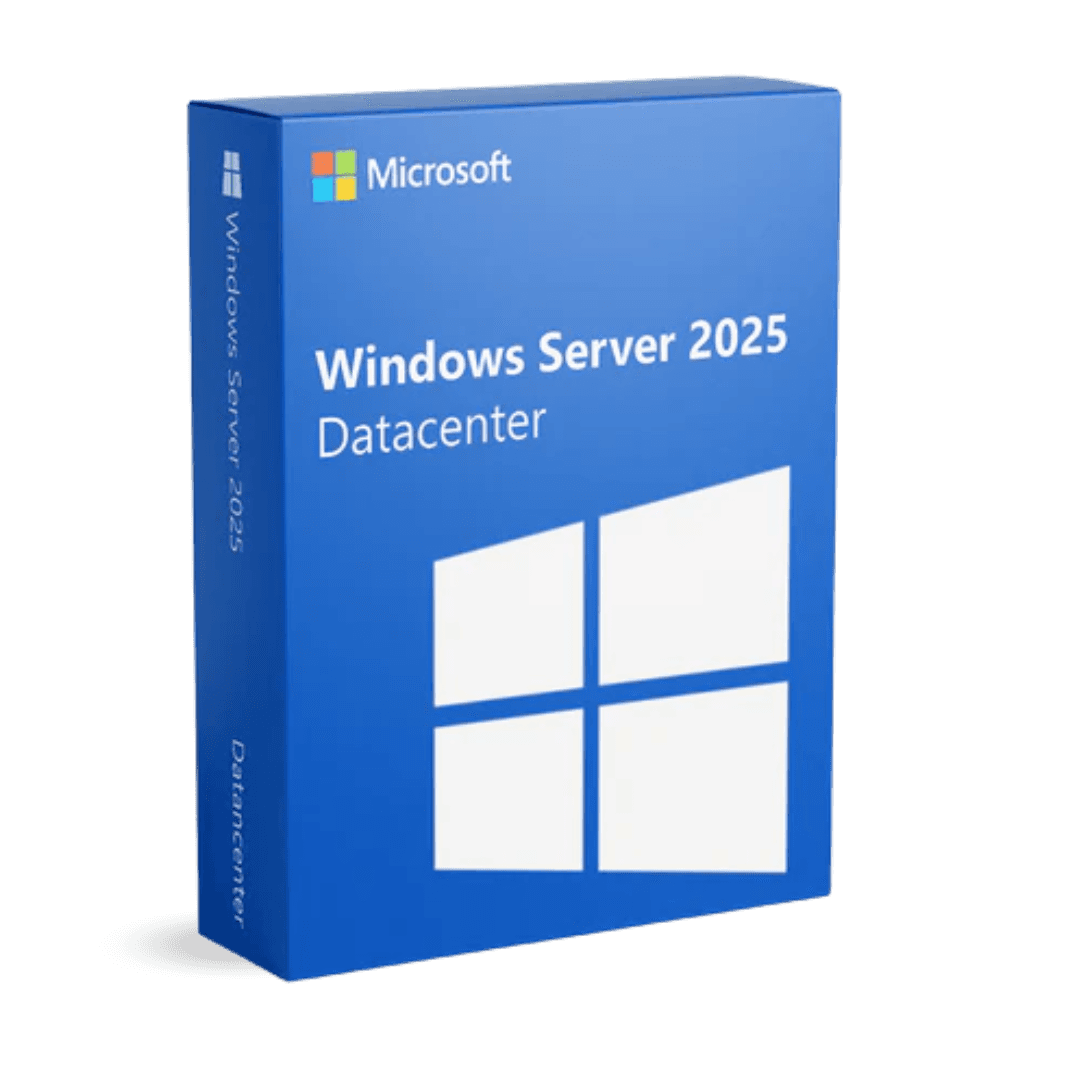

Microsoft Windows Server 2025 Datacenter

Trusted Shops
Buyer Protection guaranteed refund
Microsoft Windows Server 2025 Datacenter Original Perpetual License
Best Price Guaranteed by Licensel.com, Invoice Included and Always Free Support
| Language | Multi-Language |
|---|---|
| Validity | Perpetual (no expiry) |
| Edition | Datacenter |
| Servers | 1 server |
Microsoft Windows Server 2025 Datacenter is the current release of the unlimited edition: unlimited virtual machines, updates that can be applied without restarting the host, a GPU divisible between several virtual machines and Microsoft support until October 2034. Perpetual license for one physical server.
Why choose Microsoft Windows Server 2025 Datacenter
On a host carrying ten virtual machines a restart does not stop one service: it stops ten. Every monthly host update becomes a maintenance window to be agreed with everybody, and the more machines sit on top, the harder that window is to find.
The 2025 breaks that constraint: host security updates are applied while the virtual machines keep running, and the restart is scheduled a few times a year. Alongside this, a graphics card can be divided between several virtual machines, useful when one of them has to process images or models, and Microsoft support reaches October 2034. Datacenter makes sense when many virtual machines run on that host or when downtime costs more than the license: below that threshold, Standard does the same job.
What Microsoft Windows Server 2025 Datacenter is and what it is for
Microsoft Windows Server 2025 Datacenter is the complete edition of the current release: all the network roles, Active Directory domain, file and print, DNS, DHCP, remote access and IIS, with no limit on the number of virtual machines the host can run.
What this edition adds concerns the cases where the service cannot stop: Storage Spaces Direct, which makes several servers work as a single storage pool, Storage Replica with no volume limits, which writes the data in two places at the same instant, and software-defined networking. The 2025 release adds updates applicable with the host on, GPU partitioning between several virtual machines, file sharing securely reachable from the internet and an Active Directory database with larger pages. User access is licensed separately with the Windows Server CALs.
How a graphics card is split between several virtual machines
- What it is for
A single graphics card in the server is divided into parts and assigned to several virtual machines: each one gets real acceleration, without a physical card each. - The typical case
The remote sessions of people working with CAD, rendering or image processing, which on a virtual machine without accelerated graphics become unusable. - You need a card on the maker's list
Not every card can be partitioned: the list is published by the GPU maker and by the server maker, and it has to be checked before buying. - The driver has to be installed twice
Once in the physical machine and once inside every virtual machine using the partition, and the two versions have to match. - How many parts
The number is decided in the configuration and does not change on the fly: it is sized on the available video memory and on how much each session needs. - It moves between the cluster nodes
A virtual machine with its share of the GPU can move to another node during a maintenance window, provided that node also has a compatible card. - It is not an extra graphics card
The power is divided, not multiplied: four sessions on one card get a quarter of that card each, and it has to be sized accordingly. - The licenses do not change
GPU partitioning adds no licenses: the operating system one, the CALs and, if people work in remote sessions, the RDS CALs stay as they are.
Feature overview of Microsoft Windows Server 2025 Datacenter
| Feature | Included |
|---|---|
| Graphics card divisible between several virtual machines | ✔ |
| A server group updatable without stopping the services | ✔ |
| Virtual machines moved between nodes while running | ✔ |
| Fast disks used as a cache for the slow volumes | ✔ |
| Windows and Linux containers on the same host | ✔ |
| Replicas towards a remote site over limited bandwidth | ✔ |
| A single console for all the company's servers | ✔ |
| The core count as the basis of the cost | ✔ |
Comparison: Datacenter 2025 and Standard 2025
| Aspect | Datacenter 2025 | Standard 2025 |
|---|---|---|
| Virtual machines included in the license | Unlimited | 2 |
| Storage Spaces Direct | ✔ | ✘ |
| Storage Replica with no volume limits | ✔ | ✘ |
| Software-defined networking | ✔ | ✘ |
| Updates without restarting | ✔ | ✔ |
| GPU split between several virtual machines | ✔ | ✔ |
| End of Microsoft extended support | October 2034 | October 2034 |
| When it is worth it | Virtualisation host | Server with one or two services |
System requirements
Microsoft Windows Server 2025 Datacenter requires a 1.4 GHz 64-bit processor, at least 2 GB of RAM for the installation with a graphical interface and 32 GB of disk space, plus a Gigabit network adapter. In production the resources should be sized on the active roles and the number of virtual machines. For detailed requirements see the "Requirements" tab on the product page.
Why are licenses priced so low?
As these are retail licenses previously owned and decommissioned by the former holder in accordance with EU Court ruling C-128/2011, they can be purchased at a more affordable price. These official licenses are fully compliant and guaranteed at the best price on the market.
What do I receive after purchase?
By purchasing this product you will receive the official download of the software from the Microsoft website, the license for activation and complete instructions for a correct installation.
Advantages of the Licensel License
- Fast delivery by email
You receive the license and the download link within a few minutes of your order. - Always free support
Our technicians assist you via Live Chat and email, at no additional cost. - Invoice included
The invoice is issued automatically once the purchase is complete. - Trusted Shops guarantee
Licensel is a Trusted Shops partner shop: every order is covered by the official buyer guarantee.
How to buy and activate
- Choose your edition
Select the version you need and complete your order in a few clicks. - Receive the license by email
Within a few minutes you receive the official download link and the license for activation. - Install and activate
Download the software from the manufacturer's official website and enter the license to complete activation. - Support included
For any question our technicians are available via Live Chat and email.
How to download and install Microsoft Windows Server 2025 Datacenter
After purchase you receive by email the license and the link to the official download of the Microsoft Windows Server 2025 Datacenter ISO image. Prepare a bootable USB stick or mount the image on the server's remote management controller, start the machine from the media and choose between the installation with Desktop Experience and the Core installation without a graphical interface. Once the procedure is complete, enter the license for activation and configure the roles from Server Manager.
Need help with installation?
No problem: our technicians are available via the Live Chat at the bottom right of the website to assist you in real time.
Frequently asked questions
What is the difference from the Standard edition?
Are the CALs included in the license?
Until when is this version supported?
Can I install it without a graphical interface?
Is the license perpetual?
DIGITAL Delivery
Guaranteed instant delivery
Customer Support
Always available.
Money-back guarantee
Total satisfaction guarantee.
TrustedShops
Buy with certified confidence.