












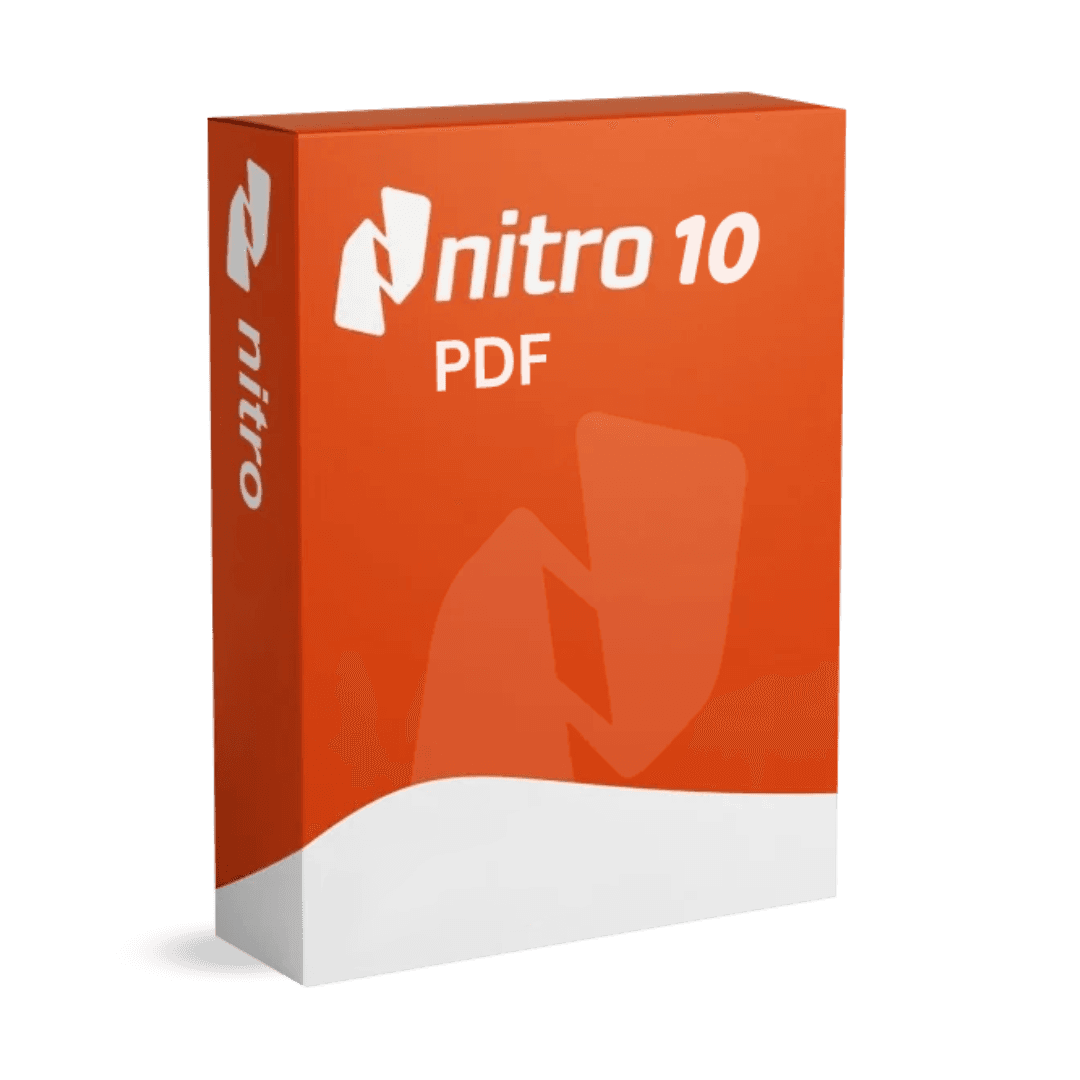
Nitro PDF Pro 10

Trusted Shops
Buyer Protection guaranteed refund
Nitro PDF Pro 10 Original Perpetual License for Windows
Trusted Shops Guarantee, Fast Email Delivery and Technical Support Included
| Language | English |
|---|---|
| License Duration | Perpetual (no expiry) |
| Operating System | Windows |
| Users | 1 |
Nitro PDF Pro 10 is the professional solution for creating, editing and converting PDF documents: direct text editing, faithful conversion to Office, OCR on scans, fillable forms, digital signature and version comparison. It is the tool of offices, professional practices and businesses handling documents every day. The license is perpetual and is delivered with its product key.
Why choose Nitro PDF Pro 10
PDF was designed as an immutable format and that is a virtue until a figure needs correcting. Nitro tackles the problem with an editor that treats the document like a text file: you click on the wrong word and rewrite it, move an image, add a page, without retrieving the source file.
Compared with the better known professional suites, the advantage lies in the licensing model: this is a perpetual license, with no annual fees, at a markedly lower cost. Feature coverage is broad and includes tools that belong to higher editions in other programs, such as document comparison and digital signature.
What Nitro PDF Pro 10 is and what it is for
Nitro PDF Pro 10 covers the entire document cycle: creation from any program through a virtual printer, editing of text and images, page reorganisation, conversion to Word, Excel and PowerPoint, password protection and digital signature.
Optical character recognition turns scans into selectable, searchable text, making digitised archives usable. Comparing two versions of the same document highlights every difference, a function that saves time when reviewing contracts and specifications. The interface of this edition is in English.
Converting a PDF into Word: what you get and what you lose
- A PDF does not keep the structure, it draws it
Inside there are no paragraphs and headings as a word processor understands them: there are pieces of text placed at a precise point on the page. The conversion has to reinterpret them. - Single column documents come out almost perfect
A report, a letter, a contract: linear text and few images pour into Word with some touching up of the spacing. - Tables are the difficult part
If in the PDF the lines are drawn, they come back as a real table. If they are only text alignments, what comes out is a grid to fix by hand. - Text in several columns always has to be checked
Magazines and brochures mix up the reading order. It is worth reading the first converted page before trusting the other fifty. - Missing fonts change the layout
If the PDF's font is not installed, Word puts another one and the document gets longer. It is fixed by choosing an equivalent font at the start, not at the end. - A PDF made from a scan is another story
In that case there is no text to extract: optical recognition is needed first, and the result depends on the quality of the scan more than on the program. - Converting back and forth degrades it every time
Every pass reinterprets the previous one. If the document will have to change again, it is better to keep and update the original in Word. - When it is not worth converting at all
To change two words or a date you edit the PDF directly. The round trip to and from Word only makes sense to really rework the document.
Feature overview of Nitro PDF Pro 10
| Feature | Included |
|---|---|
| Conversion by dragging the files onto the program icon | ✔ |
| Numbering and headers applied to all the pages | ✔ |
| Watermark and background on a whole document | ✔ |
| Extraction of all the images contained in the file | ✔ |
| Reduction of the file's weight with a chosen profile | ✔ |
| Page preview for reordering by dragging | ✔ |
| Check of the document's accessibility | ✔ |
| Export of the comments into a summary list | ✔ |
Comparison: Nitro PDF Pro and Power PDF Advanced
| Feature | Nitro PDF Pro | Power PDF Advanced |
|---|---|---|
| PDF creation and editing | ✔ | ✔ |
| Conversion to Word and Excel | ✔ | ✔ |
| Merging, splitting and page reordering | ✔ | ✔ |
| OCR on scanned documents | ✔ | ✔ |
| Fillable forms | ✔ | ✔ |
| Comparison between two documents | ✔ | ✔ |
| Digital signature and certificates | ✔ | ✔ |
| Interface language | English | Multi-language |
System requirements
Nitro PDF Pro 10 is compatible with Windows 10 and Windows 11. For detailed requirements see the "Requirements" tab on the product page.
Why are licenses priced so low?
As these are retail licenses previously owned and decommissioned by the former holder in accordance with EU Court ruling C-128/2011, they can be purchased at a more affordable price. These official licenses are fully compliant and guaranteed at the best price on the market.
What do I receive after purchase?
By purchasing this product you will receive the official download of the software from the Nitro website, the license for activation and complete instructions for a correct installation.
Advantages of the Licensel License
- Fast delivery by email
You receive the license and the download link within a few minutes of your order. - Always free support
Our technicians assist you via Live Chat and email, at no additional cost. - Invoice included
The invoice is issued automatically once the purchase is complete. - Trusted Shops guarantee
Licensel is a Trusted Shops partner shop: every order is covered by the official buyer guarantee.
How to buy and activate
- Choose your edition
Select the version you need and complete your order in a few clicks. - Receive the license by email
Within a few minutes you receive the official download link and the license for activation. - Install and activate
Download the software from the manufacturer's official website and enter the license to complete activation. - Support included
For any question our technicians are available via Live Chat and email.
How to download and install Nitro PDF Pro 10
The download takes place from the official Nitro website through the link you receive by email. Download the installer, run it and enter the license you received to complete activation. The operation takes a few minutes. If you prefer to be guided step by step, our technicians can assist you during installation.
Need help with installation?
No problem: our technicians are available via the Live Chat at the bottom right of the website to assist you in real time.
Frequently asked questions
What is the difference from the other PDF editors in the catalogue?
What language is the interface in?
Is the license perpetual?
Can I edit a PDF whose original file I do not have?
Does it work on Mac?
DIGITAL Delivery
Guaranteed instant delivery
Customer Support
Always available.
Money-back guarantee
Total satisfaction guarantee.
TrustedShops
Buy with certified confidence.