
















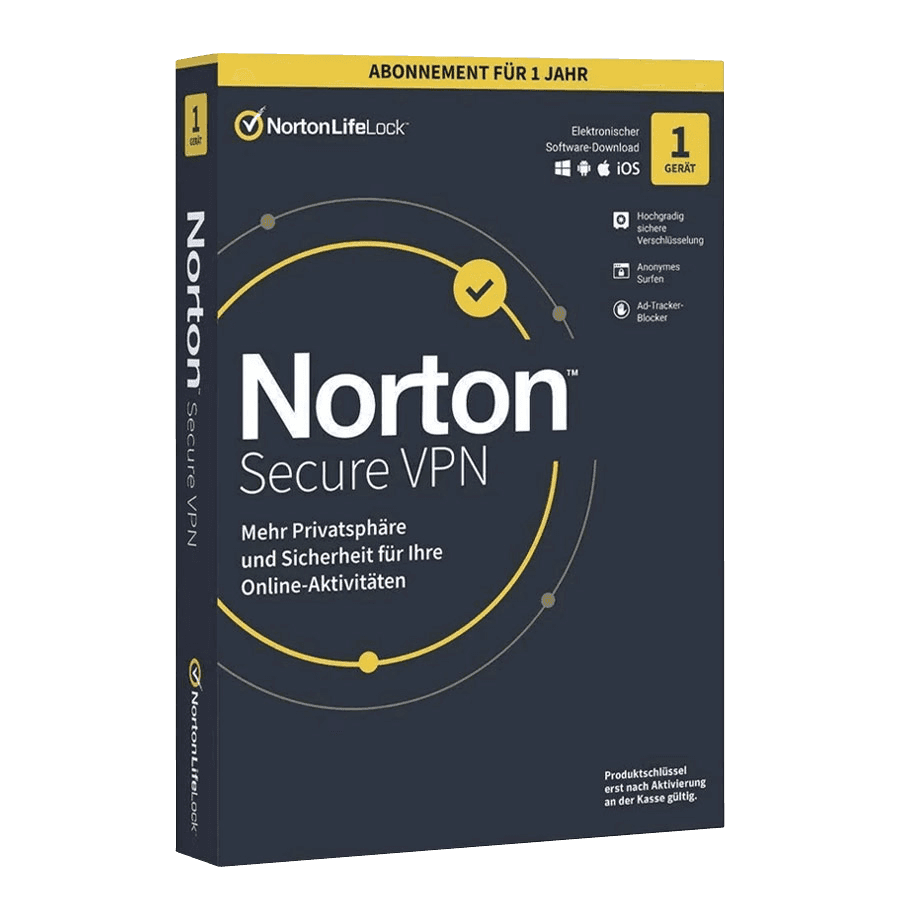

Norton Secure VPN

Trusted Shops
Buyer Protection guaranteed refund
Norton Secure VPN Original Annual License for Windows, Mac, Android and iOS
Fast Email Delivery, Official Guarantee and Free Technical Support
| Language | Italian, Multi-Language |
|---|---|
| License Duration | Annual (renewable) |
| Operating System | Windows, macOS, Android and iOS |
| Users | 1 |
Norton Secure VPN protects personal information, from passwords to banking data, by encrypting the connection on Windows, macOS, Android and iOS. It is the choice of anyone often connecting from public wi-fi who wants a simple solution with a single switch to turn on. The license is annual, covers one device and is delivered by email with the activation code.
Why choose Norton Secure VPN
The moment a VPN is really needed is short and recognisable: you are at the airport, in a hotel or at a bar, you join the open network and open your mail or your bank account. In those minutes anyone on the same network can try to intercept what passes, and no phone setting prevents it.
Norton Secure VPN is meant to cover exactly those minutes without asking anything of whoever uses it: you install it, leave it on and it encrypts the connection. It covers one device for one year and adds no settings to understand: it is the choice of someone who wants the protection and does not want to deal with it. Anyone with many devices or looking for a very wide server network will find HMA Pro VPN.
What Norton Secure VPN is and what it is for
Norton Secure VPN encrypts the device connection towards a Norton server and replaces the IP address sites see. It works on Windows, macOS, Android and iOS, and the license covers one device for twelve months.
The application is deliberately bare: a switch, the country list and little else. It does two things you do not see until you need them: it gets rid of whoever follows browsing from one site to another to build a profile, and it drops the network the instant the protection fails, instead of letting traffic through in the clear. Like all VPNs it protects the stretch between the device and the Norton server: it is not an antivirus, and the sites you log in to with your credentials naturally keep recognising you.
The things a VPN does not do, said plainly
- It does not make you anonymous
The moment you enter your mail or your profile, the service knows who you are: you told it. The tunnel hides where you come from, not who you are. - It does not stop a message asking for your credentials
If you open a fake link and type the password, the tunnel carries it to the fraudster beautifully encrypted. Against that kind of trick you need to read the address, not to encrypt. - It does not clean up an already compromised computer
If there is a program on the machine recording keystrokes, it keeps recording with the tunnel on too. The VPN protects the journey of the data, not the starting point. - It does not make the connection faster
It adds a step, so at best the speed stays as it was. Anyone promising more bandwidth is describing something else. - It does not delete cookies and the browser fingerprint
Blocking known trackers is one thing, the data already saved in the browser another: those stay until you remove them yourself from the browser settings. - It hides nothing from the service you signed in to
The shop, the social network and the mail carry on recording what you do inside their site, exactly as before. - It does not make permitted what is not
Changing country moves the technical origin and nothing else. The service's rules and the law stay as they are. - It does not cover devices without the app
Television, console and home automation go through the router and stay outside the tunnel, unless the VPN is configured on the router itself.
Feature overview of Norton Secure VPN
| Feature | Included |
|---|---|
| No settings to configure at the first start | ✔ |
| Managed from the same area as the maker's other products | ✔ |
| Data compression to save traffic on the phone | ✔ |
| Alert when you connect to an open network | ✔ |
| A choice of dozens of countries from the list | ✔ |
| Applications for Windows, macOS, Android and iOS | ✔ |
| Renewal manageable from the personal area | ✔ |
| Technical support included for the whole duration | ✔ |
Comparison: Norton Secure VPN on a public wi-fi network
| On an open network | With Norton Secure VPN | Without a VPN |
|---|---|---|
| Traffic readable by others on the same network | ✘ | ✔ |
| IP address visible to sites | The Norton server's | Yours |
| Advertising trackers between one site and another | Blocked | Active |
| Traffic cut if the tunnel closes | ✔ | Not applicable |
| Settings to configure | None | Not applicable |
| Devices covered by the license | 1 | Not applicable |
| Protection from harmful programs | An antivirus is needed | An antivirus is needed |
System requirements
Norton Secure VPN is compatible with Windows, macOS, Android and iOS: the license covers devices on different systems. For detailed requirements see the "Requirements" tab on the product page.
Why are licenses priced so low?
As these are retail licenses previously owned and decommissioned by the former holder in accordance with EU Court ruling C-128/2011, they can be purchased at a more affordable price. These official licenses are fully compliant and guaranteed at the best price on the market.
What do I receive after purchase?
By purchasing this product you will receive the official download of the software from the Norton website, the license for activation and complete instructions for a correct installation.
Advantages of the Licensel License
- Fast delivery by email
You receive the license and the download link within a few minutes of your order. - Always free support
Our technicians assist you via Live Chat and email, at no additional cost. - Invoice included
The invoice is issued automatically once the purchase is complete. - Trusted Shops: guaranteed purchase
Licensel is part of Trusted Shops, which protects your purchase with the official buyer guarantee.
How to buy and activate
- Choose your edition
Select the version you need and complete your order in a few clicks. - Receive the license by email
Within a few minutes you receive the official download link and the license for activation. - Install and activate
Download the software from the manufacturer's official website and enter the license to complete activation. - Support included
For any question our technicians are available via Live Chat and email.
How to download and install Norton Secure VPN
After purchase you receive the activation code and the official download link by email. Download Norton Secure VPN from the norton.com website, install it and enter the code you received at first launch: the protected connection is available immediately and the app updates itself. To protect smartphones and tablets too, simply install the app and sign in with the same account. If you prefer to be guided step by step, our technicians can assist you during installation.
Need help with installation?
No problem: our technicians are available via the Live Chat at the bottom right of the website to assist you in real time.
Frequently asked questions
On how many devices can I use it?
What is the difference from Norton 360 Deluxe?
Do I also need an antivirus?
How is the license activated?
Can I protect smartphones and tablets too?
DIGITAL Delivery
Guaranteed instant delivery
Customer Support
Always available.
Money-back guarantee
Total satisfaction guarantee.
TrustedShops
Buy with certified confidence.