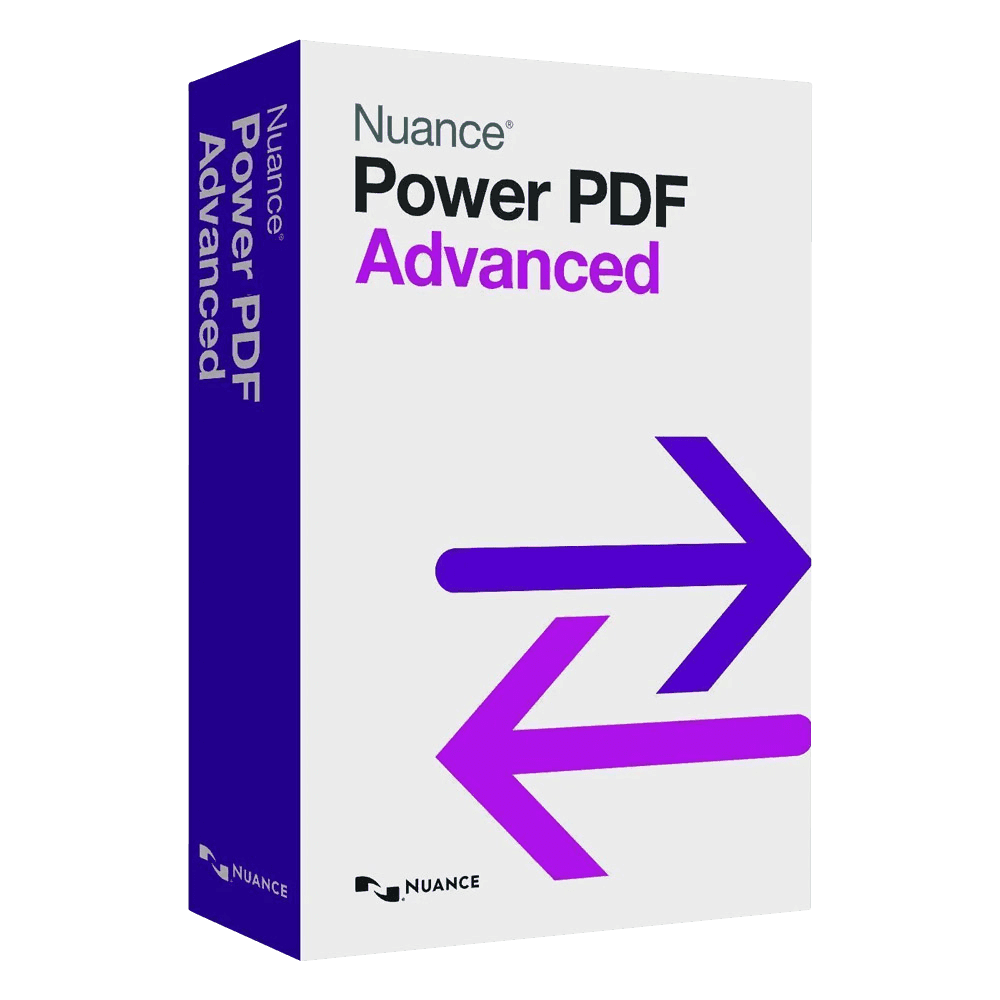

Nuance Power PDF Advanced

Trusted Shops
Buyer Protection guaranteed refund
Nuance Power PDF Advanced Original Perpetual License for Windows
Fast Email Delivery, Official Guarantee and Free Technical Support
| Language | Italian, Multi-Language |
|---|---|
| License Duration | Perpetual (no expiry) |
| Operating System | Windows |
| Users | 1 |
Nuance Power PDF Advanced is the professional PDF suite with a multi-language interface: it creates, edits and converts documents, recognises the text of scans, handles forms and digital signatures and compares two versions of the same file. It is designed for professional practices, offices and businesses working on documentation in their own language. The license is perpetual and is delivered with its product key.
Why choose Nuance Power PDF Advanced
Nuance is the company behind some of the most widely used text recognition technologies, and Power PDF inherits the quality of its OCR: converting scans into editable text is where this program stands out from competitors at the same price. Since 2019 the program has belonged to Kofax, now called Tungsten Automation, which continues to develop it.
The other distinguishing element is the interface available in several languages, not a given in this product bracket and decisive in offices where the program is used by several people with different skills. The ribbon structure resembles that of Office, reducing the learning time.
What Nuance Power PDF Advanced is and what it is for
Power PDF Advanced covers creation, editing, conversion, protection and signing of PDF documents. The virtual printer generates a PDF from any program, while the editor works directly on text and images, recognising the fonts already present in the document.
The Advanced edition is the one meant for a document that leaves the company and comes back changed: you send a form, collect the answers into a sheet, sign with a certificate and check what the recipient touched. Optical recognition handles documents in several languages, returning selectable and searchable text even from scans of less than ideal quality.
What stays inside a PDF you think you have cleaned
- A black rectangle deletes nothing
Drawing over a line hides it from the eye, not from the file. Whoever selects that point and copies reads the text that was underneath. - Real redaction removes the content and replaces it
It is a different operation from drawing: it takes the characters out of the document. It is the only one that holds up against somebody looking inside the file. - Cropping an image hides, it does not cut
A photo reduced to the face often keeps the whole original scene in the file. To remove it for real the image has to be replaced, not the frame resized. - Hidden data tells the document's story
Author, computer, program used and sometimes the folder path stay in the properties. In a document leaving the company they are free information for whoever reads them. - Comments and layers can stay invisible but present
An accepted revision, a switched off layer or an annotation off the page are not seen and are found. They have to be removed, not merely closed. - Attachments travel inside the file
A PDF can contain other files hooked on. Whoever forwards it often does not know they are attaching those too. - Checking before sending takes thirty seconds
There is a function that lists everything hidden and takes it out in one pass. It should be used on documents going outside, always. - What cannot be removed afterwards
If the document has already been sent, no cleaning of your own copy reaches it. The review is done before sending, not after the phone call.
Feature overview of Nuance Power PDF Advanced
| Feature | Included |
|---|---|
| Permanent redaction of the confidential parts | ✔ |
| Removal of the hidden data before sending | ✔ |
| Protection with password and encryption levels | ✔ |
| Voice dictation for the annotations | ✔ |
| Connection to document management systems | ✔ |
| Batch processing of whole folders | ✔ |
| Customisable stamps and annotations | ✔ |
| Creation of PDFs from any program with the virtual printer | ✔ |
Comparison: Nitro PDF Pro and Power PDF Advanced
| Feature | Nitro PDF Pro | Power PDF Advanced |
|---|---|---|
| PDF creation and editing | ✔ | ✔ |
| Conversion to Word and Excel | ✔ | ✔ |
| Merging, splitting and page reordering | ✔ | ✔ |
| OCR on scanned documents | ✔ | ✔ |
| Fillable forms | ✔ | ✔ |
| Comparison between two documents | ✔ | ✔ |
| Digital signature and certificates | ✔ | ✔ |
| Interface language | English | Multi-language |
System requirements
Nuance Power PDF Advanced is compatible with Windows 10 and Windows 11. For detailed requirements see the "Requirements" tab on the product page.
Why are licenses priced so low?
As these are retail licenses previously owned and decommissioned by the former holder in accordance with EU Court ruling C-128/2011, they can be purchased at a more affordable price. These official licenses are fully compliant and guaranteed at the best price on the market.
What do I receive after purchase?
By purchasing this product you will receive the official download of the software from the manufacturer's website, the license for activation and complete instructions for a correct installation.
Advantages of the Licensel License
- Fast delivery by email
You receive the license and the download link within a few minutes of your order. - Always free support
Our technicians assist you via Live Chat and email, at no additional cost. - Invoice included
The invoice is issued automatically once the purchase is complete. - Trusted Shops: guaranteed purchase
Licensel is part of Trusted Shops, which protects your purchase with the official buyer guarantee.
How to buy and activate
- Choose your edition
Select the version you need and complete your order in a few clicks. - Receive the license by email
Within a few minutes you receive the official download link and the license for activation. - Install and activate
Download the software from the manufacturer's official website and enter the license to complete activation. - Support included
For any question our technicians are available via Live Chat and email.
How to download and install Nuance Power PDF Advanced
The download takes place from the manufacturer's official website through the link you receive by email. Download the installer, run it and enter the license you received to complete activation. The operation takes a few minutes. If you prefer to be guided step by step, our technicians can assist you during installation.
Need help with installation?
No problem: our technicians are available via the Live Chat at the bottom right of the website to assist you in real time.
Frequently asked questions
What is the difference from Nitro PDF Pro?
How reliable is the OCR?
Is the license perpetual?
Can I create fillable forms?
Does it work on Mac?
DIGITAL Delivery
Guaranteed instant delivery
Customer Support
Always available.
Money-back guarantee
Total satisfaction guarantee.
TrustedShops
Buy with certified confidence.