












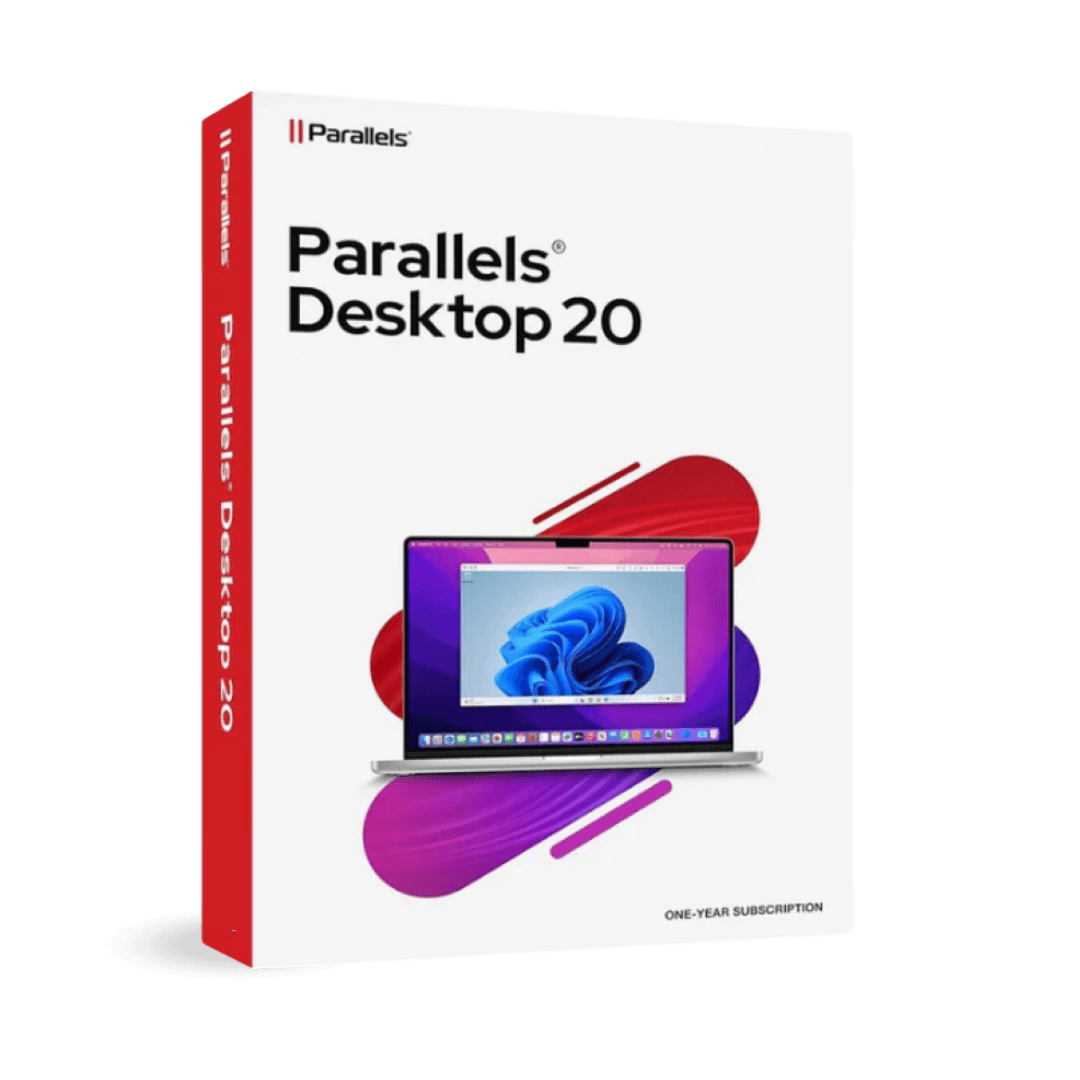

Parallels Desktop Standard 20 Mac

Trusted Shops
Buyer Protection guaranteed refund
Parallels Desktop 20 Standard Original Perpetual or Annual License for Mac
Best Price Guaranteed by Licensel.com, Invoice Included and Always Free Support
Licensel is an Authorised Parallels Reseller. Compatible with Macs featuring Apple Silicon (M1, M2, M3, M4) and Intel chips.
| Language | Italian, Multi-Language |
|---|---|
| License Duration | Perpetual or annual |
| Operating System | macOS |
| Users | 1 |
Parallels Desktop 20 Standard runs Windows on a Mac with no reboot, with improved performance over the previous version and support for more recent macOS releases. It is available both as a perpetual and an annual license and is designed for anyone using Windows applications daily on a recent Mac. The license is delivered by email with the activation code.
Why choose Parallels Desktop 20 Standard for Mac
Among the Parallels Desktop versions with a perpetual license in the catalogue, the 20 is the most recent. It is the most comfortable position in the range: there is no annual renewal, and along with it you get a version new enough to run well on Macs with Apple chips and on the macOS releases of the last few years.
The 19 costs less but is a generation further back; the 26 is the most up to date in the catalogue but is sold only with annual renewal, so every year the paying starts again. Anyone wanting to buy once and stop thinking about it, without falling too far behind with the system, buys the 20.
What Parallels Desktop 20 Standard for Mac is and what it is for
Parallels Desktop 20 Standard runs Windows in a macOS window without restarting the Mac or splitting the disk. The virtual machine is created with a wizard that downloads Windows on its own, and from that moment the Windows programs live alongside the Mac ones.
The two sides talk to each other to the point that after a few days you stop thinking about which system is running what: you open a document and it opens, without wondering which side the program that opens it is on. Compared with the 19 this version works better on Macs with Apple chips and with the more recent macOS releases. It is bought as a perpetual or annual license, for one user on one Mac.
Disk space: how much is needed and how to keep it in check
- How much Windows asks for once installed
A machine ready for use takes about thirty gigabytes, and the virtual disk should be sized at least double if you put a few programs inside. - The virtual disk grows on demand but does not go back
When Windows writes, the package expands. When Windows deletes, the package stays big: that is why the Mac looks full with no explanation. - The space recovery tool should be run now and then
Parallels has a function that gives the Mac back the gigabytes no longer used inside Windows. One run every few months is worth more than a thousand cleanings inside the guest system. - Where the space goes inside Windows
Temporary files, update caches and the copy of the previous version after a major update. That last one can be removed from the Windows settings. - Documents are better off on the Mac
If the working files stay in the Mac folders and are opened through sharing, the virtual machine package stops swelling. - A fixed size disk is faster
It takes all the space at once but avoids the continuous expansion. It makes sense on a Mac with a large disk and heavy use. - Uninstalling inside Windows does not free the Mac
The gigabytes become available again for Windows, not for macOS, until the virtual disk is compacted. It is the commonest confusion. - What cannot be done
The virtual disk does not shrink below the space actually used, and it does not move onto a slow external disk without paying for it in performance.
Feature overview of Parallels Desktop 20 Standard for Mac
| Feature | Included |
|---|---|
| Full screen on a separate Mac desktop | ✔ |
| Shared folders chosen one by one | ✔ |
| Disk space recoverable with one command | ✔ |
| Mac printers available in the guest system | ✔ |
| Windows files openable with a double click from the Mac | ✔ |
| The Mac keyboard layout inside Windows | ✔ |
| Performance and battery balanced automatically | ✔ |
| Virtual machine copyable onto another Mac | ✔ |
Comparison: Parallels Desktop 20 and 19 as a perpetual license
| Aspect | Parallels 20 | Parallels 19 | Parallels 26 |
|---|---|---|---|
| Available as a perpetual license | ✔ | ✔ | ✘ |
| Available as an annual license | ✔ | ✔ | ✔ |
| Generation | Middle | Previous | Current |
| Performance on Macs with Apple chips | Good | Fair | The best |
| Support for recent macOS releases | Partial | ✘ | ✔ |
| Windows inside macOS without restarting | ✔ | ✔ | ✔ |
| Shared folders, clipboard and printers | ✔ | ✔ | ✔ |
| Spend over three years with the perpetual | Once | Once | Not available |
System requirements
Parallels Desktop 20 Standard for Mac is compatible with macOS on Macs with Apple Silicon and Intel chips. For compatibility with your macOS version and the detailed requirements, see the "Requirements" tab on the product page.
Why are licenses priced so low?
As these are retail licenses previously owned and decommissioned by the former holder in accordance with EU Court ruling C-128/2011, they can be purchased at a more affordable price. These official licenses are fully compliant and guaranteed at the best price on the market.
What do I receive after purchase?
By purchasing this product you will receive the official download of the software from the Parallels website, the license for activation and complete instructions for a correct installation.
Advantages of the Licensel License
- Fast delivery by email
You receive the license and the download link within a few minutes of your order. - Always free support
Our technicians assist you via Live Chat and email, at no additional cost. - Invoice included
The invoice is issued automatically once the purchase is complete. - Purchase protected by Trusted Shops
As a Trusted Shops partner shop, your order is protected by the official buyer guarantee.
How to buy and activate
- Choose your edition
Select the version you need and complete your order in a few clicks. - Receive the license by email
Within a few minutes you receive the official download link and the license for activation. - Install and activate
Download the software from the manufacturer's official website and enter the license to complete activation. - Support included
For any question our technicians are available via Live Chat and email.
How to download and install Parallels Desktop 20 Standard for Mac
After purchase you receive the activation code and the official download link by email. Download Parallels Desktop from parallels.com, install it on macOS and enter the code you received: on first launch the wizard offers to download Windows or import an existing virtual machine. Within minutes the system is ready to use. If you prefer to be guided step by step, our technicians can assist you during installation.
Need help with installation?
No problem: our technicians are available via the Live Chat at the bottom right of the website to assist you in real time.
Frequently asked questions
What is the difference from version 19?
Is a perpetual license available?
Does it slow the Mac down?
Do I need a separate Windows license?
Does it work on Macs with Apple Silicon?
DIGITAL Delivery
Guaranteed instant delivery
Customer Support
Always available.
Money-back guarantee
Total satisfaction guarantee.
TrustedShops
Buy with certified confidence.